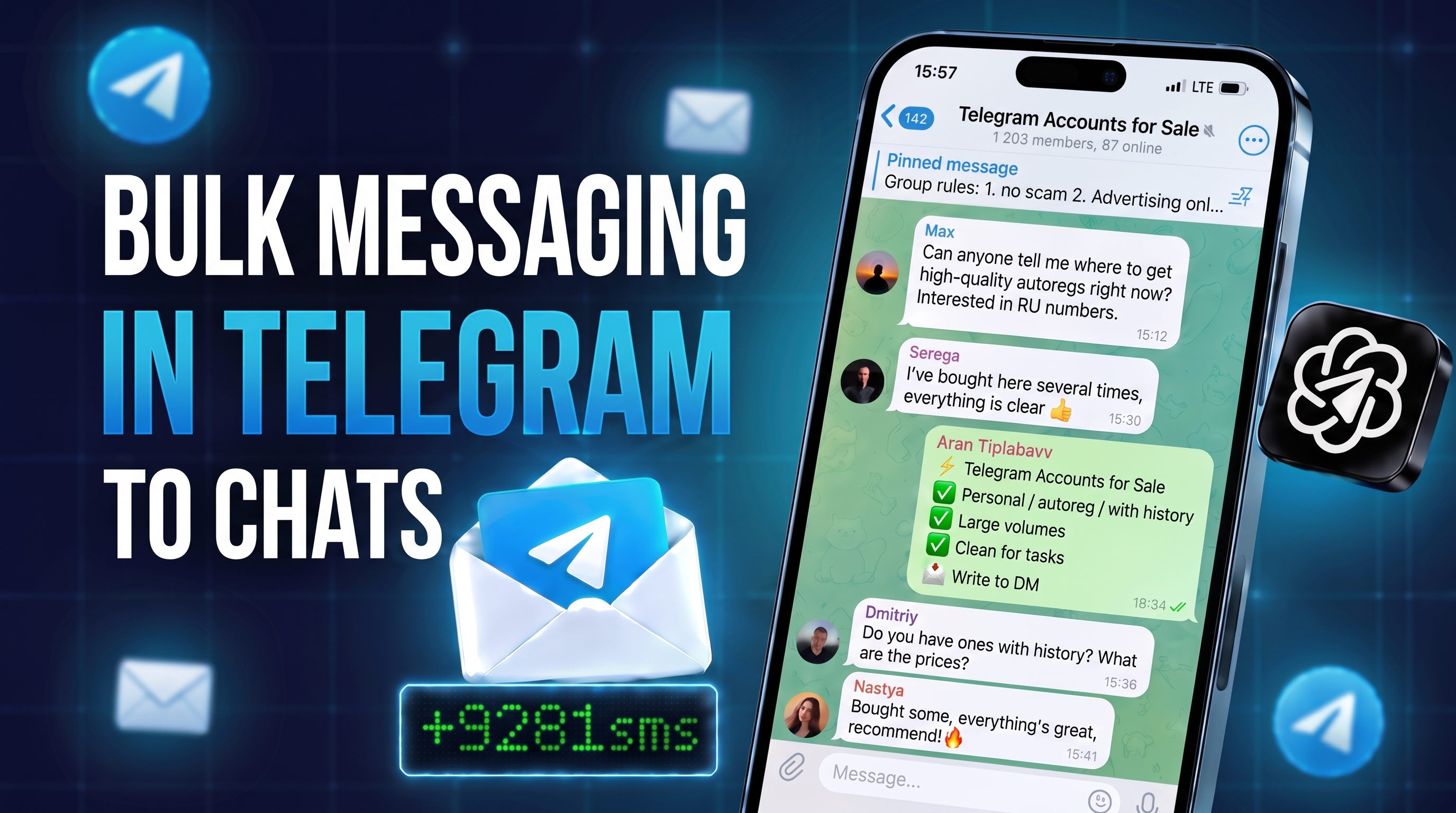
A group broadcast in Telegram brings clients from niche communities where people already discuss your topic. Yet posting by hand to 50 groups from several accounts takes half a day of copy and paste. Worse, identical posts in a row quickly get a profile restricted.
The Chat Messaging module in GramGPT.io handles this for you. It publishes your offer to the groups on your list from connected accounts, varies the wording, keeps safe pauses and repeats the cycle. You only set the list, the copy and the rules.
What Is a Telegram Group Broadcast
A group broadcast is one offer published in dozens or hundreds of Telegram groups from your accounts. Unlike a DM campaign, every member of the group sees the post, and interested people message you first.
What the GramGPT Chat Broadcast Can Do
Unlike a bot, the module writes from regular profiles. That is why it reaches other communities too, as long as members are allowed to post.
- accepts @usernames, t.me links, numeric IDs and t.me/addlist folders;
- the "Account chats" mode posts only where the profile is already a member and joins nothing;
- assigns every target to one account, so within a round each group gets the post only once;
- sends text, photos, videos, GIFs, stickers, voice notes, video notes, documents, an inline post with buttons or a repost from your channel;
- varies the copy with spintax {option1|option2} or writes it with AI for each chat;
- runs the list in cycles with a pause between rounds;
- saves working setups as launch presets and starts several of them with one click.
Telegram Chat Broadcast: by Hand, by Bot or From Accounts
| Method | Where it can post | Limitations |
|---|---|---|
| By hand | Any open group | Hours of work and a quick spam block for identical posts |
| A Telegram bot | Only groups whose admins added it | No way into other communities |
| GramGPT.io Chat Messaging | Hundreds of groups from several accounts | Needs prepared profiles and proxies |
In other words, a bot suits announcements in your own groups. To send a message to multiple Telegram groups and reach new people, you need user accounts.
How Many Groups a Broadcast Covers per Day
The pause between groups sets the pace. The figures below are a ceiling that ignores typing simulation, so the real number will be lower:
| Pause between groups | 1 account per hour | 5 accounts over 8 hours |
|---|---|---|
| 30 seconds | up to 120 groups | up to 4,800 groups |
| 60 seconds | up to 60 groups | up to 2,400 groups |
| 90 seconds | up to 40 groups | up to 1,600 groups |
The final volume is always capped by the per-account rate limit you set yourself: the hourly cap pauses sending until a slot frees up, and the daily cap stops it. To start, we suggest a 30–90 second pause and a modest limit. Grow volume with more profiles rather than a faster pace on one.
Schedule, Backup Senders and a Blacklist
The key advantage is that a campaign runs on its own without burning accounts.
- Schedule. Set working hours, weekdays, a time zone and an end time. Outside the schedule the task waits.
- Backup senders. If a profile is banned, frozen or refused in 5 chats in a row, a reserve account takes over its targets.
- Limits. A pause between groups, an hourly and daily cap per account, a slowdown for young profiles and a stop after repeated errors.
- Blacklist. Groups that ban or kick the sender are remembered and skipped in later runs.
Moreover, the statistics and broadcast history show which chats accepted the post and which refused it. So cleaning the list after each round takes minutes.
Common Group Messaging Mistakes
- A link in the first post. It looks like an ad and moderators delete it more often. Invite people to DM instead.
- The whole list on one account. The profile hits restrictions fast, so spread the load across several.
- Groups where members cannot post. Channels and read-only chats only produce errors, so remove them right away.
- The same text everywhere. Spintax or AI generation lowers the risk of reports and a spam block.
Who It Suits
First of all, anyone looking for clients in open communities:
- channel owners — subscribers from niche chats;
- freelancers and service providers — requests from groups where people look for contractors;
- affiliate marketers and crypto projects — traffic to a channel or bot;
- shops — offers in local and themed groups.
It works especially well with NeuroDialogues: a person writes to the sender after the post, and the AI moves them toward a request right away. If you need to write to people directly instead, use DM Campaigns.
How to Launch a Group Broadcast
It takes four steps:
- Add accounts and proxies to the account manager as session+json or tdata.
- Build a group list with the channel and chat parser or upload your own.
- Add an offer without a link, with spintax or AI generation.
- Set delays, limits, a schedule and backup senders, then launch.
We covered every setting in detail in the guide Telegram Bulk Messaging in Chats. The module costs $30 for 30 days or $210 a year, about $18 a month. Plans are on the Chat Messaging purchase page.