You started a meme Telegram channel, you share something hilarious every day, and the subscriber count still hasn't moved past thirty. Meanwhile, the exact same jokes show up an hour later on accounts with millions of followers and collect hundreds of reactions.
The problem is simple: everybody has memes. In-app search barely surfaces a newcomer, and a random repost rarely brings more than a couple of followers. Paid shoutouts without checking the venue first often burn money too.
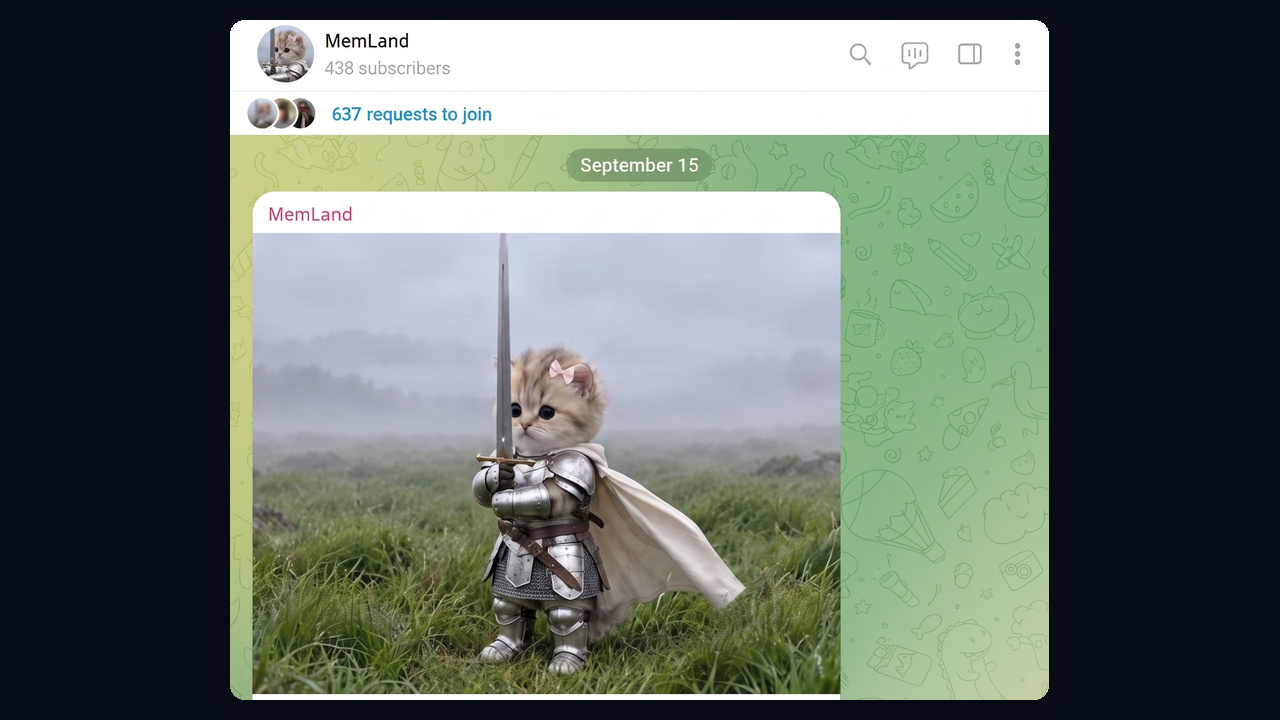
This guide shows how to grow a meme channel on Telegram in 2026. First we prepare it for traffic, then we walk through five ways to get subscribers. You'll see a live example from our own page "Paws on the Table", a neurocommenting setup in GramGPT.io and a case with 637 join requests.
Preparing a Meme Telegram Channel
Packaging comes first, otherwise any traffic leaks away. A visitor lands, sees three random posts and closes the tab. We covered every field in our setup guide, so here we focus on what matters for comedy.
Pick a Format for Your Meme Telegram Channel
Decide on a theme before anything else. A general "memes about everything" feed competes with giants, while a meme channel with a narrow format finds its crowd much faster.
| Format | What it posts | Why people stay |
|---|---|---|
| Funny animals | short clips of cats and dogs | cuteness everyone wants to forward |
| Video memes | edits, round video notes, memes with sound | high watch time and shares |
| Topical pictures | jokes about news and trends | speed: whoever posts first gets reshared |
| Niche humor | jokes about IT, office life, school, games | the "that's literally me" feeling |
| Dark humor | ironic takes on life, work and money | edgy punchlines people argue about |
This style wins an audience fast too, but many brands skip these pages, so ad sales come harder.
For example, we went with funny animals. People of every age watch them, and cat videos get forwarded more often than static pictures. So every example below comes from that feed.
Name, Bio and Post Template
- Name. A short brand plus the topic after a vertical bar, like "Paws on the Table | Funny Animals". This kind of meme channel name tells visitors what's inside and helps search.
- Avatar. A bright character that still reads in the tiny circle of the chat list.
- Bio. One line about the value: "The funniest animals from all over the Internet".
- Post caption. A quote-style joke, links to your backup feed, and a call to react.
- Reactions. Custom emoji in your style turn a reaction into a small game.
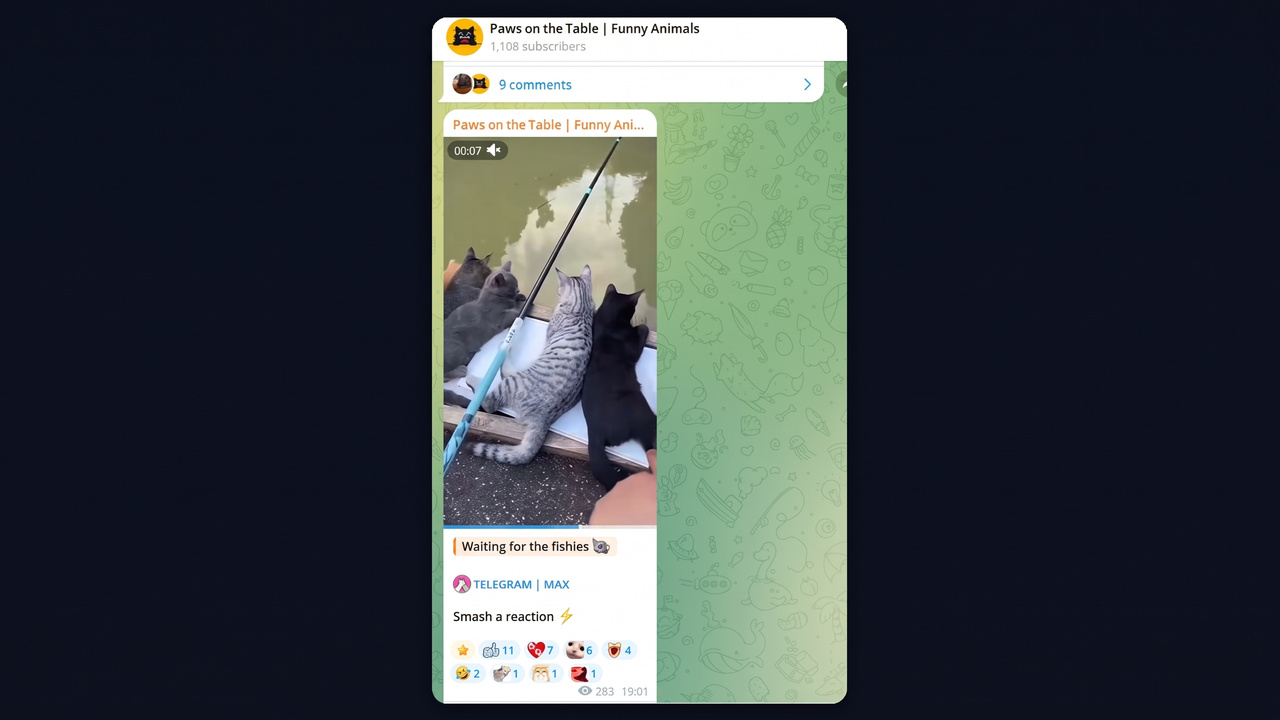
Before you promote a meme Telegram channel, publish 20–30 posts so the feed looks alive. We also switched on join requests. That way you see exactly how many newcomers arrive, and you can approve them in batches.
How to Grow a Meme Telegram Channel: 5 Ways That Work
Below are five methods we tested on our own feed. In short: show your jokes where people are already laughing, then give them a short path to the subscribe button.

1. Memes on TikTok, Reels and YouTube Shorts
First of all, vertical videos give you the cheapest reach. The algorithm pushes a clip to viewers by interest, not by follower count, so even a brand-new account can pull tens of thousands of views.
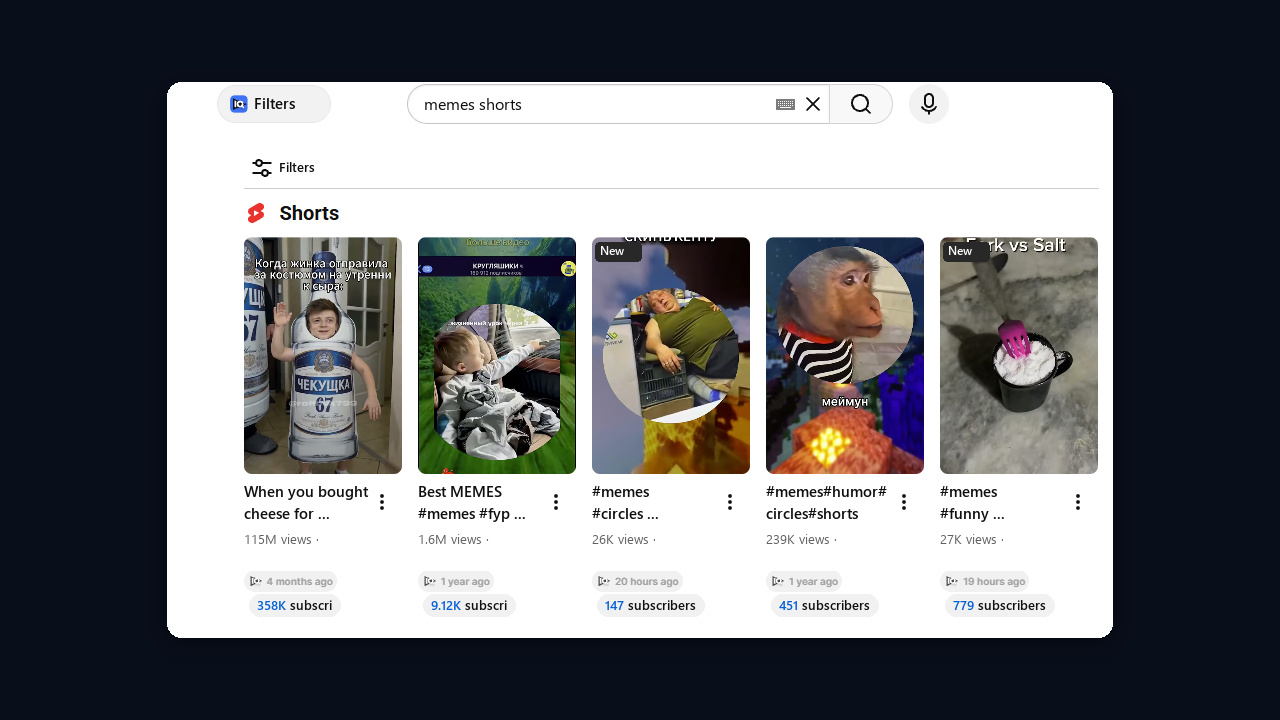
Search YouTube for "memes shorts" and look at the results. Right next to a clip with 115M views sit videos from channels with 147 and 779 subscribers. Yet they reached 26K and 27K views in less than a day. In other words, the content decides here, not the size of the account.
Keep each clip at 10–30 seconds, but land the joke within the first two. For instance, round video-note reactions and short pet moments work well. At the end, add "More via the link in my bio" and put the link in your bio and pinned comment. Also, one clip can go to TikTok, Reels and Shorts at once, so reach grows without extra editing.
2. Neurocommenting: Jokes Under Big Meme Pages
The second method lives inside the messenger itself. An account with a catchy profile leaves witty comments on large humor communities. Readers laugh, drop a reaction, open the profile and find you there.
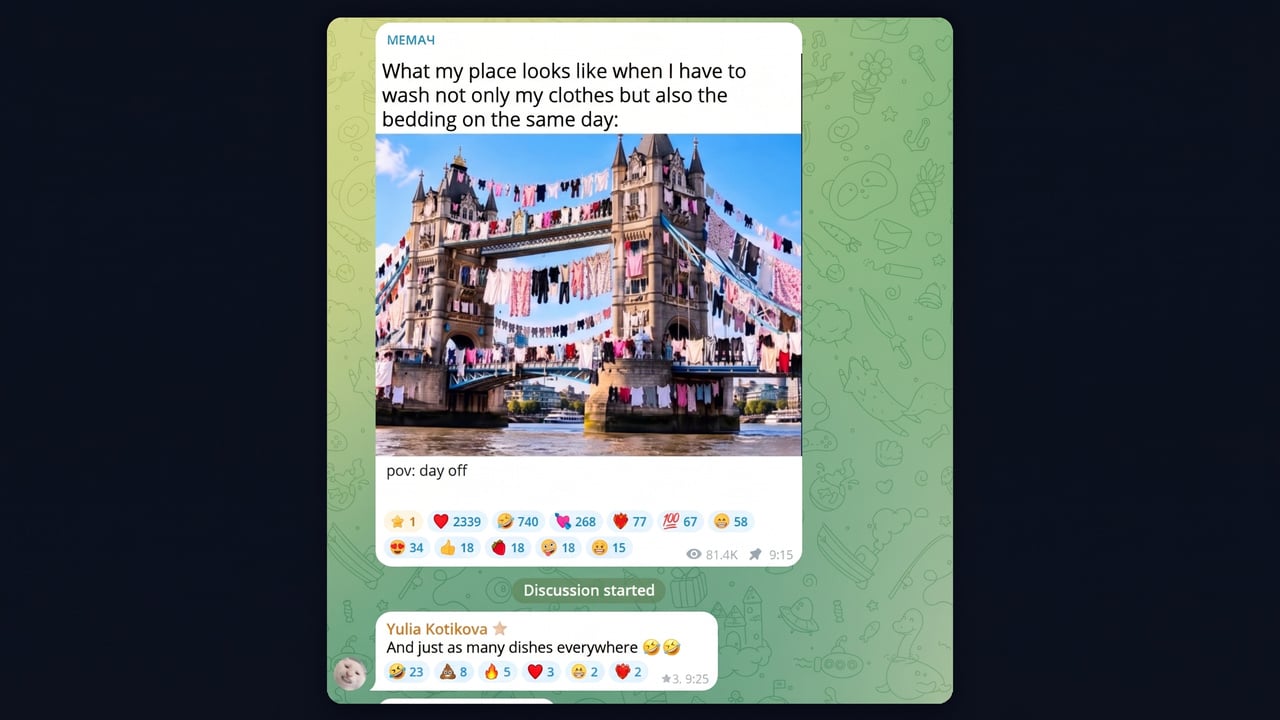
For example, under a meme about doing laundry on a day off, our account "Yulia Kotikova" replied: "And just as many dishes everywhere". On a page with 4.3M followers that comment got about two dozen laughing reactions, which means thousands of readers saw it.
Then the profile does its job. The bio says "The funniest animals from all over the Internet", and a small bridge channel called "Funny Animals" is pinned at the top. It has only two subscribers, yet every post there got around 585 views. Those are visitors from the comments. The bridge posts tease ("90% of people get stuck here longer than they planned"), and the last one links to the main page and its chat.
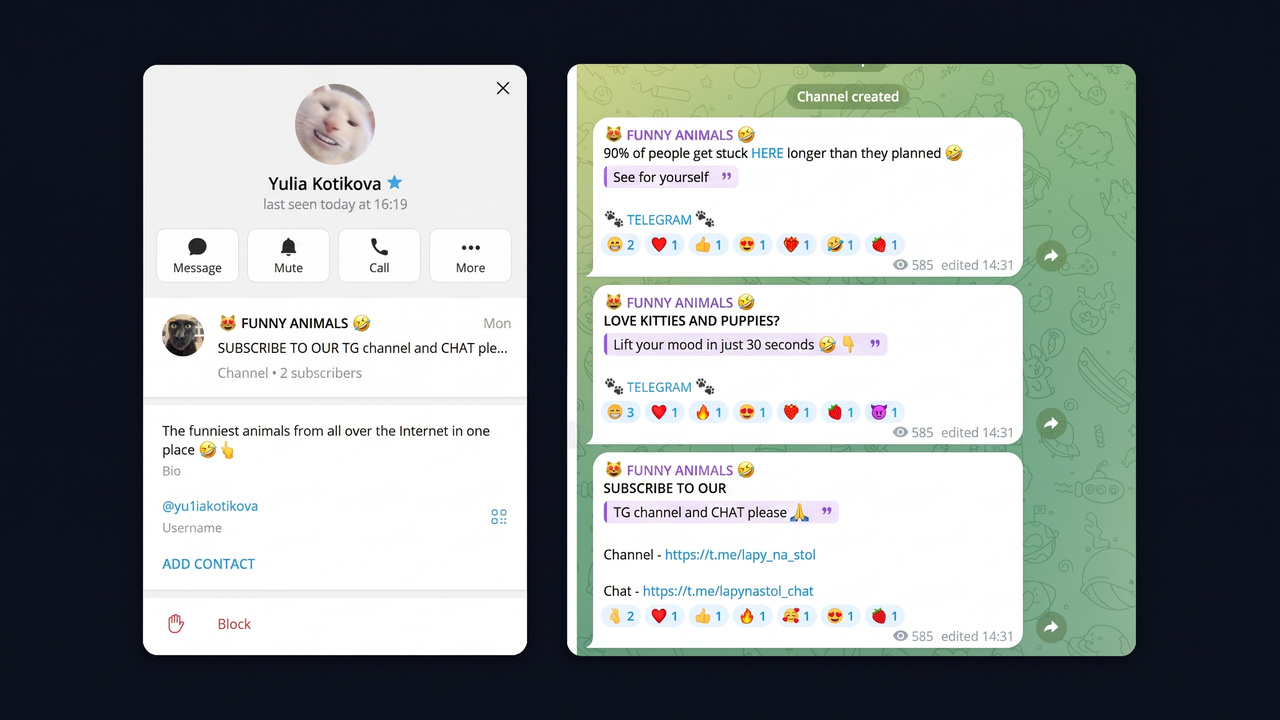
Why a bridge? It keeps your main channel out of commenter profiles, so it stays clean. Besides, a teaser post sells the click better than a bare link. You can style profiles and create bridges on a dozen accounts at once in the Telegram account manager.
Prompt and Stickers
The prompt is what makes or breaks this. A well-tuned setup jokes about the actual post in plain language instead of typing "nice" under every picture. Here is one we like:
You are a woman with a great sense of humor. Read the post and reply with one witty line of 3–8 words. Joke about the topic, continue the situation from the meme, self-irony is fine. No hashtags, links or ads.
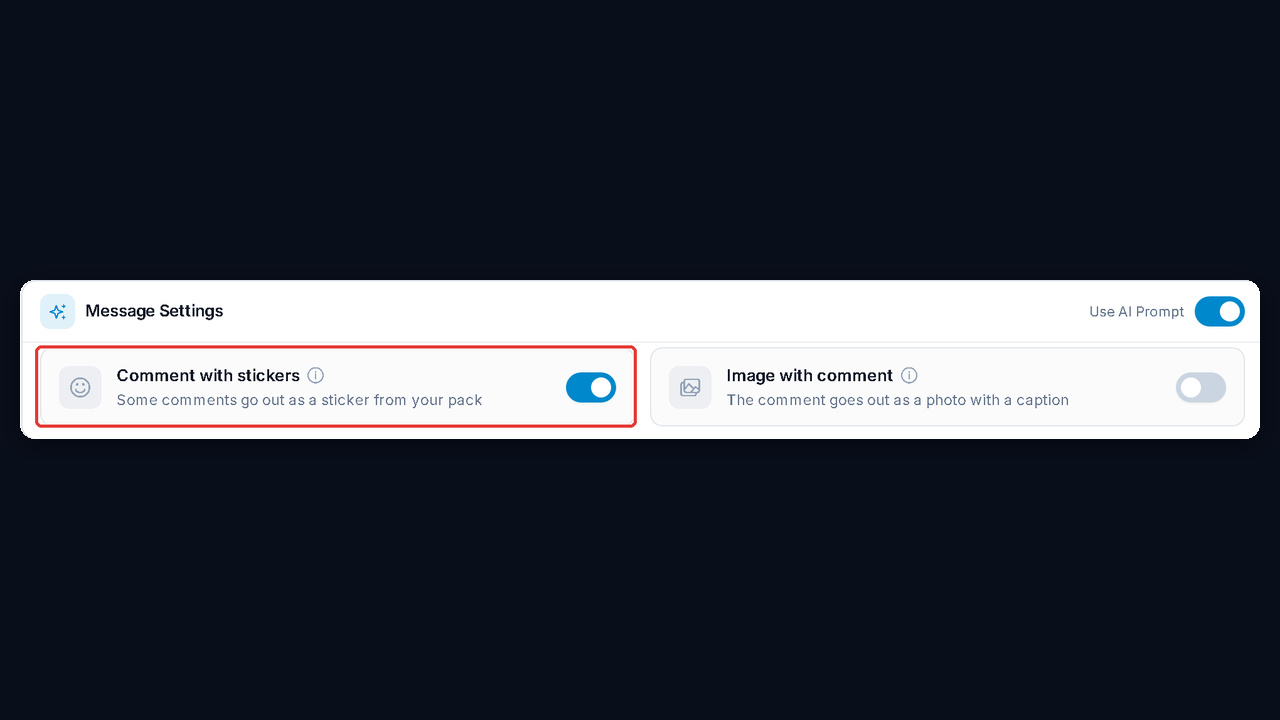
There is also a "Comment with stickers" option: some replies go out as a sticker from your own pack. Put your brand into the pack title, and anyone who taps the sticker sees it and can jump to you. We explained this trick in detail in the post on promoting a channel with stickers.
As a result, comments appear under dozens of updates a day, and you pay nothing for placement. Speed matters: the first replies under a fresh meme get the most eyes, and the module answers right after a post goes live. To start, 5–15 accounts and 20–30 target pages are enough, and the Telegram channel parser finds those targets quickly. So if you are asking how to promote a comedy channel on Telegram fast, begin here. For delays and limits, see our guide to setting up neurocommenting.