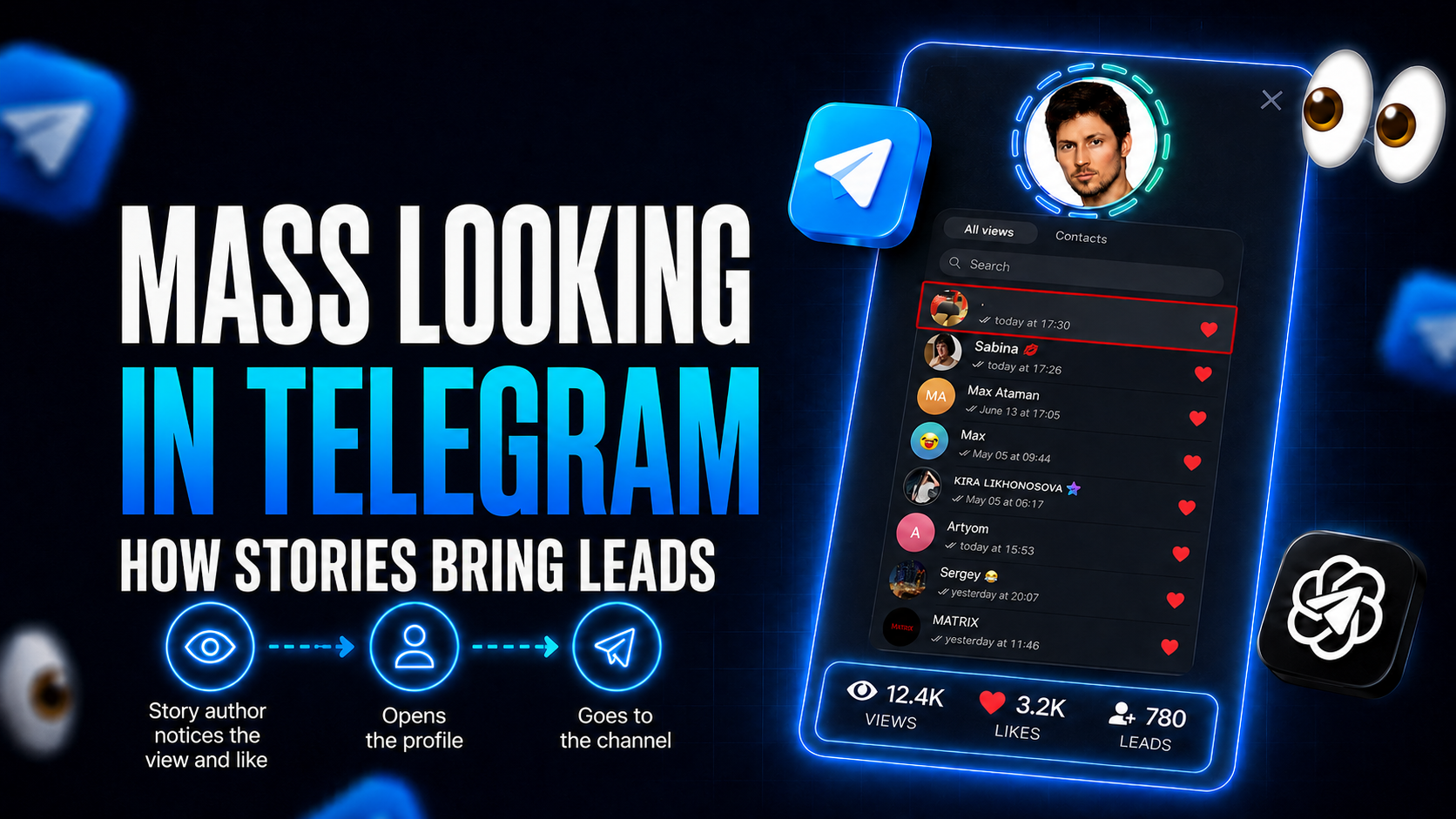
Telegram mass looking means viewing your target audience's Stories in bulk from your own accounts. People see a new profile among their viewers, open it and follow the channel pinned there.
Ads and cold DMs on Telegram keep getting more expensive, and direct pitches end up ignored or reported. Mass looking is a softer approach: you don't send anything, you simply show up in the viewer list of people from niche channels and groups. The Mass Looking module in GramGPT.io does this from several accounts at once, keeps safe pauses and comes back to the most active viewers.
What Is Mass Looking and Why Does It Work?
So what is mass looking? Also spelled masslooking, it is a way to draw attention to a profile through views of other people's Stories. Almost everyone who posts a Story checks who watched it. An unfamiliar profile with a clear photo and a pinned channel sparks curiosity, and some of those people click through on their own.
Results depend on three things:
- the audience: users from channels, groups and comment sections in your niche;
- the profile: a name, photo and bio that fit that audience;
- the path to your channel: a pinned channel or a link in the bio.
So mass looking isn't about buying views for yourself. You watch other people's Stories, and they come to you. We explain why strangers show up in viewer lists in our guide to Telegram story views.
How Telegram Mass Looking Works
You add targets: @usernames, channels or groups. The module turns channels and groups into an audience at launch, taking either the member list or a set number of the latest active members. Then your accounts open available Stories one by one and, if you want, leave a like or a reaction. While it runs, you can watch views go through and the action history grow.
It runs in the cloud, so there's nothing to install and your computer can be off.
What Mass Looking Software Does for Businesses and Creators
- Channel growth. Profiles with a pinned channel bring subscribers from competitor channels.
- Attention to a personal profile. Experts and service providers get profile visits and leads.
- Traffic to a bot or landing channel. A bio link sends people where they leave a contact or subscribe.
- Audience testing. Split the list into segments and use differently styled profiles for each.
Likes, Reactions and Re-Looking: Engagement Without Spam
What sets the module apart is that it doesn't just watch, it keeps reminding people about your profile.
- Heart like ❤. Moves your profile higher in the viewer list and never lands in DMs. The limit is high, over 150 a day per account, so likes do most of the work.
- Reactions. Random emoji on viewed Stories. A reaction arrives in the person's DMs and is limited to 40 per account, so keep it to a small share of Stories.
- Re-looking. Watching again the people who already saw your profile and keep posting. "Add previously viewed" pulls them from the view history, while "Don't view again" skips anyone already viewed within a set number of hours.
Why a Telegram Story Viewer Bot Won't Bring Traffic
| Method | How it works | Limits |
|---|---|---|
| Manual | You open Stories on your phone | One profile and hours of manual work |
| Telegram story viewer bot | Sells or inflates views | A bot can't watch other users' Stories, so nobody visits you |
| GramGPT.io Mass Looking | 200 to 2,000 Stories a day from each account | Needs set-up profiles and proxies |
In other words, a bot can't do mass looking: only a user account can watch Stories. Dedicated software also keeps profiles safe:
- a delay between views and a per-account view limit; in our experience, 10–20 seconds and a cap of about 500 Stories help accounts last longer;
- a pause on FloodWait and quarantine after a set number of such errors;
- an hourly action limit per account;
- AI account protection that mimics human behavior;
- support for spam-blocked accounts: they can't message strangers but can still watch Stories, and they cost less.
Statistics show how many Stories each account has viewed, and settings that work can be saved as presets.
Common Mass Looking Mistakes
- An empty profile. People open an account with no photo or channel and leave. Set up the profile first, then launch.
- A random audience. Stories from people outside your niche bring views, not subscribers.
- Reacting to every Story. Reactions land in DMs and trigger limits faster, so likes should do most of the work.
- Going all out on day one. There's an aggressive mode, but stability comes from sensible delays and limits. Adding accounts is the safer way to scale.
Who Mass Looking Is For
Channel owners, experts and service providers, affiliate marketers, online stores and crypto projects: anyone who needs a real audience without direct ads. It works best as part of a stack. The user parser collects the audience, mass tagging adds Story mentions, and mass reactions react to channel posts.
How to Launch Mass Looking
Getting started takes four steps:
- Add accounts and proxies to the account manager and set up profiles with a pinned channel.
- Add targets: users, or competitor channels and groups.
- Set the delay, limits, likes and reactions.
- Start viewing, and later add previously viewed users for re-looking.
We cover every setting step by step in our guide on how to set up mass looking. The module costs $20 for 30 days or $140 a year, about $12 a month. See pricing on the buy mass looking software page.