
In 2026, Telegram freezing (frozen Telegram, Telegram account freezing) remains one of the most painful topics for those who drive traffic through neuro-commenting, mass liking, reactions, and automation. Telegram has strengthened its anti-spam algorithms: now accounts are not simply permanently banned, but are often frozen first — giving a chance for appeal, yet with automation the chances of unfreezing are still low (5–15%).
The goal of this article is not to promise 100% immortality for accounts (that’s impossible), but to show how to максимально extend their lifespan, minimize losses, and generate a 10x return from each account within its allocated time. Accounts are consumable assets, but with the right approach, many survive for months.
Why accounts get frozen and how Telegram does it in 2026
Main freezing triggers today:
- Sudden profile changes immediately after purchase/addition to software.
- Mass identical actions without randomization (comments, reactions, views).
- A link in bio + first comment under someone else’s post.
- Low-quality/overheated proxy, identical fingerprint across many accounts.
- Reaching high limits too quickly without proper warm-up.
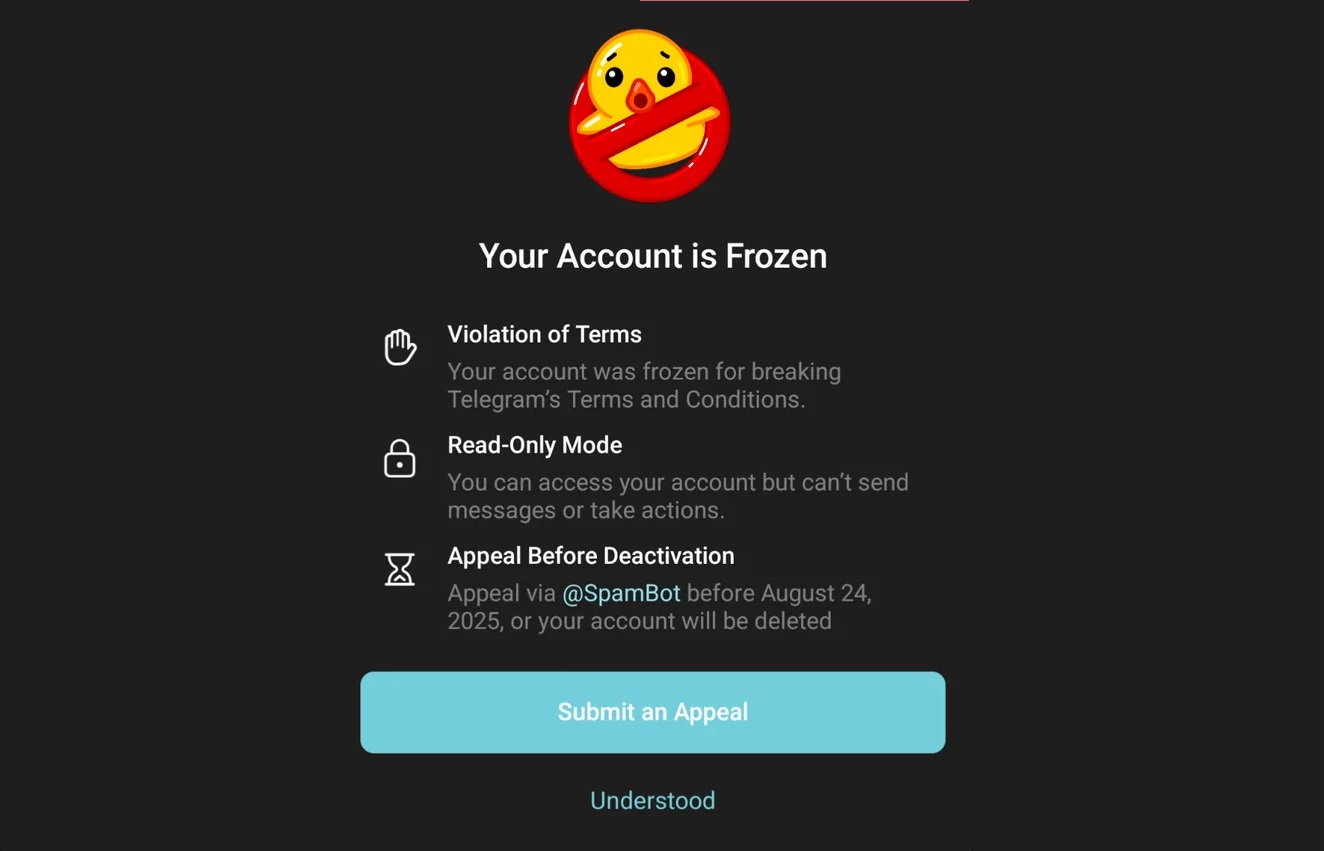
Telegram now more frequently applies temporary freezing instead of permanent bans — the account enters “read-only” mode, and there is an option to appeal via @SpamBot.
The most important rule: resting period and zero activity during the first 24 hours
After purchasing or adding an account to GramGPT (or any other automation tool), do not touch it for at least 24 hours. This reduces the risk of instant freezing by 60–80%.
Best resting options:
- 12–24 hours — minimally acceptable.
- 24 hours — standard for most teams.
- 36–48 hours — ideal for expensive/high-quality accounts (especially if the number is real, not virtual).
Connect a new clean IP (mobile or residential proxy), do not change anything in the profile, do not set an avatar, do not write a bio. Let the system “see” the account as a normal user.
Link in bio vs Pinned channel: what to choose in 2026
This is one of the key factors directly affecting traffic and survivability.
| Option | Traffic (CTR) | Freeze Safety | When to Use | Ban Probability After 1–3 Actions |
|---|---|---|---|---|
| Link in bio | ★★★★★ (maximum) | ★☆☆☆☆ (very low) | When driving traffic via neuro-comments and needing fast profile clicks | Very high (often banned after 1 comment) |
| Pinned channel | ★★★☆☆ (medium) | ★★★★☆ (high) | Standard choice for long-term work | Low–medium |
Current 2026 recommendation: Most experienced arbitrage teams have switched to a pinned channel + a clickable link or call-to-action inside the channel description (“follow the link in description”). This provides balance: higher safety, slightly lower traffic, but accounts live 3–5 times longer.
Identical Account Patterns: IP, Profile Setup, Bio
The more accounts resemble each other, the higher the risk that their activity will look like a single repeated pattern. It is especially undesirable to use identical avatars, names, bios, links, and the same IP address across a large group of accounts at the same time.
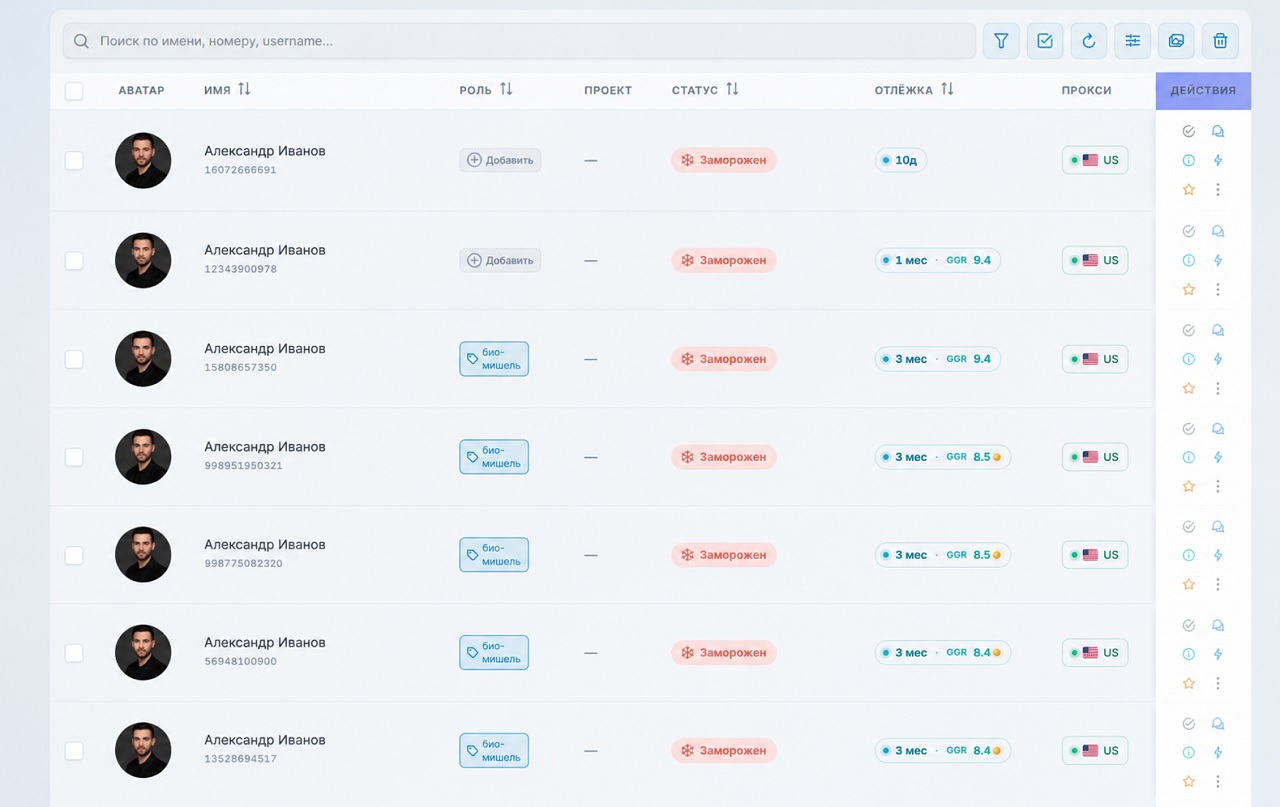
Try to randomize account profiles: use different photos, variations of names, and different bio texts. It is also advisable to distribute accounts across different IP addresses and avoid launching a large number of identically configured profiles simultaneously.
If your setup requires accounts to have completely identical profiles, it is safer to divide them into small batches — for example, 5 accounts at a time — instead of launching dozens of identical profiles at once.
Non-Existent device_model During Account Registration
Another hidden reason for account freezes may be incorrect device information recorded during the automated registration of hundreds of accounts. An auto-registration tool may assign a device model that does not actually exist. The same issue can often lead to Telegram account deauthorization, which we covered in more detail in a separate article.
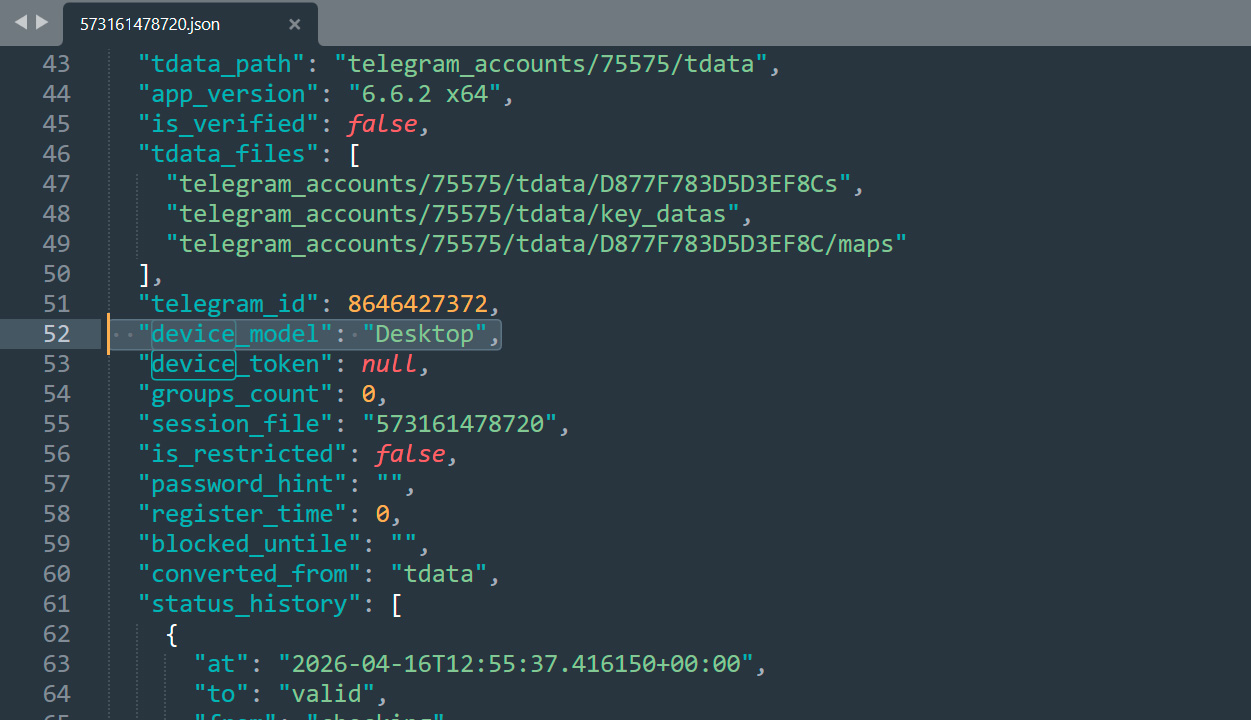
It may look like this: in the JSON file, the device_model field contains values such as SZ-LSJRGW3-EXTREME, G2SBNI-PRO, or other random strings instead of a real device model or a valid system value. We have previously explained how to choose Telegram accounts correctly, and I also recommend reading that article.
AI protection — your main shield against freezing
Without action randomization, even the highest-quality account gets banned within 1–3 days. GramGPT has AI account protection that provides exactly what is needed:
- Randomized sequences and delays (not just sleep 10 sec, but 7–42 sec in random order).
- Post reading simulation + reactions + story views.
- Automatic increase of pauses between similar actions.
- Different user-agent and device fingerprint per session.
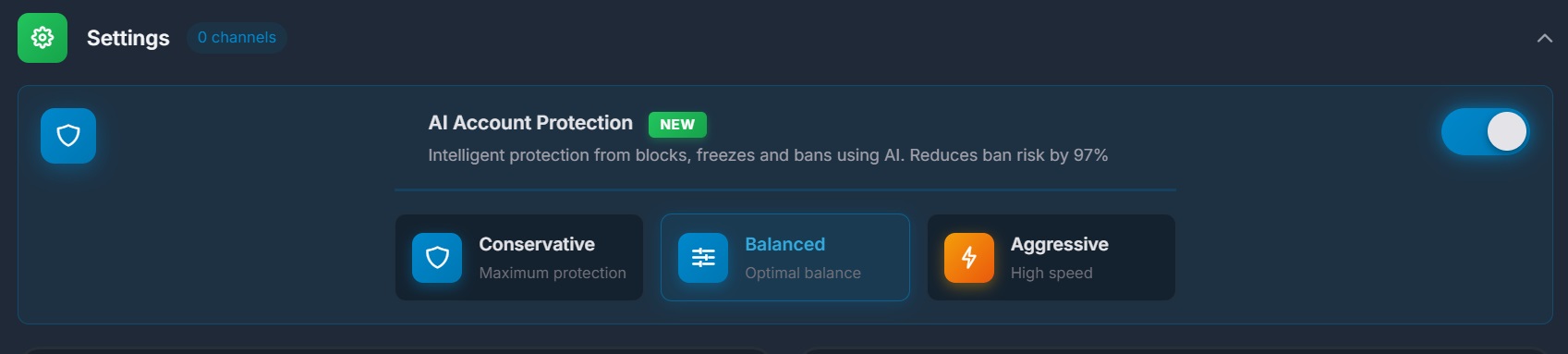
Without AI protection, chances of surviving more than a week are below 10%. With it — 40–70% of accounts survive 30+ days.
Step-by-step account warm-up — working 2026 scheme
Here is a proven sequence on how to warm up a Telegram account used by most teams:
- Add account → wait minimum 12 hours, ideally 24–48 hours of complete silence.
- Start warm-up (2 sessions per day):
- Morning: 25–40 minutes of natural activity.
- Evening: 25–40 minutes.
- Duration: 1–3 consecutive days.
- After warm-up, edit profile (avatar, name, bio, pin channel) — only now.
- Launch light work with strict limits during first 48–72 hours:
- Comments: 15–30 per day.
- Reactions: 20–40 per day.
- Views/reading: 30–80 per day.
- Increase volume gradually: +30–60% every 2–4 days.
- Monitor: if account survives 10–14 days → move to full-scale volumes.
Reality: Even with perfect warm-up, 25–45% of accounts die within the first 2 weeks. This is normal — the goal is to return 8–15x traffic value during that period.
What to do if an account gets frozen (realistic 2026 picture)
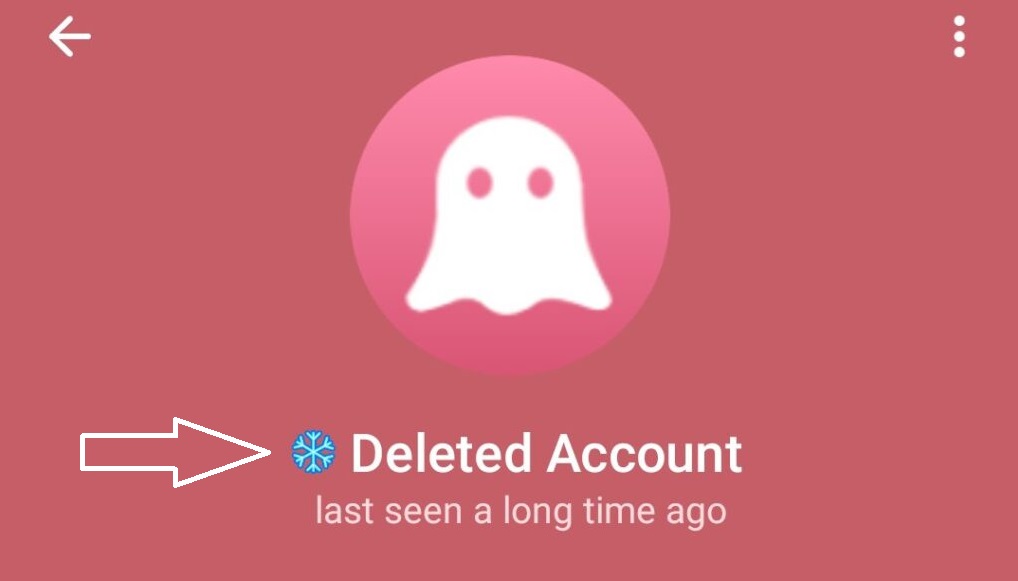
Unfreeze chances with automated work:
- Via @SpamBot (appeal) → 5–15% success.
- Manual appeal via phone/TData → up to 20% in rare cases.
- Review time → 3 to 35 days (usually 10–25 days).
Therefore, most teams follow this strategy:
- Submit appeal via @SpamBot (answer all questions, complete captcha in full browser).
- Simultaneously order a new batch of accounts.
- If account was very expensive and valuable — wait 10–20 days.
- In 90%+ of cases it’s easier to buy new ones — time is more valuable.
There is an unconfirmed legend: unfrozen accounts gain “immunity” and live longer. Some notice improvement, but there are no statistics — do not rely on this.
Quick checklist before launching into work
- 24–48h resting on clean IP.
- Warm-up 2 sessions/day for at least 2–4 days.
- AI protection + randomization enabled.
- Pinned channel instead of direct bio link.
- Minimal starting limits for 48–72h.
- High-quality proxies (mobile/residential) + anti-detect.
- No more than 1–2 sessions per day per account.
By following these rules, you will significantly reduce Telegram freezing and be able to work steadily. If you need precise limit settings for a specific niche or software — write in the comments, and I’ll share актуальные numbers for March 2026.
Successful scaling and minimal freezes!