


What Telegram Restrictions Are
Telegram restrictions are technical rules that may prevent a channel, chat, or login from normal activity. A user may notice that messages are not delivered, unknown contacts cannot be reached, reactions stop working, invitations fail, or group joining becomes temporarily unavailable.
For a regular user, this may look like a small error. For teams that work with promotion, broadcasts, neural chatting, many logins, and automation tools, the risk is much higher. If several assets are limited at the same time, the whole workflow may stop: outreach fails, chats become unavailable, and traffic campaigns lose stability.
Telegram Limits and Why They Appear
Telegram limits protect the platform from spam, fake activity, aggressive broadcasts, and suspicious automation. The system looks at behavior patterns: message speed, reactions, group joins, invites, IP changes, proxy usage, device history, and repeated operations.
These limits may depend on login age, phone number quality, trust level, activity history, complaints, IP address, device, and overall behavior. A fresh login usually has less trust than an older one with natural usage history. That is why the same operation may be safe in one case and risky in another.
During automation, these signals matter even more. If mass activity starts without warming, delays, randomization, and quality control, safety filters may react quickly.
Spam Block in Telegram
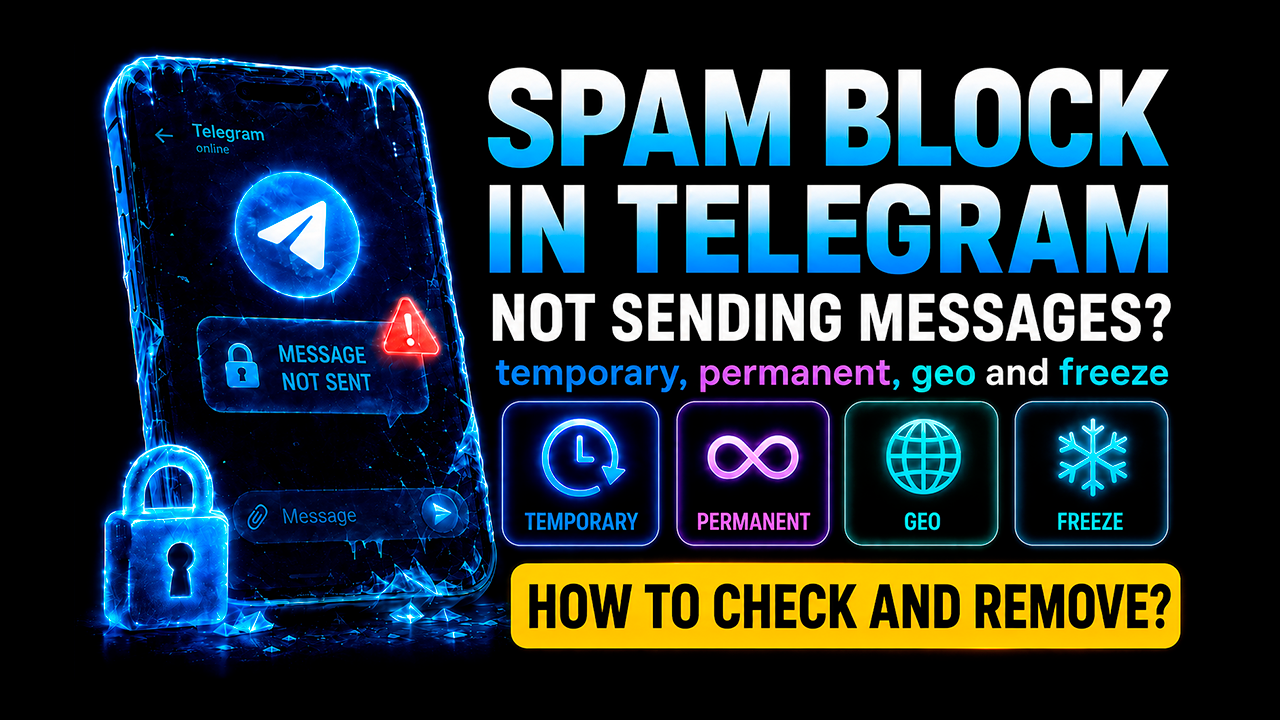
A spam block in Telegram is one of the most common problems for promotion accounts. It may appear when a login contacts unknown users too actively, sends identical texts, receives complaints, or behaves unnaturally. As a result, the user may lose the ability to message first, write in some chats, or use the asset for outreach.
A spam block may be temporary, long-term, or almost permanent. Sometimes it disappears after suspicious activity stops. But if safe limits continue to be ignored, stronger blocking signals may follow.
To reduce the risk, avoid duplicate texts, aggressive broadcasts, overloaded fresh logins, and unnatural message speed. It is also important to watch audience reactions. The more complaints a login receives, the faster the platform may limit its activity.
Flood Wait and Speed Control
Flood Wait appears when one type of operation is repeated too often. For example, messages may be sent too quickly, reactions added too frequently, groups joined too fast, users invited too aggressively, or the same task repeated many times in a short period.
Flood Wait is important during automation because it shows that the safe speed has been exceeded. The more aggressive the behavior, the longer the waiting period may become. If this warning is ignored, the result may be delivery problems, temporary blocking, or a complete loss of stability.
When Flood Wait appears, it is better not to force the operation immediately. A safer approach is to reduce speed, increase delays, check proxies, review the workflow, and adjust the allowed volume for the specific mechanic.
Bans and Freezes
A ban is a stricter safety measure where a login may lose normal access or become fully unavailable. It may happen because of mass complaints, suspicious behavior, low-quality assets, frequent IP changes, aggressive automation, or violations of platform rules.
A freeze often looks like a temporary verification, warning, or state where the asset cannot be used fully. This is especially dangerous in mass workflows because one repeated pattern may affect many logins at once.
To reduce the risk of bans and freezes, use reliable assets, stable proxies, gradual warm-up, safe volumes, different behavior scenarios, and slow load increases. The platform reacts better to natural activity than to sudden mass operations.
Deauthorization and Session Problems
Deauthorization happens when a login is removed from a session, requires a new sign-in, or stops working reliably. This may happen because of suspicious sign-ins, device changes, proxy issues, unstable network conditions, mass management, or technical safety checks.
For promotion, this is dangerous because the login temporarily drops out of the system. If many assets are affected, the stability of the whole setup decreases. That is why it is important to monitor sessions, avoid sudden environment changes, use quality infrastructure, and avoid repetitive overload.
How to Reduce Risks During Automation
It is impossible to remove all risks completely, but they may be reduced significantly. The key is not only the number of logins, but also their quality. Trust level, history, proxy stability, behavior patterns, and warm-up all influence how safely each asset performs tasks.
During automation, it is better to use gradual warm-up, reasonable volumes, random delays, different scenarios, error control, and careful work with messages. If a login starts receiving Flood Wait, a spam block, or message restrictions, this is a signal to reduce the load.
Telegram software helps manage assets systematically, launch activity more carefully, control mass operations, and reduce chaos during scaling. GramGPT helps build promotion workflows that take into account safety rules, asset quality, warming, automation, and blocking risks.
Conclusion
Telegram restrictions are a group of risks: limits, spam block, Flood Wait, bans, freezes, deauthorization, and message restrictions. They are especially important for those who use the messenger for traffic, sales, broadcasts, neural chatting, and automation.
To work more reliably, you need to monitor asset quality, avoid overload, use gradual warm-up, control speed, and build a safe promotion strategy. The better you understand these rules, the easier it becomes to scale mass activity without constant failures.