Promotion on Telegram is largely built around accounts — personal, purchased, or rented. Sometimes everything works steadily, and then reach suddenly drops: yesterday publications received their usual views, today there is almost no activity. Subscribers remain, the content has not changed, but new posts seem to have become less visible.
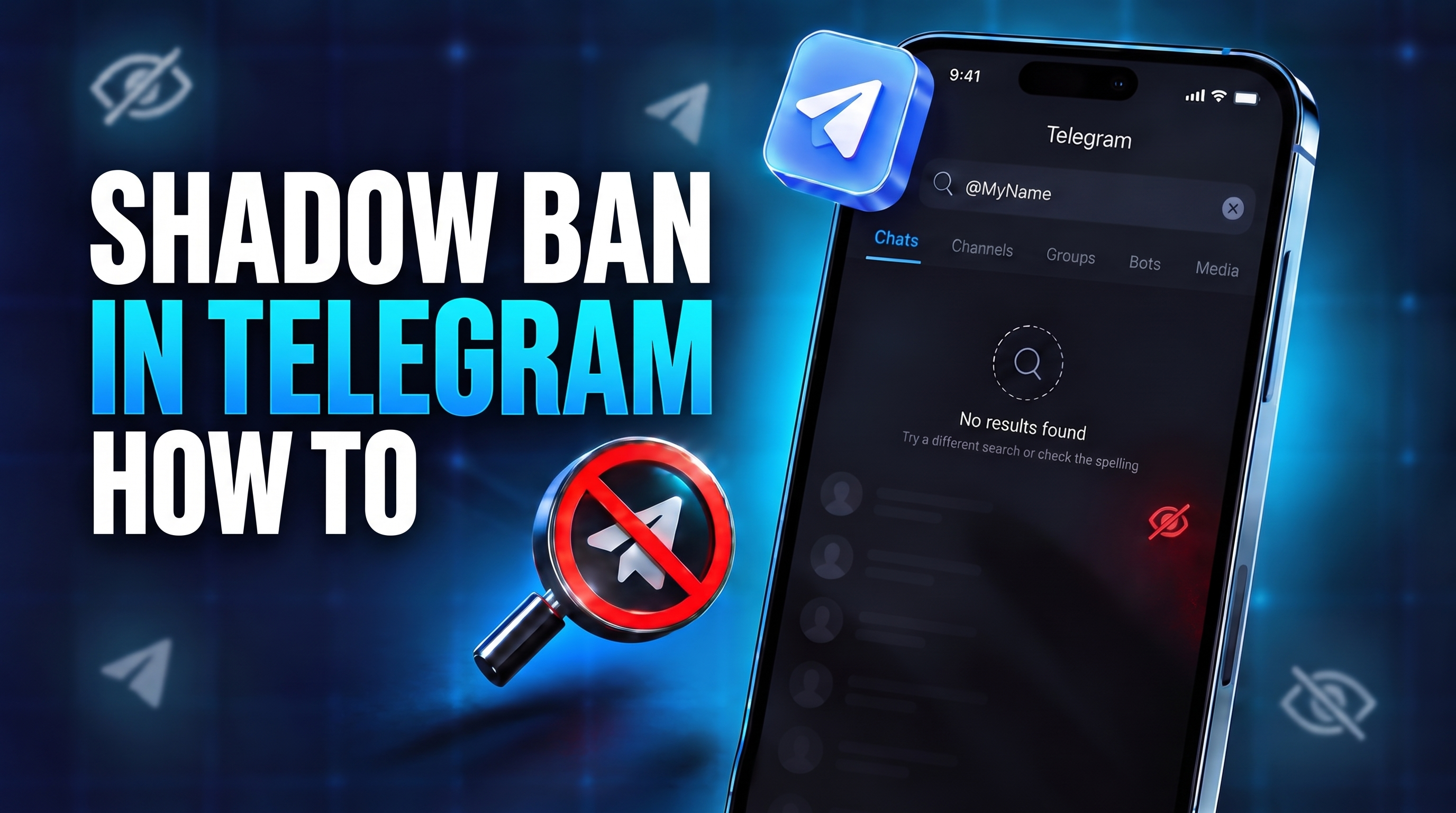
There is no separate official “shadow ban” status in Telegram, and the platform does not use this term. At the same time, channel, bot, and account owners do face situations where they become harder to find in search and recommendations or some functions suddenly become unavailable — without the usual blocking notification.
In this article, we will examine what a shadow ban in Telegram is, which signs can indicate it, why restrictions appear, and what to do if reach has already dropped.
What a Shadow Ban in Telegram Is and Whether It Exists
Shadow ban in Telegram is a conventional name for a hidden or partial restriction. An account may still open and read chats but may not allow the user to message unfamiliar people first. A channel remains accessible through a direct link but becomes harder to find through search. There is no full block — only some functions or visibility are restricted.
If you are trying to understand whether there is a shadow ban in Telegram, there is officially no separate restriction with that name. But partial restrictions do exist, so users often group them under the term shadowban.
A drop in views alone is not enough to understand what a shadow ban in Telegram means. First, check search, message sending, and the other functions you normally use.
Types of Shadow Bans in Telegram
If we talk about what a shadow ban in Telegram does, it can appear in different ways.
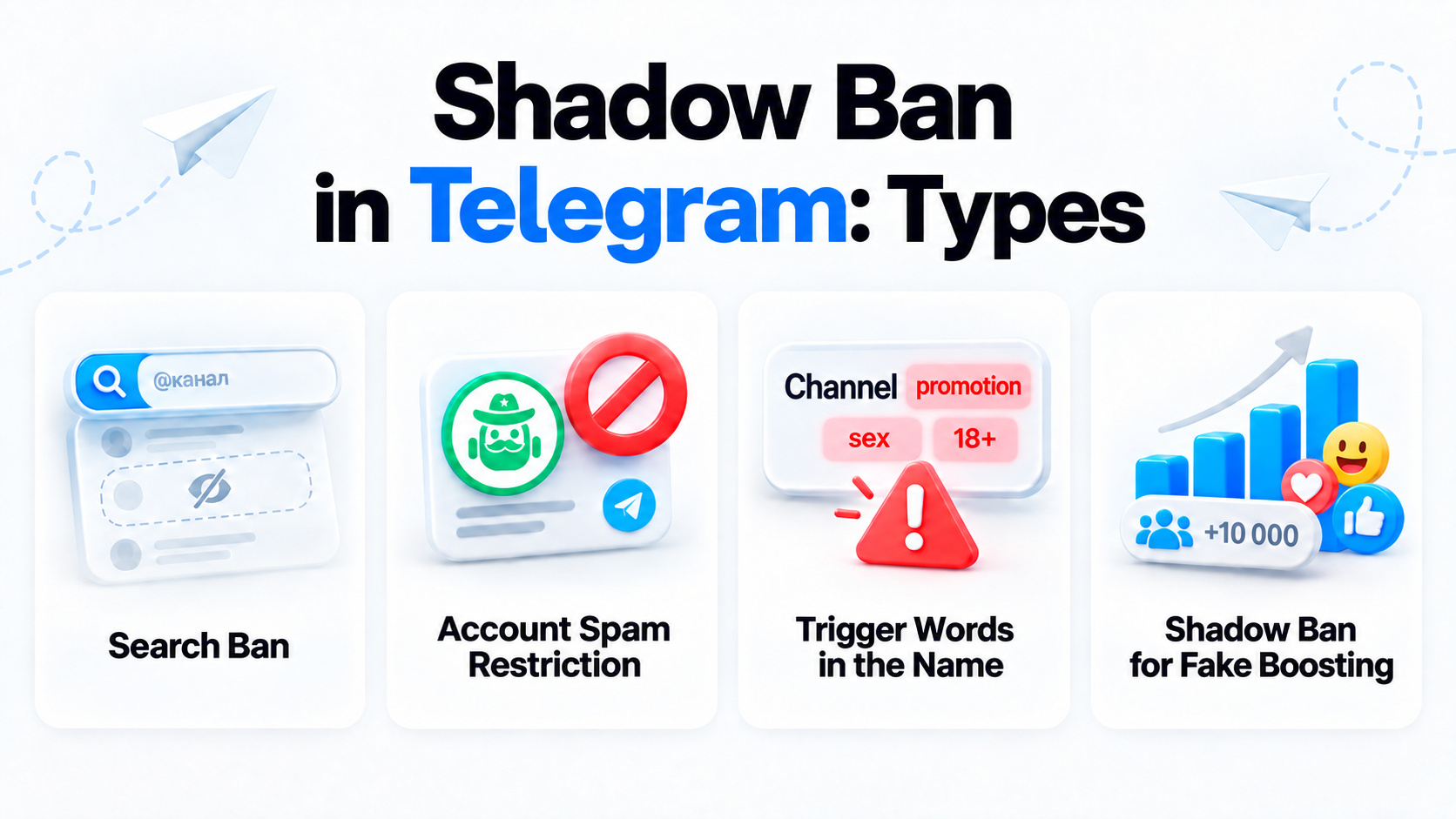
It all depends on which particular function has been restricted.
- Search ban. A public channel, account, or bot remains accessible through a direct link but is much harder to find through global search. This is how a Telegram channel shadow ban may appear.
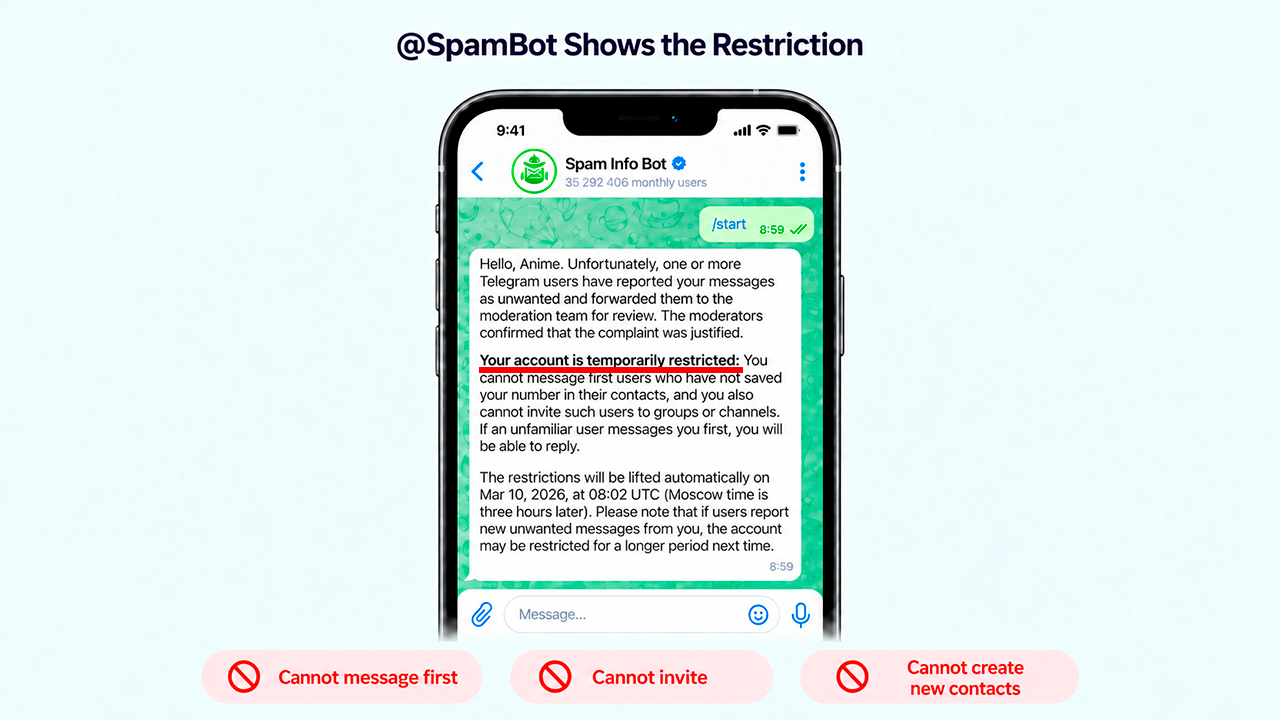
- Account spam restriction. The user keeps access to chats but cannot message unfamiliar people first, invite users, or create new contacts. This condition is often called a Telegram account shadow ban, although in practice it may be an ordinary restriction shown by @SpamBot.
- Automatic shadow ban triggered by stop words. A channel or bot may almost disappear from search if its name contains words that Telegram considers problematic or in violation of the platform rules.
- Shadow ban after artificial boosting. After a sharp increase in subscribers, views, or reactions, a channel or account may lose part of its reach and visibility. It still opens through a direct link but becomes harder to find through search and recommendations.
How to Understand and Check Whether You Are Shadow-Banned in Telegram
Checking for a Telegram shadow ban should not be based only on the statistics of one post. It is better to check the channel or account in several ways at once.
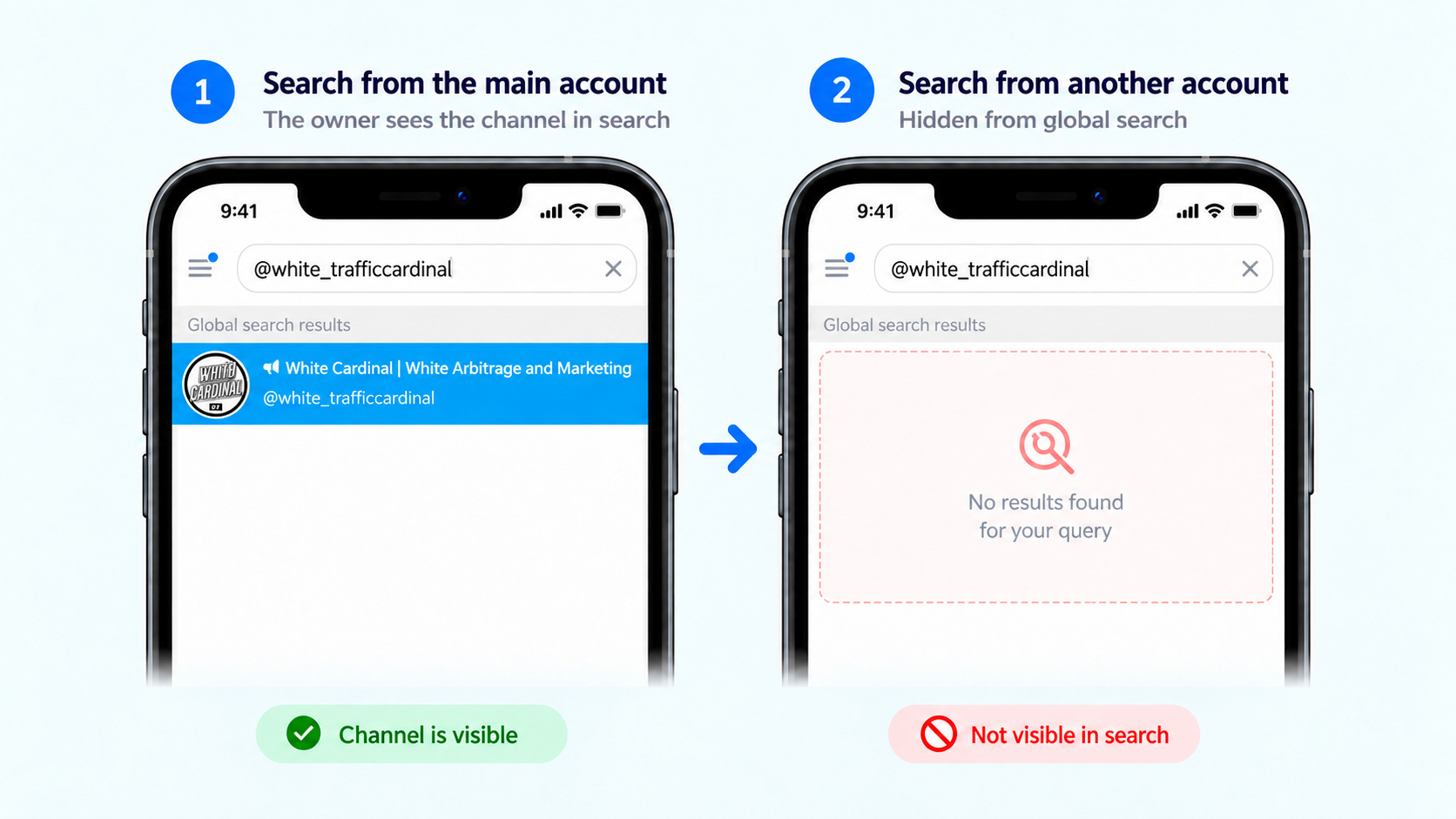
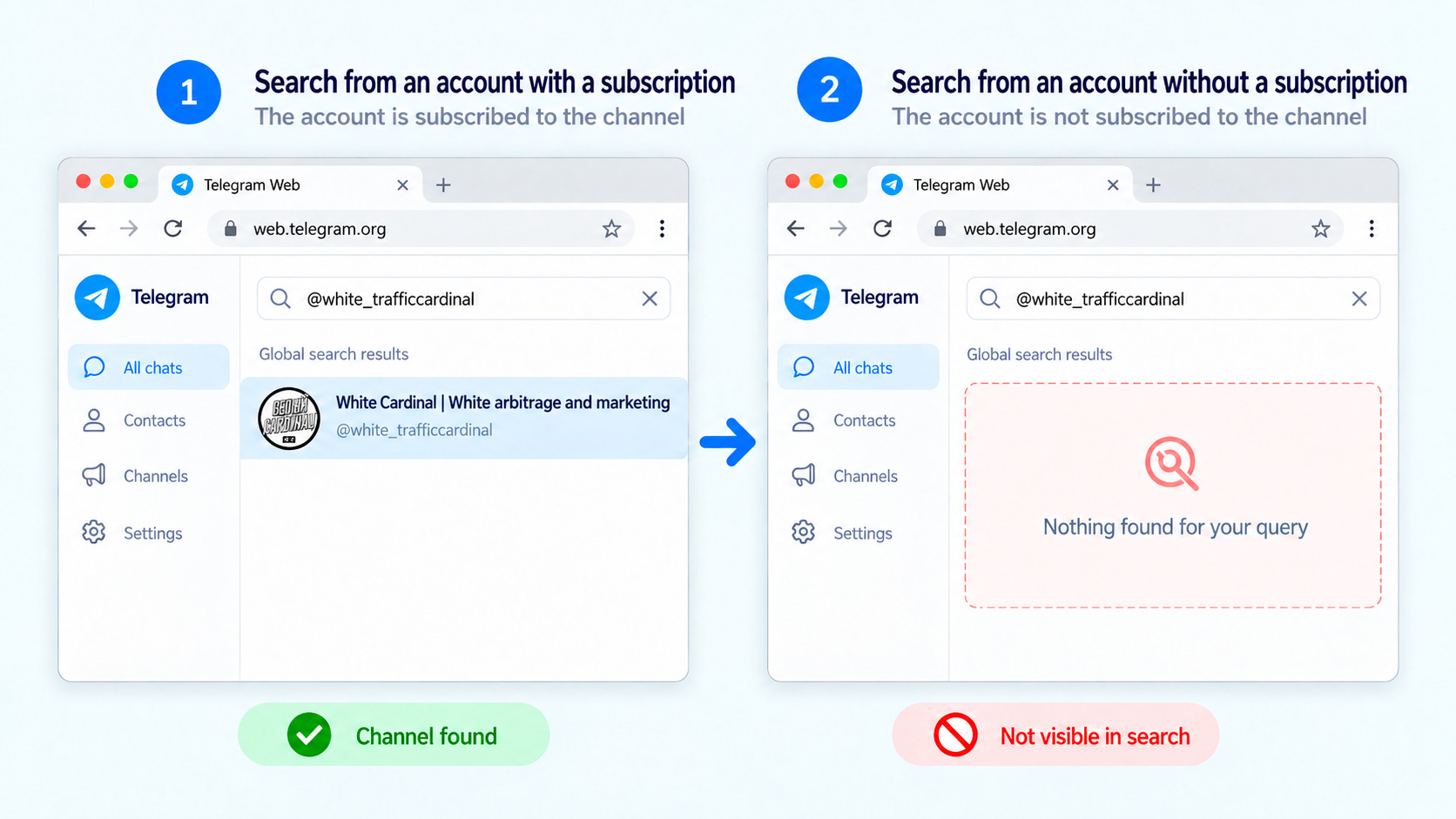
1. View the channel from another account. If you suspect a Telegram channel shadow ban, ask someone who is not subscribed to enter the exact name or username. If the channel is available through a direct link but cannot be found through global search, it is worth checking its visibility more carefully.
2. Check the account status in @SpamBot. For a personal profile, the bot will show whether spam restrictions are present. It does not check channel visibility.
3. Repeat the search through the web version. Open web.telegram.org under an account that is not subscribed to the channel and search for it by name and @username.
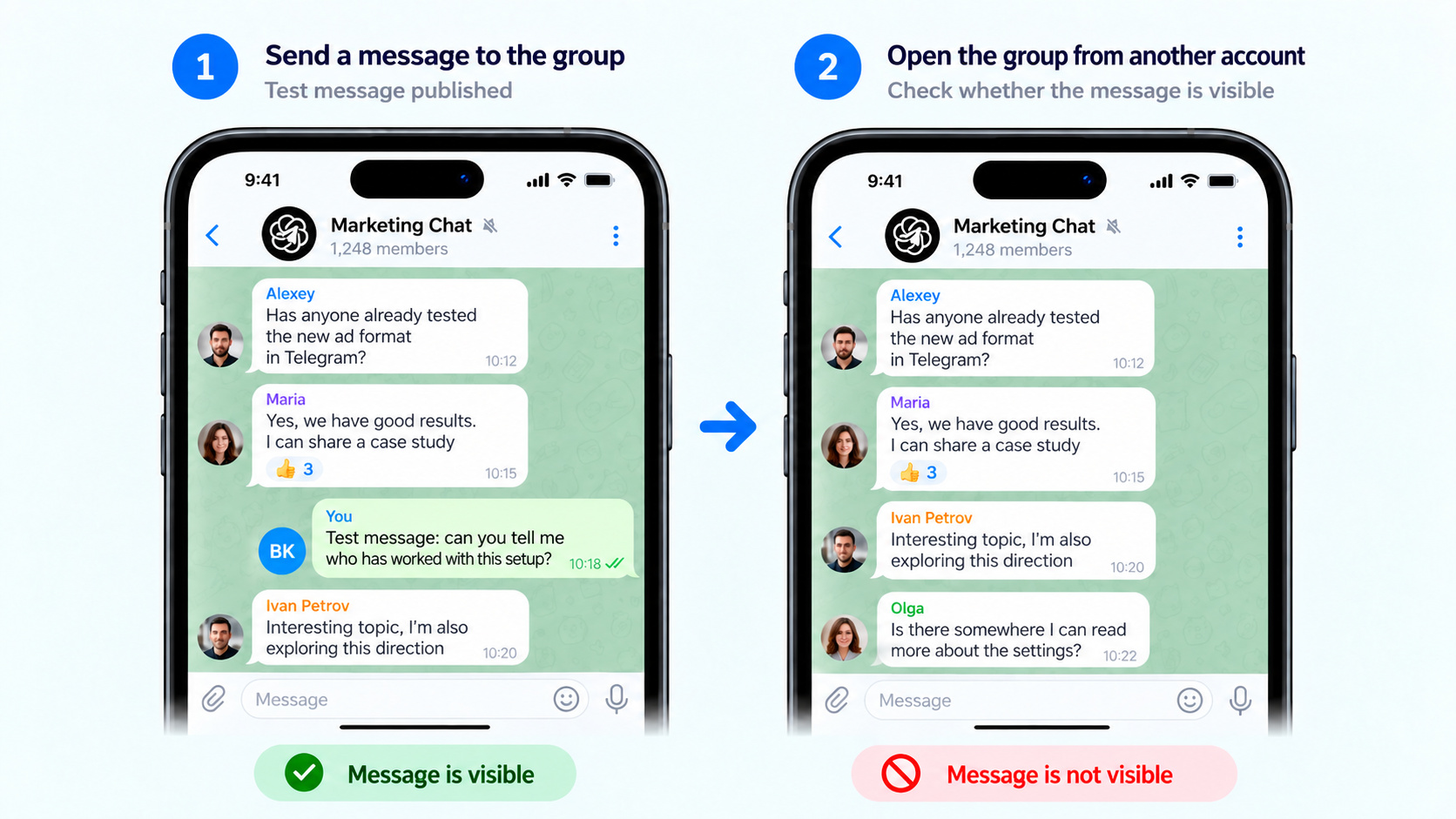
4. Check a message in a group. Send a normal test message where this is allowed, then open the group from another account. If the message is not there, first make sure it was not deleted by an administrator and that the group does not use pre-moderation or another filter.
If you need to understand how to check for a shadow ban in Telegram, compare the results of these checks. This makes it easier to determine whether the problem concerns search, messages, or the account itself.
Shadow Ban in Telegram: Causes
If we examine why a shadow ban may be given in Telegram, the problem is most often related to complaints, spam, abrupt activity, or rule violations:
- User complaints. Frequent messages to unfamiliar people, intrusive advertising, and mass invitations increase the likelihood of complaints.
- Prohibited public content. Telegram may restrict or remove materials that violate the platform rules.
- Spam actions. Many new conversations, identical messages, mass invitations, and repetitive advertising creatives may look like unwanted activity.
- Abrupt behavior changes and artificial boosting. A new or long-inactive profile suddenly starts performing dozens of identical actions. The same effect may result from a sharp increase in subscribers, views, or reactions over a short period.
- Problematic username. A public name may raise concerns if it is connected with someone else’s brand, impersonation, or prohibited subject matter.
- Aggressive language and communication violations. Profanity by itself does not mean a shadowban, but threats, harassment, and content that receives mass complaints may lead to moderation and restrictions.
To understand how a shadow ban works in Telegram, look at the account’s overall activity rather than one isolated action. Restrictions may appear after complaints, spam scenarios, and sharp spikes in activity.
How to Remove a Shadow Ban in Telegram
If the signs indicate a shadow ban in Telegram, first determine the possible cause and temporarily reduce the account’s activity.
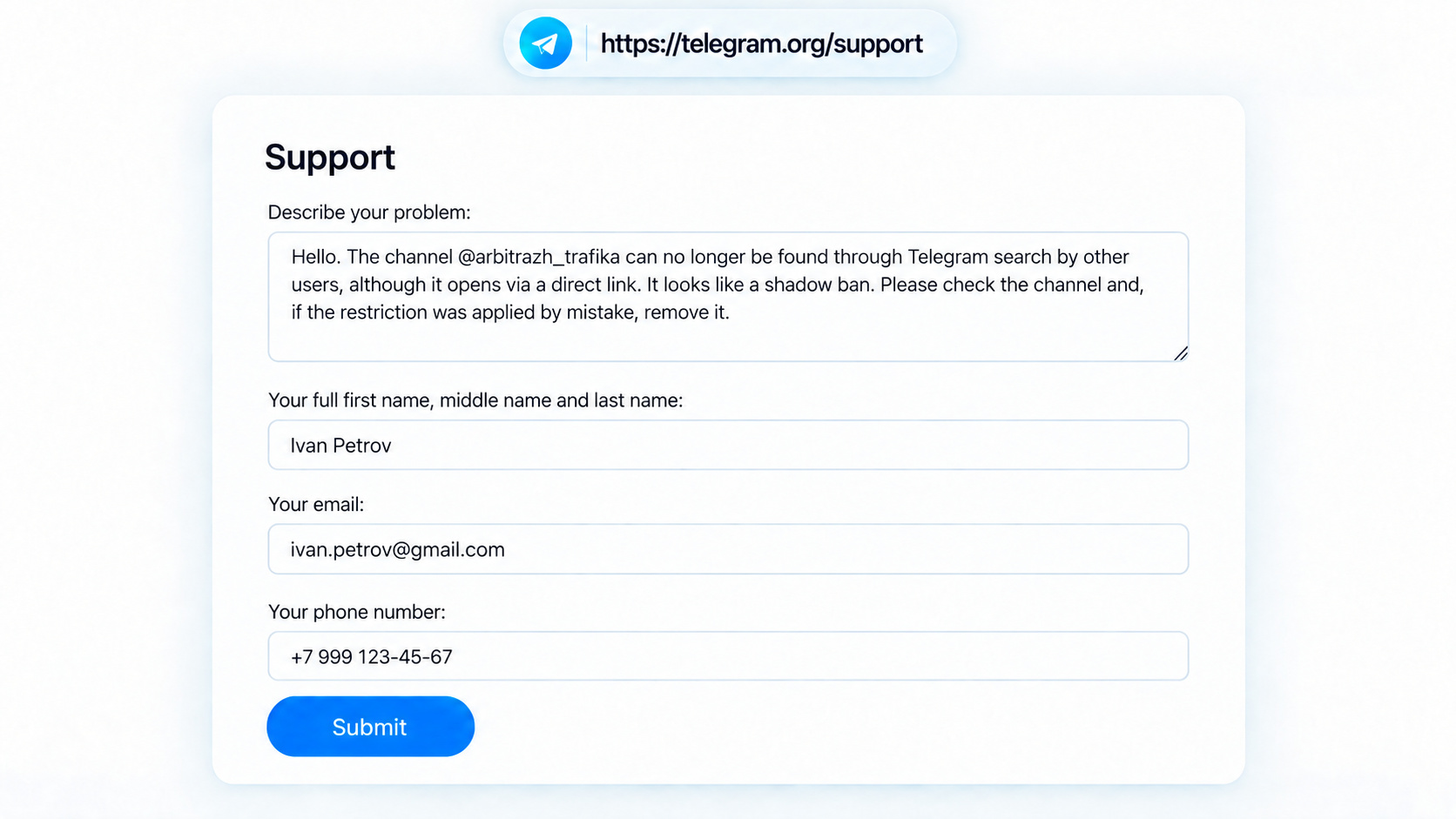
- Contact Telegram Support. If there are problems with channel search or other functions, provide the username, briefly describe the situation, and send a request through Telegram Support with the subject of a shadow ban appeal.
- Check whether restrictions are present. Check a personal profile through @SpamBot. If an appeal is available, submit it.
- Pause active promotion for a while. Take a break from mass actions, new conversations, and sending identical messages.
- Check the profile and content themselves. Remove possible violations and, if necessary, reconsider the profile design or concept.
If you are trying to understand how to remove a shadow ban in Telegram, first go through these steps and checks and give the account 5–7 days without a sharp increase in activity.
If nothing changes and the question of how to remove a Telegram shadow ban remains relevant, for work tasks it may sometimes be easier to use another account and prepare it in advance. This is especially important for messaging campaigns and other active promotion methods because Telegram has become stricter about abrupt and mass activity. Before full-scale work, such an account is better warmed up gradually.
Warming Up Telegram Accounts Before Promotion
Before active actions in Telegram, it is better to gradually bring a new, purchased, or long-inactive account up to working load. This is especially important before messaging campaigns, work in chats, and other promotion methods.
For this, AI warm-up of Telegram accounts in GramGPT.io is used. The account gradually reads channels, views publications, and performs other ordinary actions. Behavior is randomized so that activity looks more natural and does not begin with a sharp spike. After the warm-up period, the load can be increased gradually.
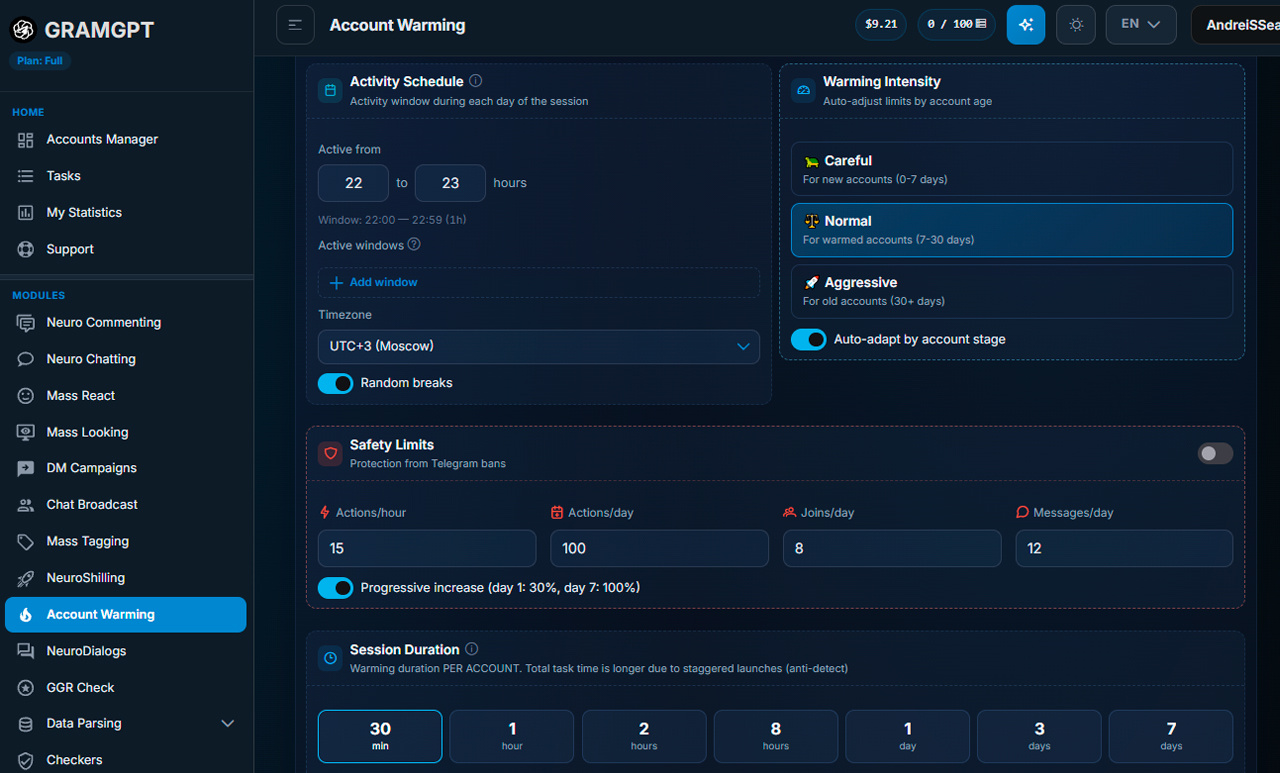
Warm-up itself does not remove a Telegram shadow ban and does not cancel a restriction that is already active. First, you need to wait for the restriction to end, resolve the issue through support, or create a new profile. Warm-up is better used after that — to carefully prepare the account for further work, communication, and promotion.