In 2026, Telegram continues to develop technical and anti-spam restrictions, introduce new rules, and revise limits for different types of activity. During automation, an account may initially work without problems and then stop messaging new users, receive Flood Wait, or be placed under a spam block. At that point, it is difficult to understand why the Telegram limit was exceeded: because of a high sending speed, a large number of new conversations, repeated messages, links in the first DM, or recipient complaints.
There is no single restriction for all actions. The Telegram message limit depends on the type of work—private messaging, comments in channels, groups, or chats. Restrictions may change over time, so during promotion it is important to consider not only technical values but also working ranges for automation.
In this article, we will examine the current Telegram limits for 2026 and show how to take them into account when sending messages.
What is the Telegram message limit
The Telegram message limit is the platform's established rules and restrictions on text length and message-sending frequency. They help curb spam, prevent excessive load on the service, and ensure stable operation of the messenger.
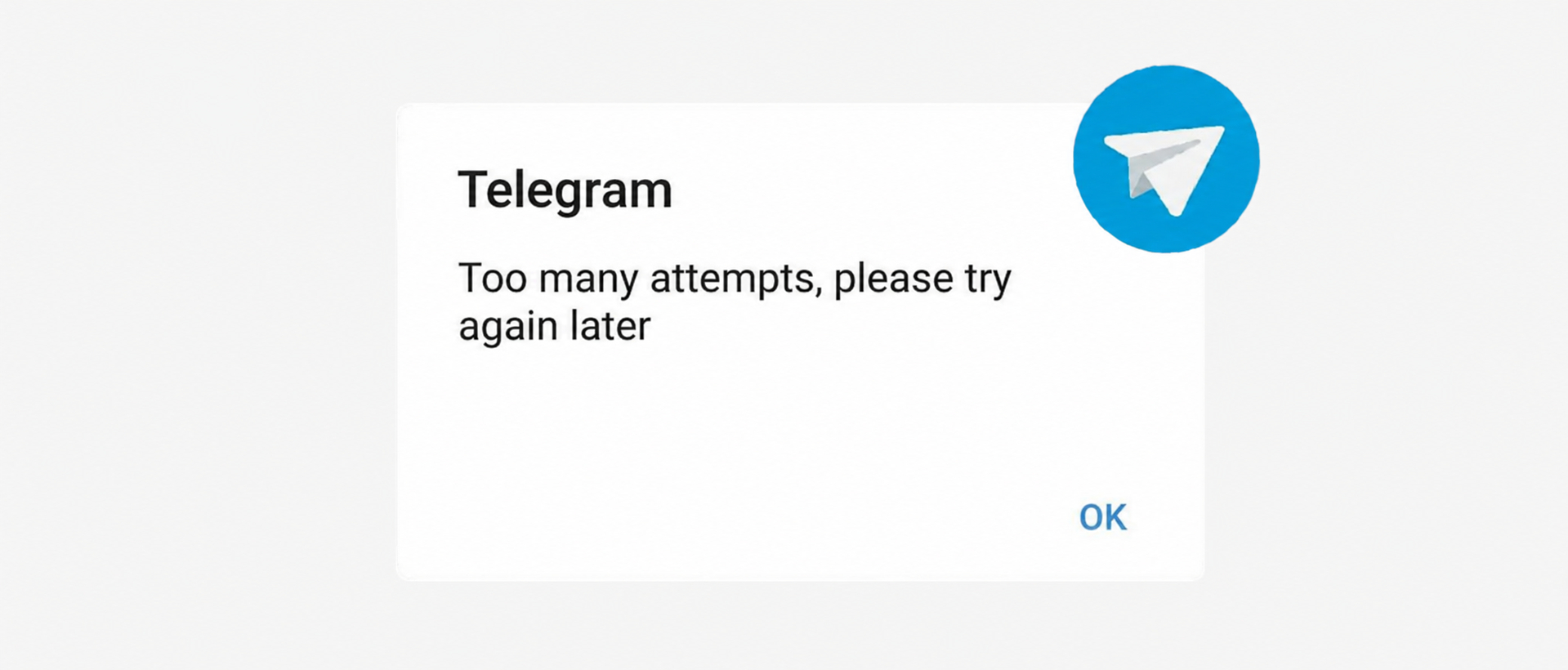
For ordinary correspondence with contacts, there is no fixed daily message limit in Telegram. Restrictions more often arise from a sudden increase in activity, frequent intrusive messages to unfamiliar users, repeated text, and a large number of links.
To determine what Telegram message limit will be workable for a specific account, we consider several factors:
- the age and warm-up of the Telegram account;
- the sending type—DMs, comments, groups, or chats;
- intervals between messages and the profile's overall activity;
- recipient reactions, the number of replies, and complaints.
Below, we will examine working limits for private messages, channels, groups, and chats.
Telegram limits for sending private messages
Private messages are intended for one-to-one communication and contact with users outside groups and channels. In this format, Telegram reacts especially strictly to unwanted sending because the recipient can immediately block you and report spam.
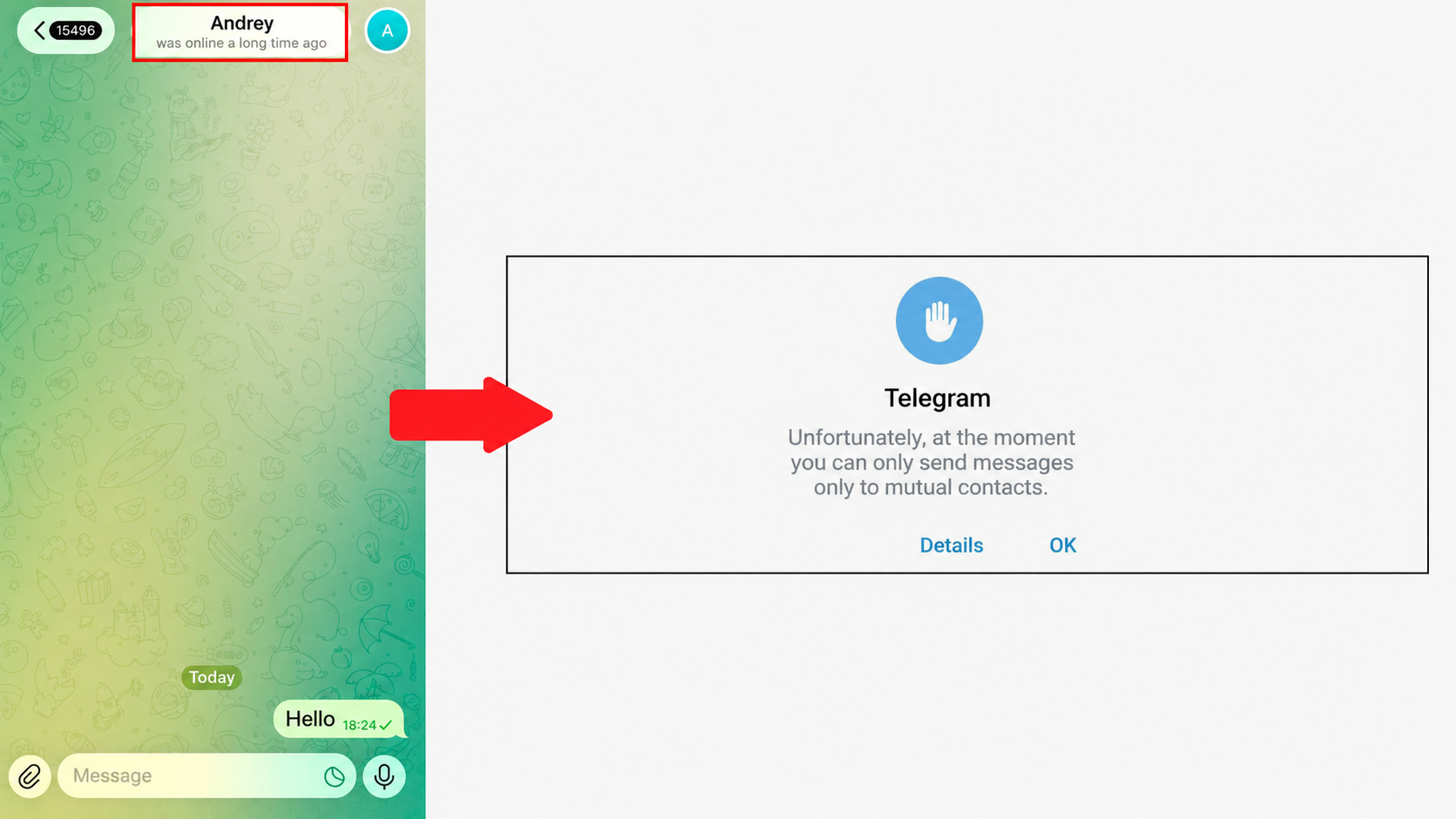
Telegram does not publish a single official Telegram message limit for outgoing DMs. In practice, the amount depends on the type of correspondence, account age, sending speed, and recipient reactions. The main working benchmarks and restrictions on sending messages in Telegram are collected in the table below.
| Parameter |
Limit |
How to account for it when sending |
| Safe range for sending messages to new users during automation |
25–40 messages per day |
Recommended safe range for promotion. For a new profile, start with the minimum volume. |
| Messages to familiar contacts |
Up to 100 messages per day |
A working benchmark for existing conversations and users who expect a message. |
| Length of one text message |
Up to 4,096 characters |
The Telegram button for sending a long text will become inactive, or the application will ask you to shorten the text. |
How many messages can be sent in Telegram depends on the nature of the correspondence. For new users during automation, we use a benchmark of 25–40 DMs per day, and for familiar contacts—up to 100. At the same time, it is important to consider not only the number of messages but also recipient reactions. For example, when working with the Telegram DM Campaign module, we set a separate limit for each account, intervals, working time, and message variants. For effective promotion, it is important to receive a reply to the first message. After that, with the second message, we direct the user to our profile, where a link to the Telegram channel is placed. This scenario makes automation more logical and effective, helps reduce the risk of blocks, and naturally attracts an audience through DMs.
Telegram limits for sending messages to channels
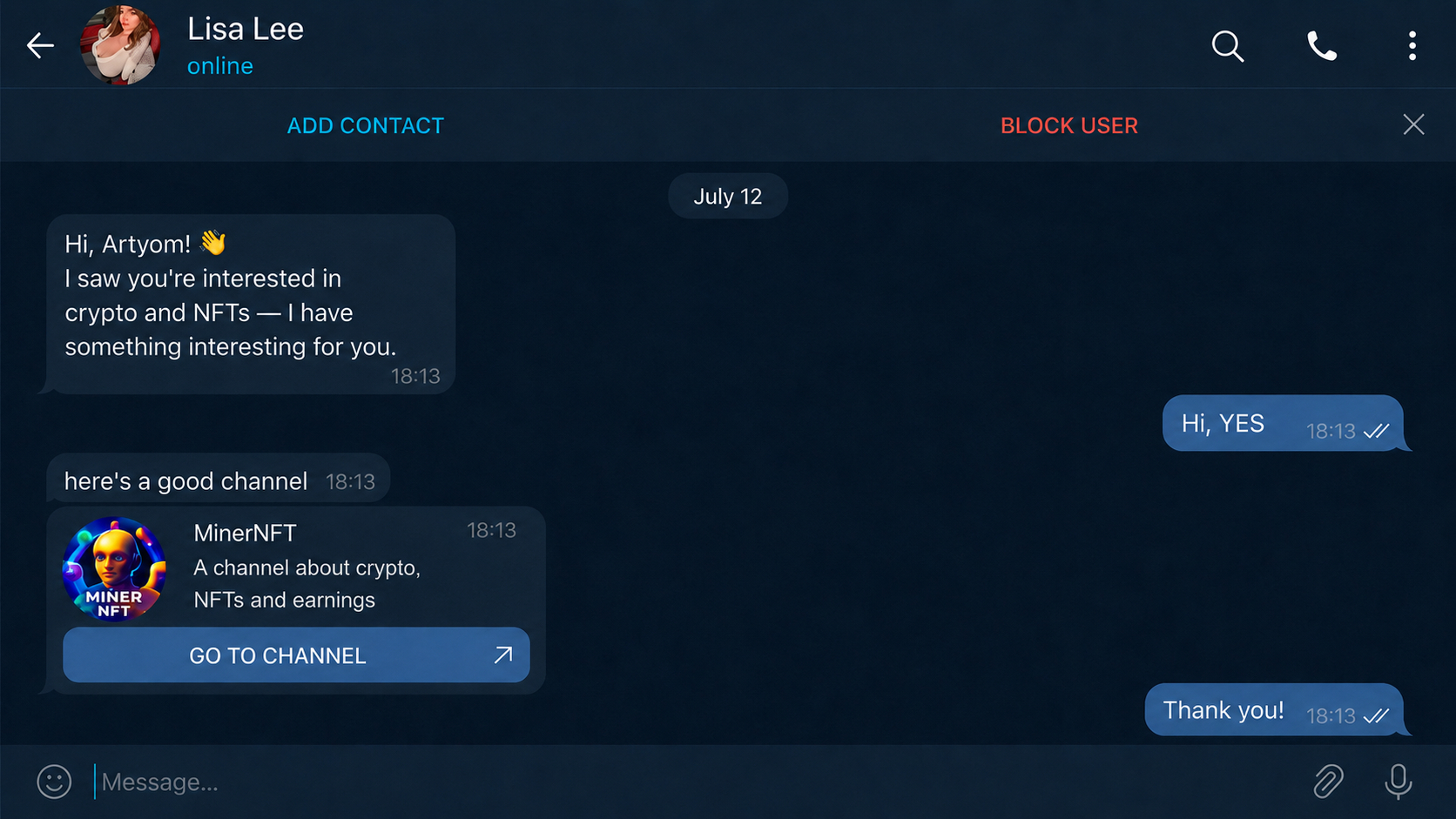
Channels are intended for one-way content publication: administrators publish posts, while subscribers read them, leave reactions, and comment in discussions. If limits are exceeded and spam is sent, restrictions on sending messages may be imposed.
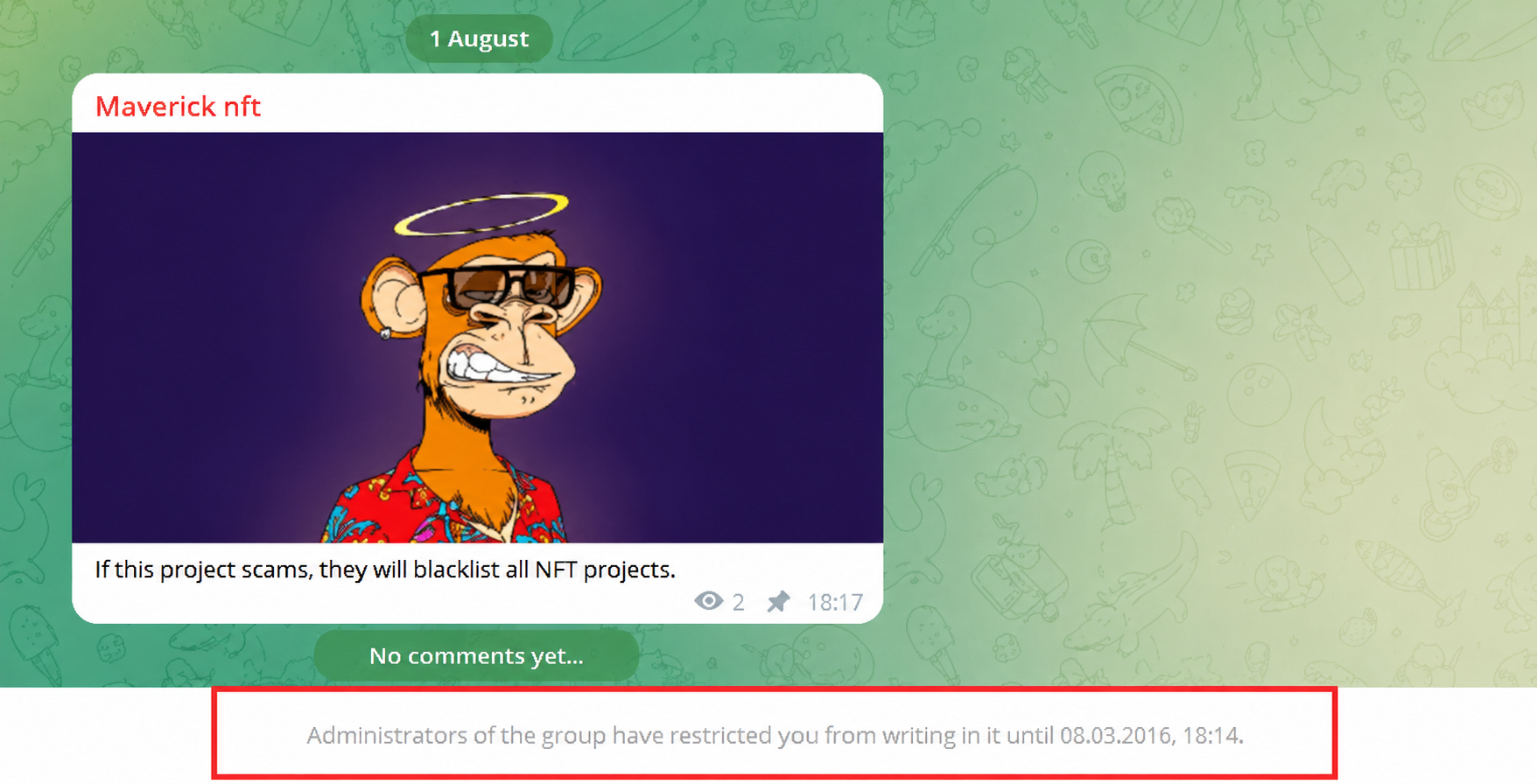
The Telegram channel membership limit is as follows: a regular account can belong to a maximum of 500 channels, while a Premium account can belong to up to 1,000. To remove the Telegram channel restriction, you need to unsubscribe from unnecessary platforms or activate Telegram Premium.
The main restrictions for publishing messages and comments in channels are collected in the table.
| Parameter |
Limit |
How to account for it when sending |
| Limit for sending comments in a channel |
No limit |
Telegram does not publish a fixed daily restriction. |
| Safe benchmark for sending comments in channels during automation |
40–300 comments per day |
A practical safe range per account. The load depends on profile preparation, intervals, and comment quality. |
| Length of a text comment |
Up to 4,096 characters |
The Telegram message character limit applies to one text message. |
The range of 40 to 300 comments per day depends on account warm-up, intervals between actions, and the profile's overall activity. When working with any promotion module, we recommend enabling Telegram AI protection. It randomizes account actions so that the profile does not perform the same type of activity consecutively and its behavior looks more natural and human.

Telegram limits for sending messages in groups and chats
Groups and chats are intended for communication between participants and discussions within communities. Sending messages here is regulated not only by the Telegram system but also by the settings of the specific group. An administrator may restrict links and media, prohibit new participants from sending messages, or enable slow mode.
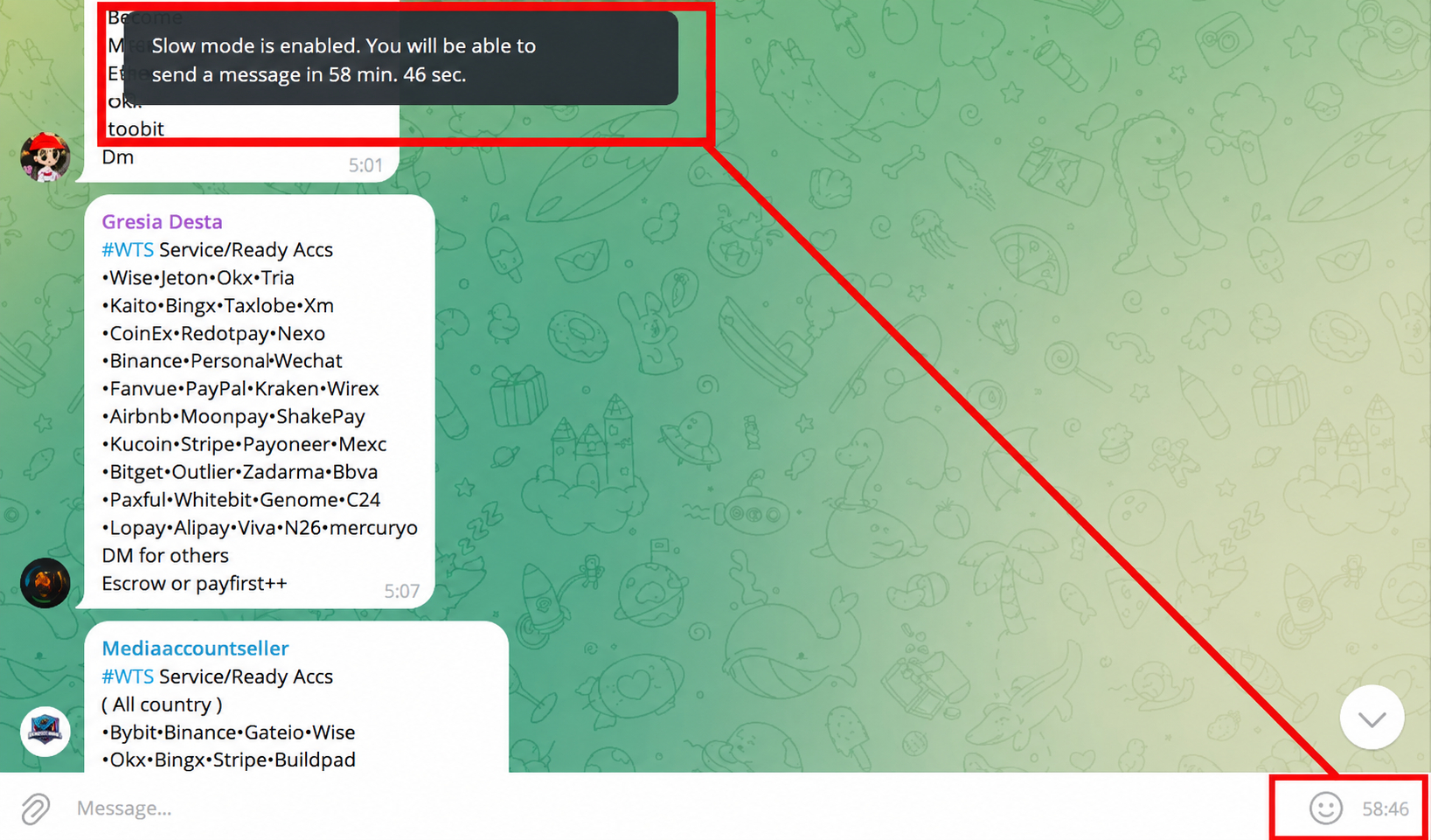
The main message limits in groups and chats, as well as practical sending benchmarks, are collected in the table below.
| Parameter |
Limit |
How to account for it when sending |
| Daily limit for ordinary correspondence |
No limit |
Telegram does not publish a general daily counter for ordinary communication in groups and chats. |
| Safe benchmark for sending messages to chats and groups during automation |
200–300 messages per day |
A practical and safe range per account and per group. The load depends on profile age, time intervals, and the number of chats. |
| Length of one message |
Up to 4,096 characters |
Longer text must be divided into several messages. |
| Slow mode |
Configured by the administrator |
The next message can only be sent after the set pause has ended. |
| Messages from new participants |
Depend on group settings |
The administrator may temporarily prohibit sending text, links, or media after joining. |
The Telegram message limit in a chat depends primarily on the nature of the activity. Telegram restrictions on sending messages in a group are more likely to be triggered when an account joins many communities too quickly and immediately begins posting messages or links. At the same time, chats are conventionally divided into two types: in some, you can write without joining first, while in others, sending messages is available only after subscribing.
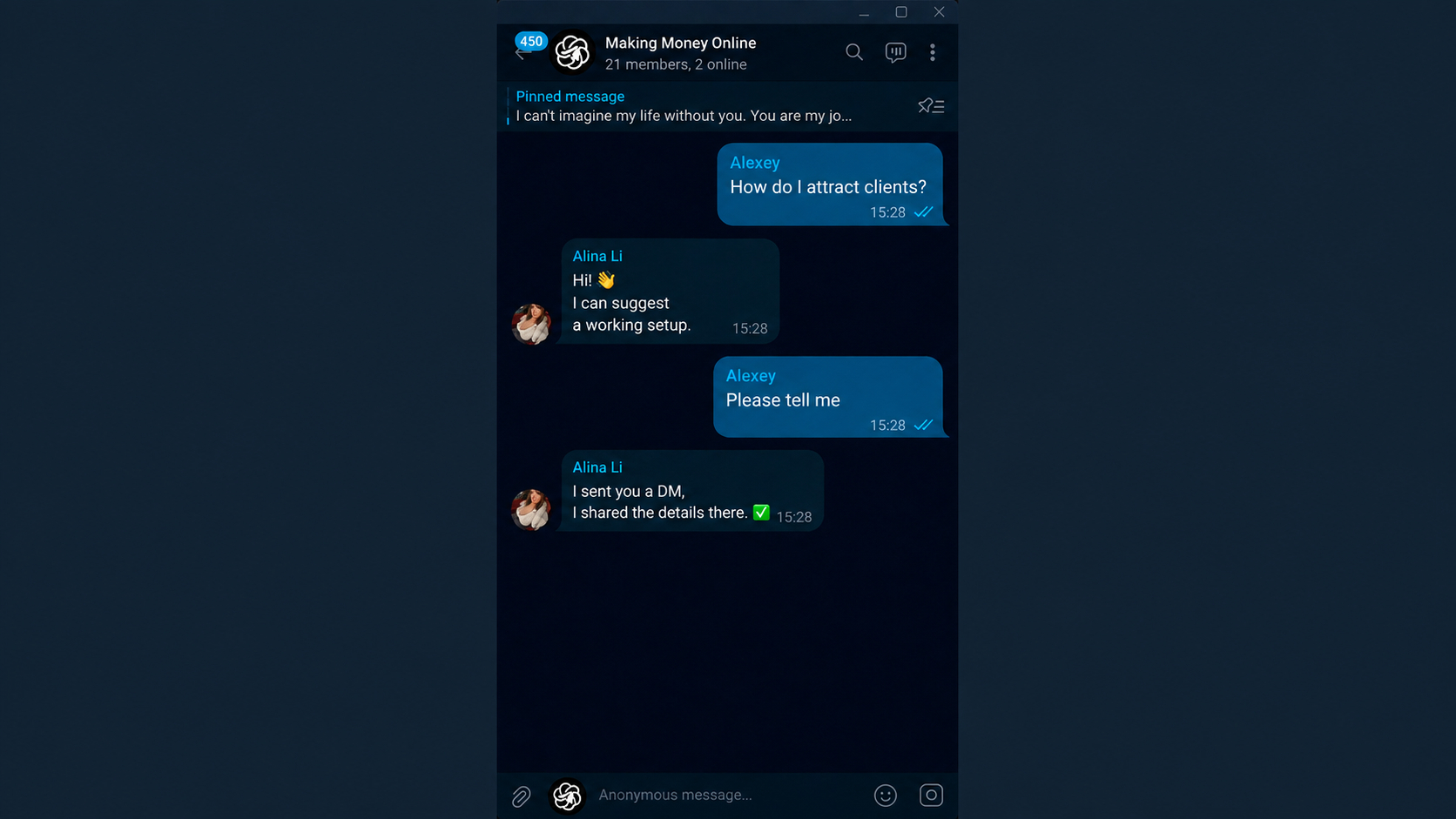
For example, when working with the Neurochatting in Telegram promotion tool, AI analyzes discussions, responds to suitable messages, and helps naturally attract interested users to the profile where the channel link is placed. The module participates in conversations with context in mind rather than sending the same text repeatedly. When the tool is configured correctly, this helps comply with Telegram limits and rules, reduce the risk of restrictions through natural communication, and steadily receive traffic from conversations.
Limits with Telegram Premium
Telegram Premium increases some of the account's technical limits, making it easier to work with a large number of channels, chats, and files.
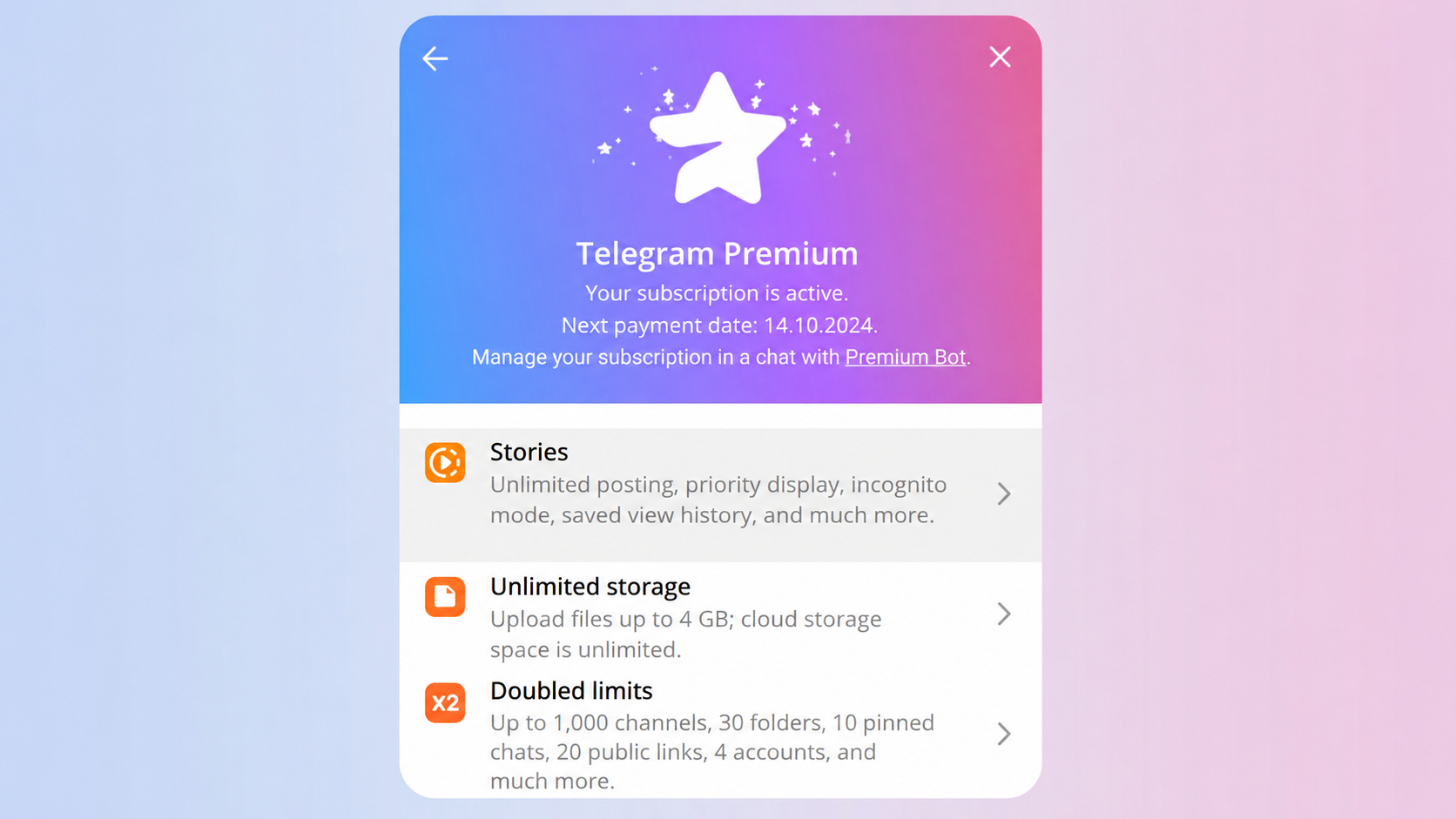
The main differences between a regular account and an account with a subscription are collected in the table.
| Parameter |
Regular account |
Telegram Premium |
Practical benefit |
| Channels and supergroups |
Up to 500 |
Up to 1,000 |
A higher limit on the number of channels and groups the account can belong to |
| Channel folders |
Up to 10 |
Up to 30 |
It is more convenient to separate channels, groups, and work chats by project. |
| Pinned chats |
Up to 5 |
Up to 10 |
Main conversations and platforms remain quickly accessible. |
| Accounts in the application |
Up to 3 |
Up to 4 |
Managing several work profiles in the messenger becomes easier. |
| DMs, comments, and messages in groups |
No limit |
No limit |
Premium does not increase the official daily limit for outgoing messages. |
There is a theory that accounts with a Telegram Premium subscription have a significantly higher level of trust from the messenger's algorithms. This may provide a small advantage during automation, but Telegram does not officially confirm this feature.
Consequences of exceeding the Telegram message-sending limit
When activity increases sharply, Telegram may temporarily restrict individual account actions. The type and duration of the restriction depend on sending speed, the number of new conversations, message repetition, and user complaints.
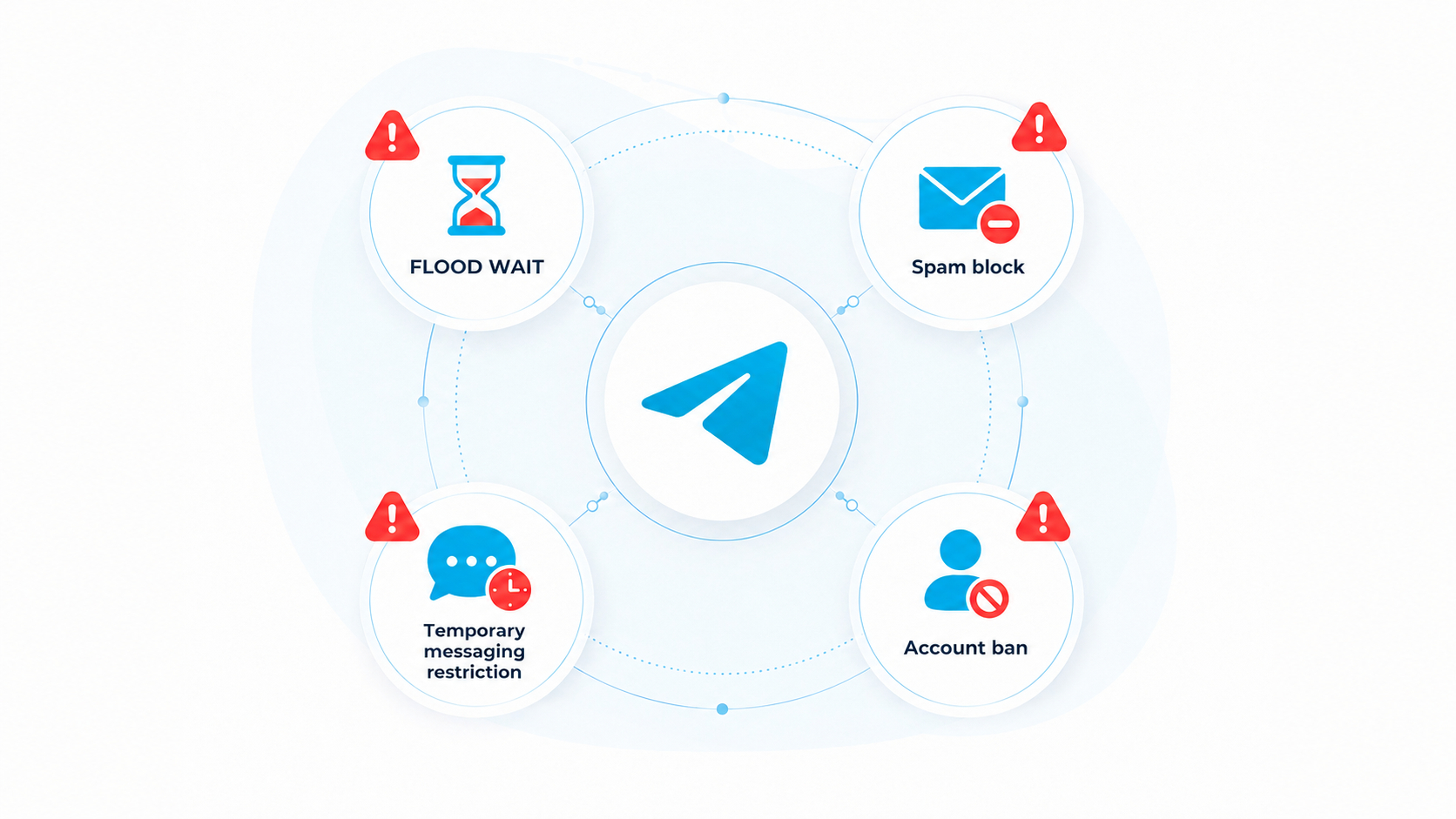
- Flood Wait in Telegram. Telegram temporarily stops sending and indicates the time after which the action can be repeated. Attempts to continue working before the specified period may increase the pause.
- Spam block in Telegram. It occurs after complaints about unwanted messages, identical text, or mass sending of links. The account loses the ability to message unfamiliar users first but can usually reply to contacts and those who started the conversation themselves. The restriction may be temporary, and after repeated violations—long-term or permanent.
- Temporary blocking of individual actions. Telegram may restrict sending messages, joining new groups, publishing comments, or other account operations.
- Account ban. After repeated violations, Telegram may completely block the phone number without the right to recovery.
Telegram: how to remove a message restriction
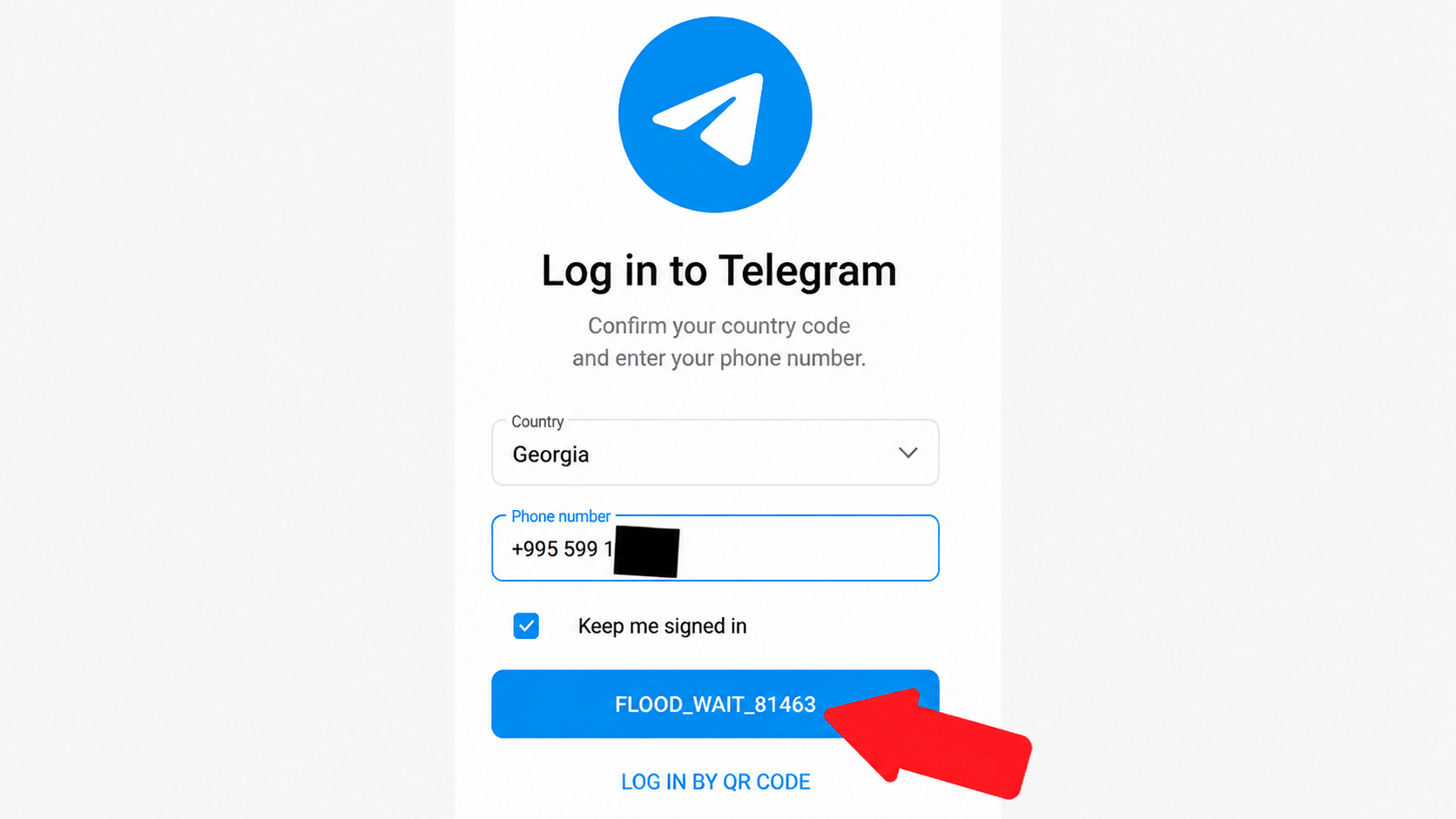
If the Telegram message limit has been exceeded, you should not immediately repeat the sending or switch to other actions. First, stop the automation and determine the type of restriction. To find out the exact waiting time for Flood Wait, open the Telegram web version at web.telegram.org/k, select login by phone number, and enter the account's mobile number. When attempting to log in, the system may display an error, for example FLOOD_WAIT_81463, where the number 81463 means the number of seconds after which login can be attempted again. The specified pause must be observed in full. After it ends, reduce the number of new conversations, increase the intervals between actions, and restore the load gradually.
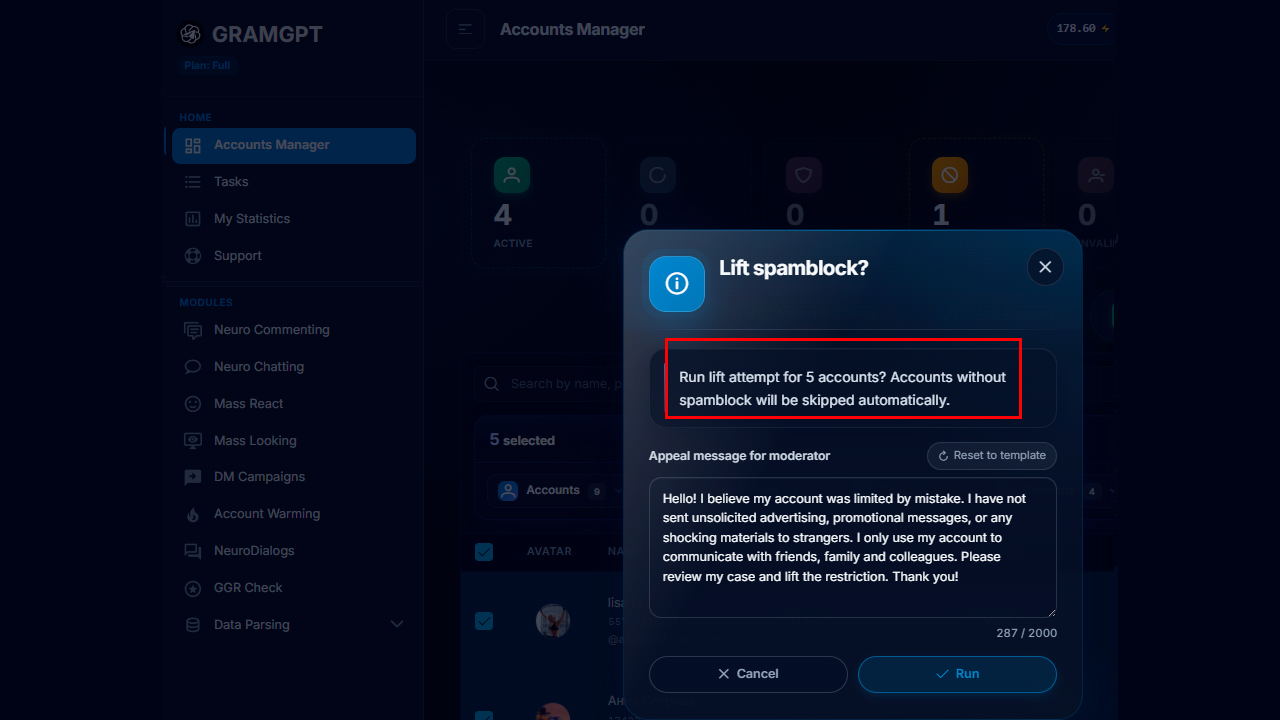
To remove a message restriction in Telegram, check the account status through @SpamBot. If the block was applied by mistake, submit an appeal. Through the GramGPT.io service, you can check accounts in bulk and launch the process of mass spam-block removal in the account manager. If the complaint is confirmed, the restriction cannot be removed early—you must wait for the specified period. After access is restored, reduce the daily volume and do not place a link in the first message.
A Telegram limit can only be removed after its type has been identified. A message-length restriction is resolved by shortening the text, a channel limit by removing unnecessary subscriptions, while individual technical capabilities are expanded by activating Premium. An anti-spam restriction cannot be disabled in settings or removed by a third-party service: if the appeal is not approved, you must wait until the period specified by Telegram or the channel administrator ends.
Conclusion
The main thing is to understand that different restrictions apply to private messages, comments, groups, and channels, so there is no single universal limit for all types of Telegram activity. Each format requires its own load, and Telegram's reaction depends not only on the number of actions but also on the account's age, sending speed, message quality, and user complaints.
With proper configuration, Telegram automation becomes more stable: working limits, delays, and activity times are set for each account, messages correspond to the context, and the load does not increase sharply. This approach helps reduce the number of restrictions, keep accounts working for a long time, and regularly receive traffic without trying to squeeze out the maximum in a single day.
Good luck with your work and stable promotion without restrictions!