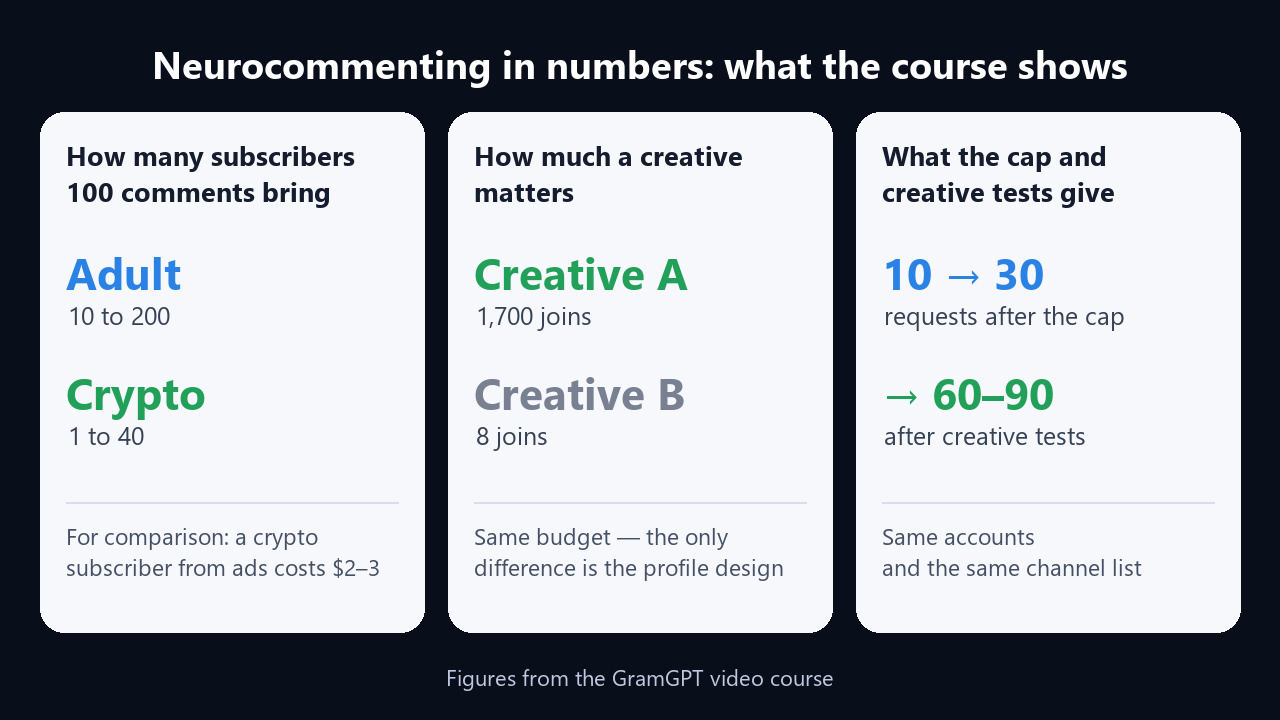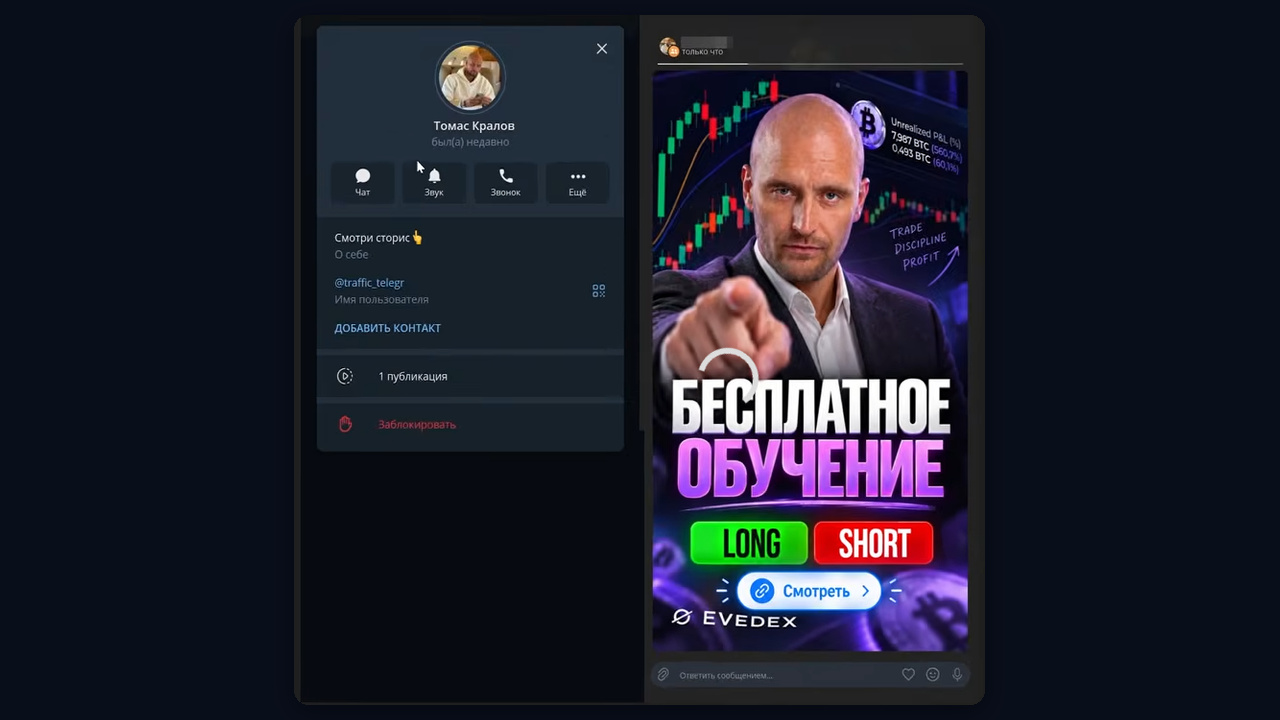
Most people look for a Telegram neurocommenting course right after the first failed launch. They bought accounts, switched on AI comments, and a day later half the accounts were banned while the channel barely grew. Tutorials show which buttons to press, but never explain why one person gets 5 join requests a day and another gets 200.
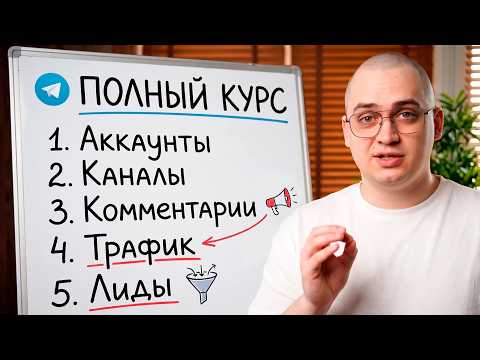
The cause is rarely the software. It is the chain behind it: accounts, proxies, warm-up, the channel list, settings and creatives. Break one link and the rest cannot save the launch. That is why we recorded a free 78-minute video course that walks through the whole chain step by step.
Below you will find what the course covers, key figures and frames from the video, and the outline with timestamps takes you straight to the chapter you need. The video has auto-dubbing, so you can watch it in English. Its description also has a promo code for your first GramGPT.io purchase.
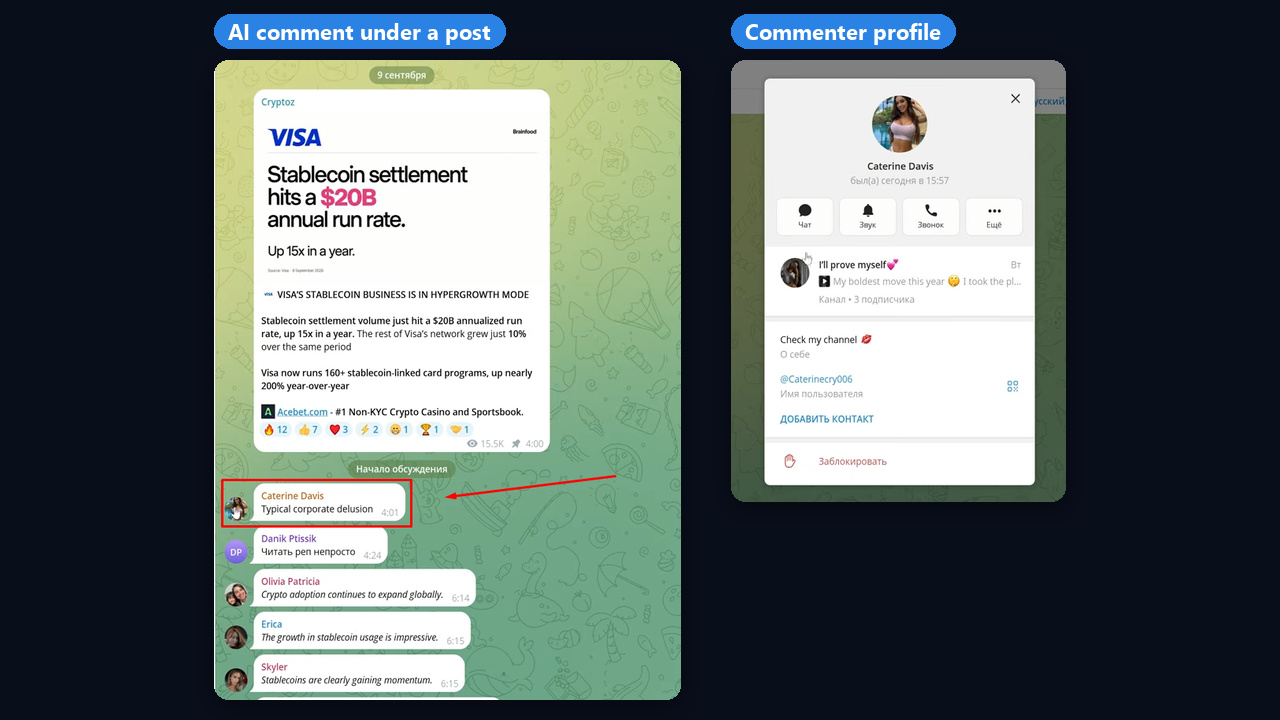
Neurocommenting means automatic AI comments that match the topic of each post. The goal of such a comment is not to sell but to hook: the reader opens the commenter's profile and from there follows a bio link, a bridge channel or a story.
Inside the Telegram Neurocommenting Course
The recording has two parts. First comes the technical side of Telegram automation, then the traffic side: creatives, tests and avoiding bans. Here is the outline with timestamps:
| Part | Timestamp | What you learn |
|---|---|---|
| What neurocommenting is | 00:34 | How it works on a live example |
| Accounts and proxies | 03:52 | What to buy and how many accounts per IP |
| Warm-up and GGR | 12:08 | Safe warm-up and survival scores |
| Channel list | 22:48 | Three parsers and how to combine them |
| Profile setup | 32:20 | Names, avatars, bulk generation |
| Module settings | 36:11 | Every option explained |
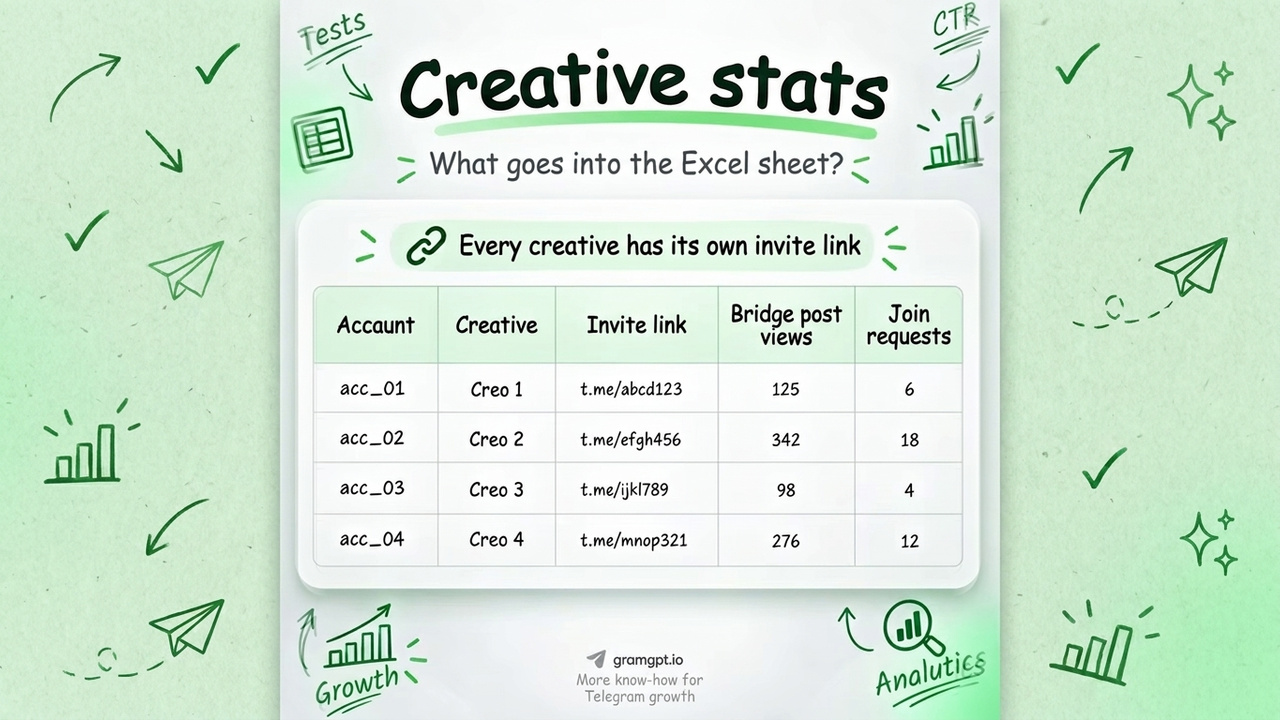
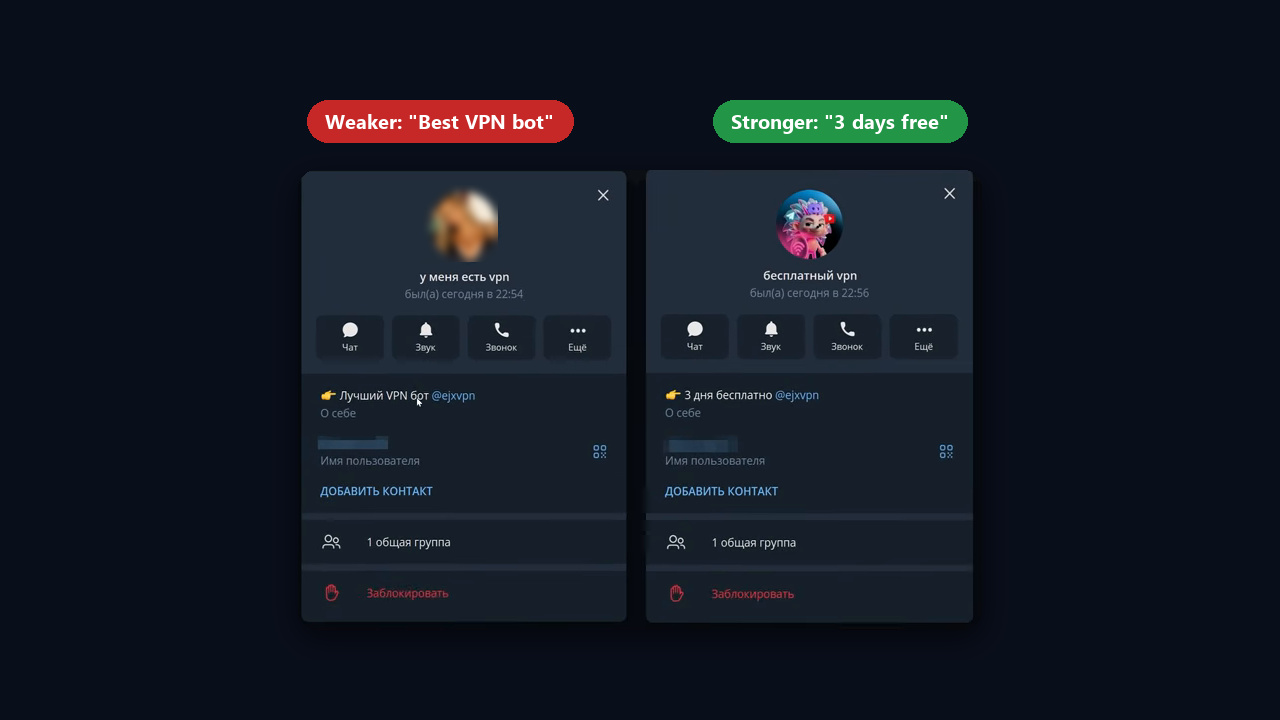
| Creatives and tests | 57:09 | Why results differ tenfold |
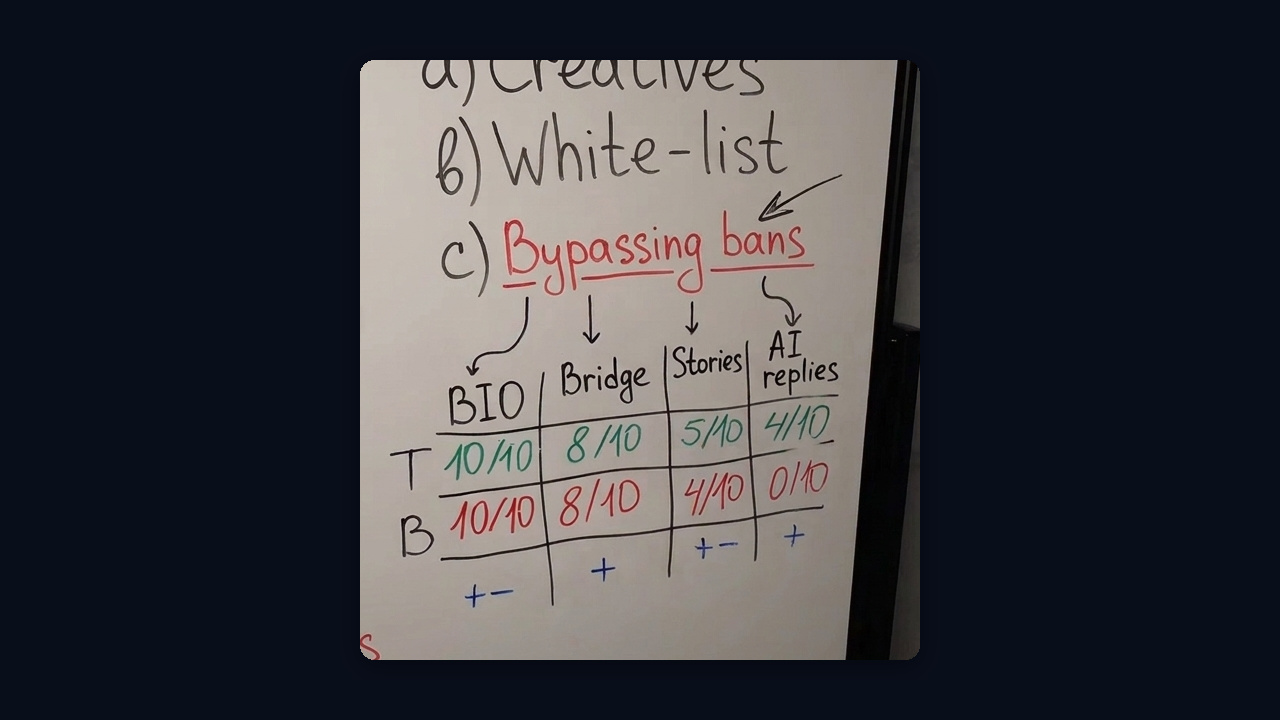
| White and black lists | 01:11:40 | Working without bans |
Free Telegram Neurocommenting Course or Paid Intensive
Next to our video, search results show paid intensives, neurocommenting "packs" and their leaked copies. Here is how the formats compare:
| Criterion | Free GramGPT course | Paid intensive |
|---|---|---|
| Price | No charge on YouTube | Paid access |
| Scope | 78 minutes, 16 chapters with timestamps | Webinars, manuals, workshops |
| Freshness | New features in the latest playlist video | Frozen at recording date, leaks age fast |
| Channel list | Database scraper with 1.4 million channels, growing | A bundled list, usually never updated |
| Feedback | Video comments and service support | A mentor or chat, if the plan includes it |
For example, a paid format makes sense if you want a mentor to review your niche. Still, it is easier to start with our video: it shows the whole chain, and then you decide whether you need extra help.
Neurocommenting Training from Scratch: What You Need First
To begin with, you need five things you cannot skip:
- A service. One for the whole chain: accounts, warm-up, GGR, scraping and comments. The course runs everything on GramGPT.io modules.
- Accounts. Auto-registered accounts aged 30 days or more, ideally from your audience's region. Buy them only from trusted sellers instead of random marketplaces.
- Proxies. Dedicated, static datacenter proxies in SOCKS5. Rotating proxies kill sessions, so one IP should carry no more than five fresh accounts.
- Warm-up. Let accounts rest for 2–24 hours after import, then keep a careful pace of about 10 actions an hour, with only passive actions in the first days: reading channels, viewing stories, joining.
- A channel list. According to the author, it drives 90% of the result.
Before launch, account survival is checked with the GGR score. The GramGPT model learned from a million accounts: it rates each account and shows which countries' accounts live longest. Three checks are free, and after that each costs about 2 cents. You can enable it on the GGR page.

In addition, there is a safe launch path: a "dry run" of 2–3 comments per account with blank profiles, then profile setup, another rest and a test launch on 2–5 accounts.
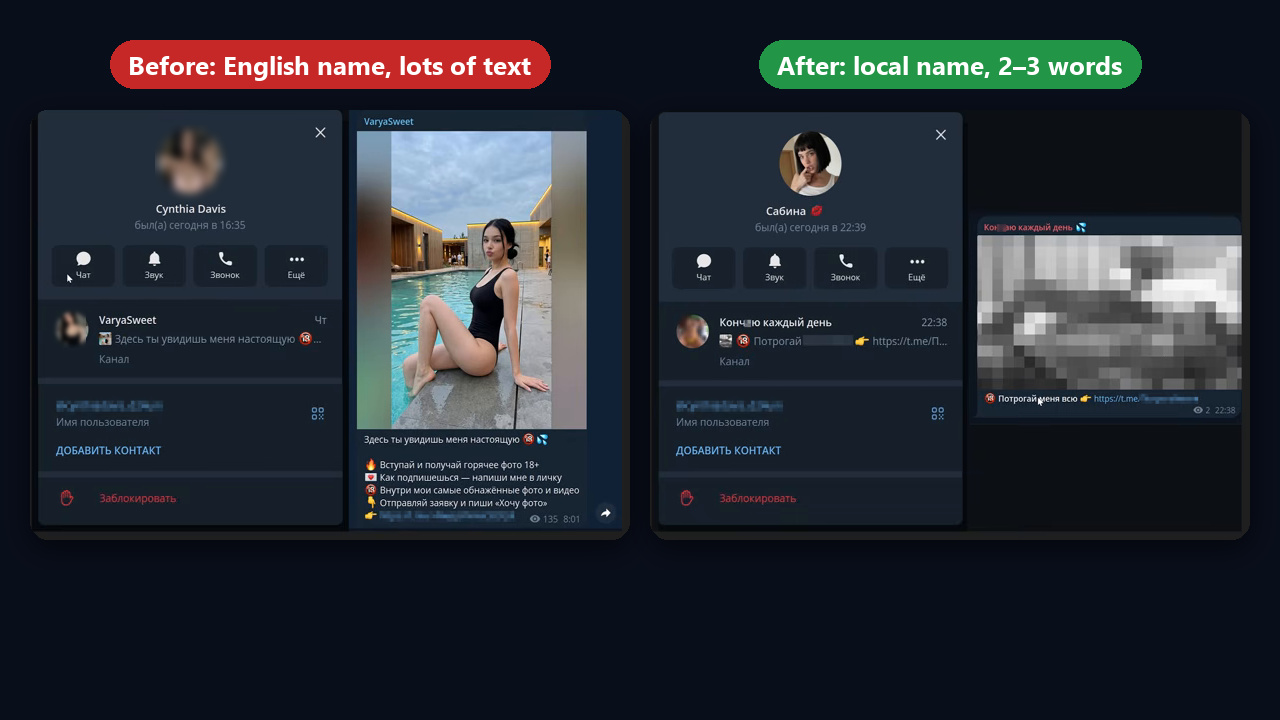
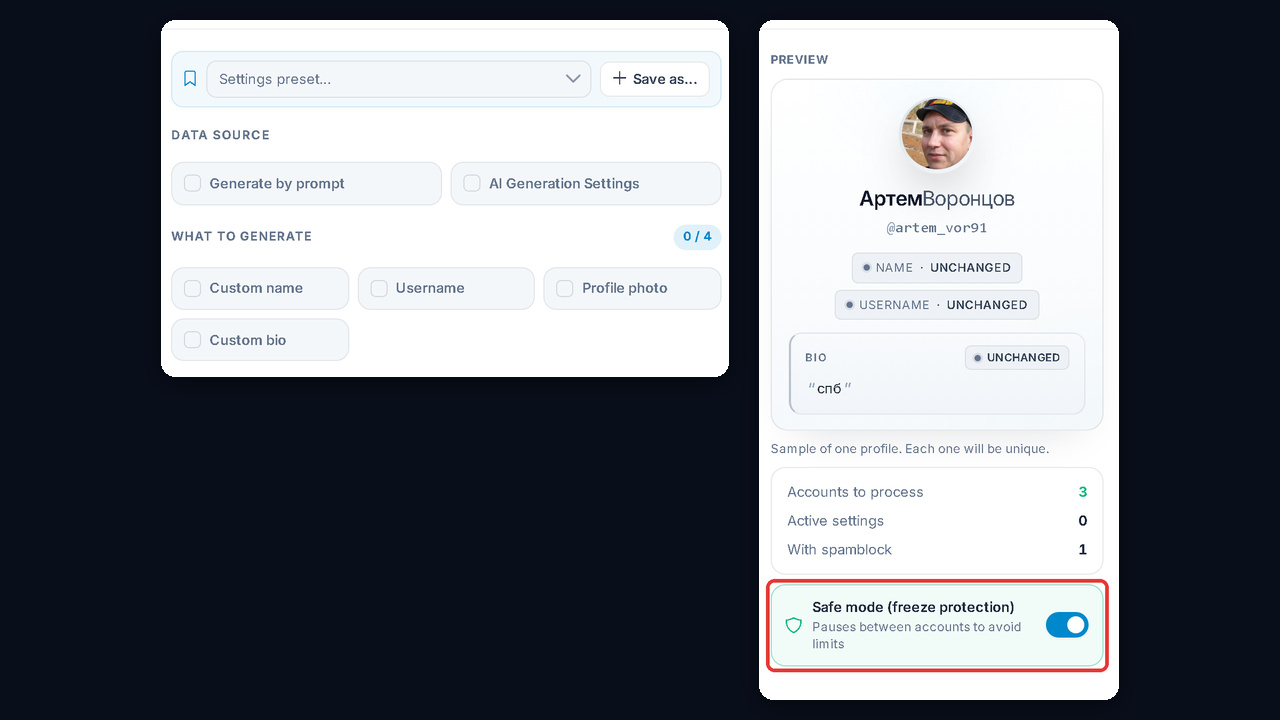
A separate chapter covers profile setup (32:20). The main mistake here is identical patterns: the same avatar, bio, link or bridge post everywhere. Telegram bans a single profile and then finds all the look-alikes, so each profile needs its own name, photo and bio. In GramGPT, bulk AI profile generation handles this, and safe mode adds pauses between profiles to prevent freezes: it is free, so keep it on.
Telegram Neurocommenting Course: Building the Channel List
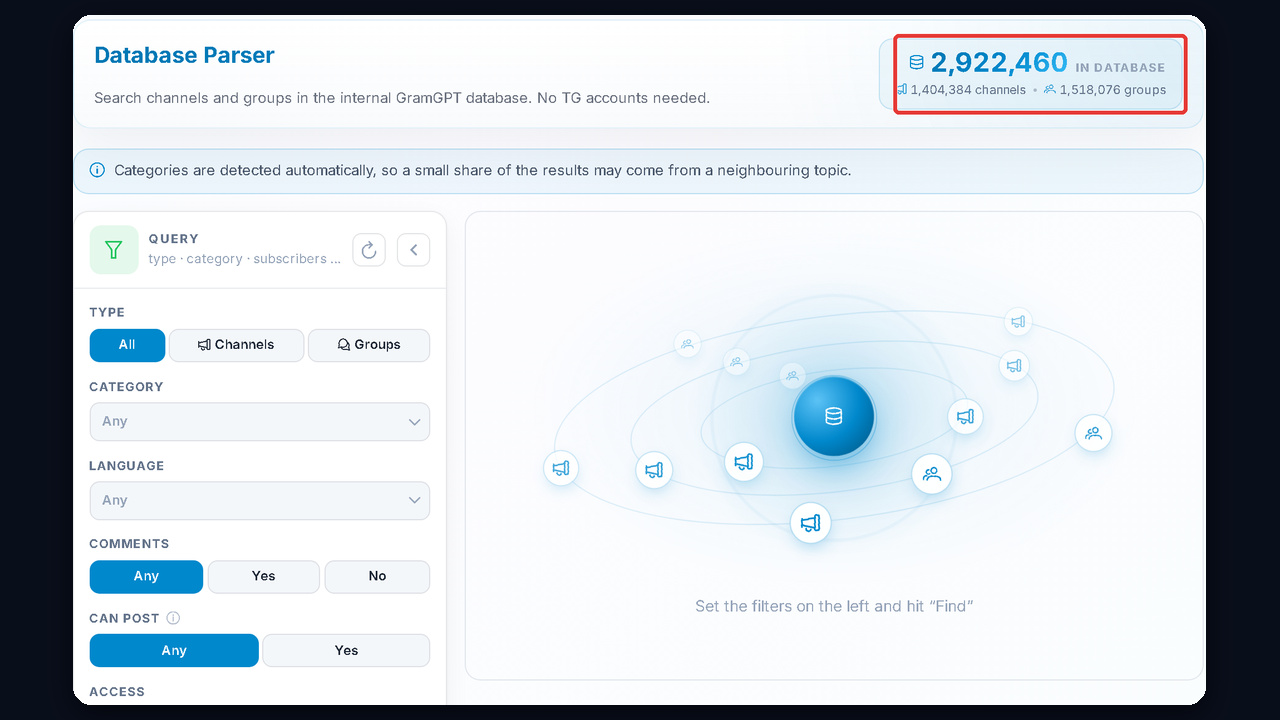
This block shows three scrapers, and they work best together. For more on collecting lists, see our guide to parsing Telegram chats and groups.
- Search scraper. It is cheap but slow. Search by one- or two-word keywords and keep only active channels where comments are open without joining.
- Similar channels scraper. Thousands of channels in minutes, and with Premium, Telegram shows 100 similar channels instead of 10. Keep depth at 2 or less, or the topic drifts.
- Database scraper. The database already holds 1.4 million channels and 1.5 million groups; for instance, 200 football channels cost 40 cents in the video.
After that, rotate lists: work one, set it aside, then take another. Meanwhile the channels refresh their audience, so the flow of subscribers does not drop.
Neurocommenting Module Setup: What Matters Most
This is the longest part of the Telegram neurocommenting course, and the one where beginners lose most profiles. So the course explains every option, and here is what matters most:
- Protection set to "balanced". It randomizes actions, adds typos and scrolls channels, that is, it behaves like a real person.
- Comment on 30–50% of posts in random mode instead of every post.
- Count-based mode with a per-account cap: 10–15 comments at first, then 20–30.
- Combined strategy: one or two older posts first, then new ones.
- Hard binding: each account gets its own 5–15 channels and joins them via a folder link.
- A prompt for 1–3 words. Long comments, by contrast, give the AI away.
- Comment deletion tracking always on, with a 500-second pause on FloodWait.
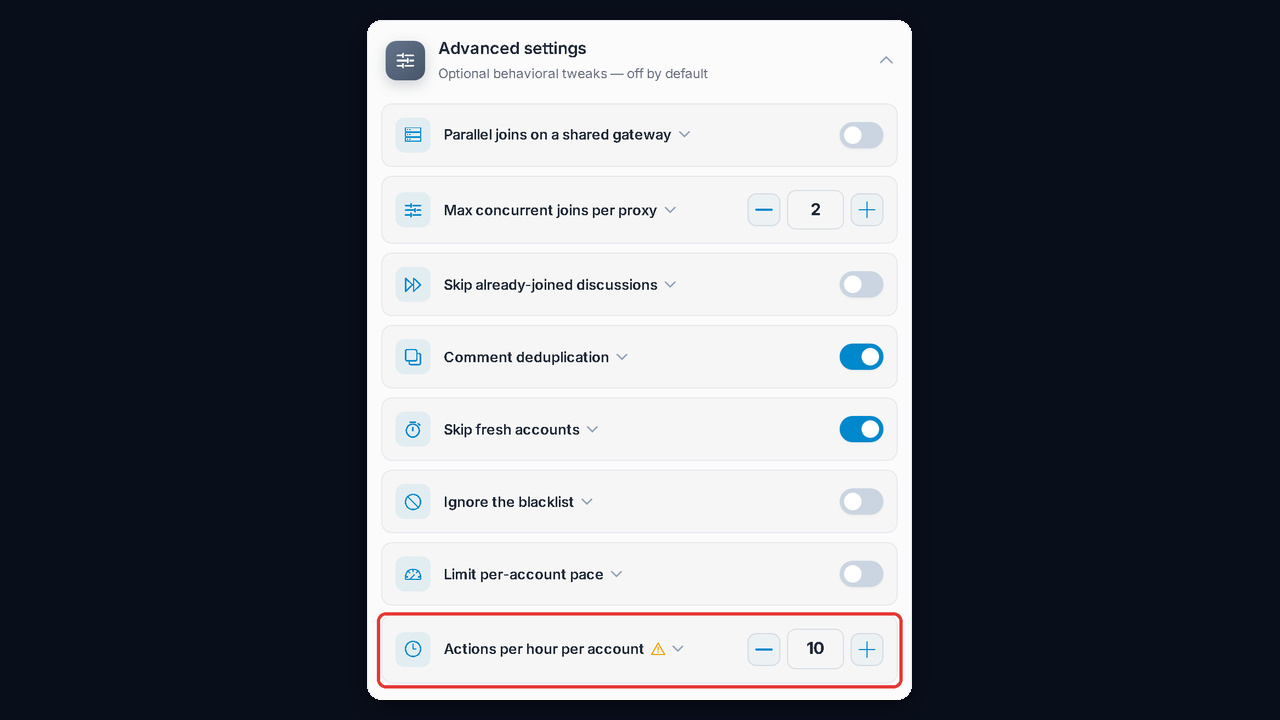
The course also explains two more limits with numbers. After about 40 joins in a row, Telegram returns FloodWait: 200 seconds, then 400–500, up to a day at most. You do not get banned for it, but to avoid floods, start with 5 channels per profile and keep it at 15 or fewer. Also, more than 10 actions per hour per account triples the freeze risk, according to our analytics. You can turn this limit on in Advanced settings, although the author keeps 25–30 actions per hour on warmed-up profiles.
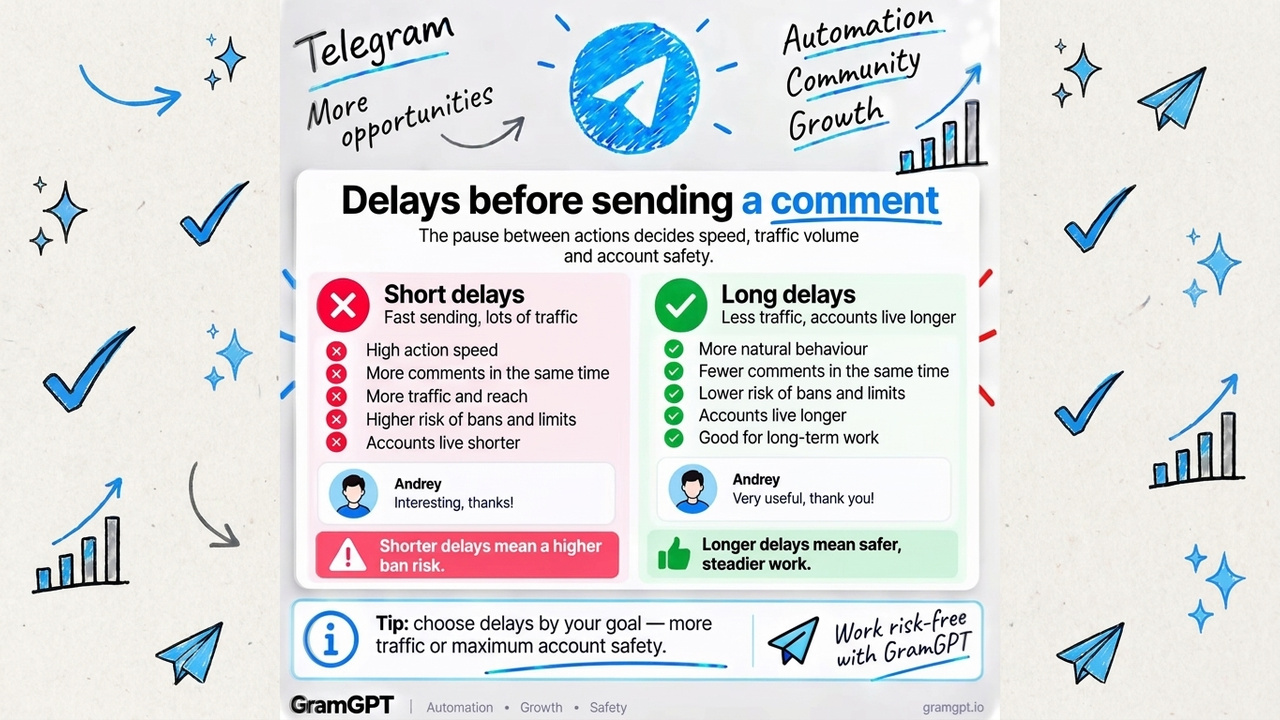
Separately, it covers delays, which are a strategic choice. Short ones put you near the top under a post and bring more traffic, while long ones keep accounts alive longer.
Then run the first launch on your own channels to see the logs and how the module behaves. Every option is explained in our neurocommenting setup guide, and plans are listed on the buy neurocommenting page.