You find an active niche chat, open the members tab and see only a couple of admins. The owner has made the roster private, so a regular member scraper brings back an empty file. This is a job for a hidden members scraper, in other words a Telegram hidden users scraper for chats that works by messages. Meanwhile, copying usernames from the conversation by hand takes hours, and opening hundreds of profiles back to back quickly gets an account restricted.
Still, a private roster does not mean a closed audience: everyone who writes to the chat leaves their profile on each message. Below we cover why Telegram hides people, how the hidden members scraper in GramGPT.io collects post authors, which settings to choose and what to do with the finished base.
Telegram hidden members: why the roster is not visible
Since late 2022, admins of groups of 100+ participants can turn on the Hide Members setting. After that, the roster shows only admins, and neither the app nor a regular member scraper reveals anyone else.
For example, the "Общение Киев" group has 17,011 participants, yet its profile displays only the Admins block. Ordinary participants are absent, although the conversation goes on daily.
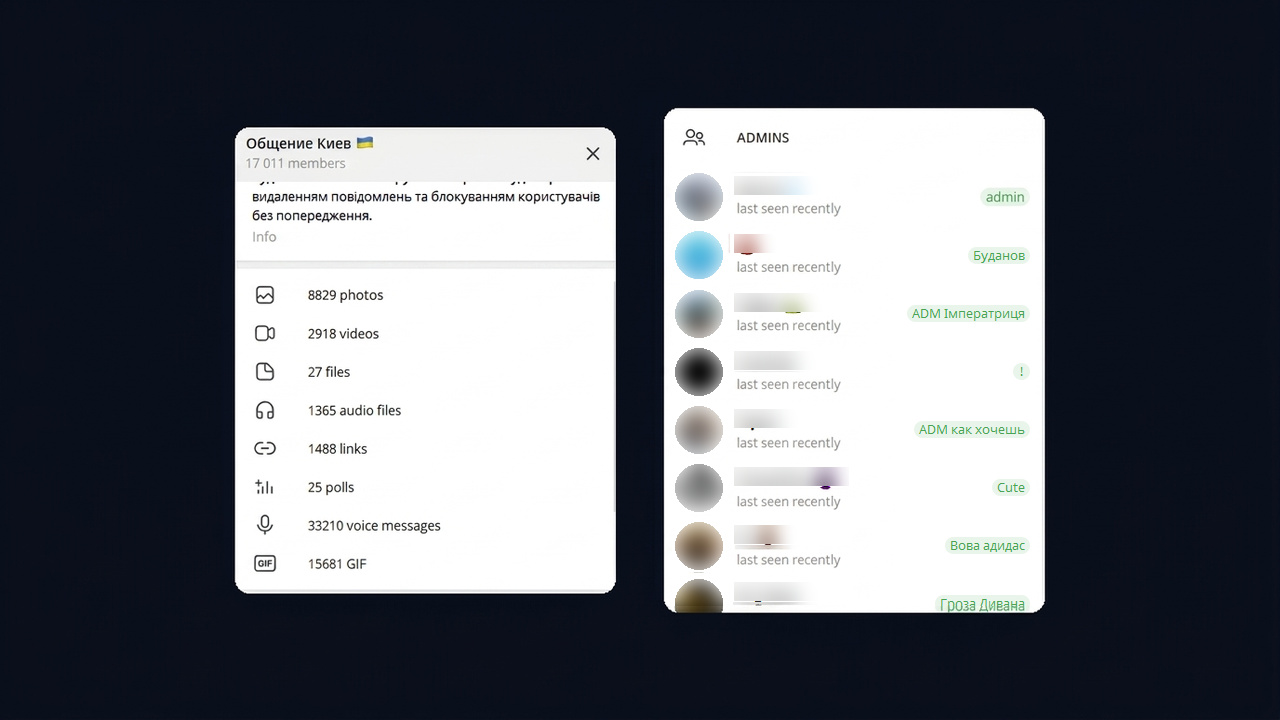
The conversation, however, stays open: each message carries the author's name, username and ID. So you cannot view the whole roster, but hidden users scraping can collect everyone who posted during a chosen period. In other words, this is usually the most valuable part of the audience: people who read the chat and take part in discussions.
How the hidden members scraper works by messages
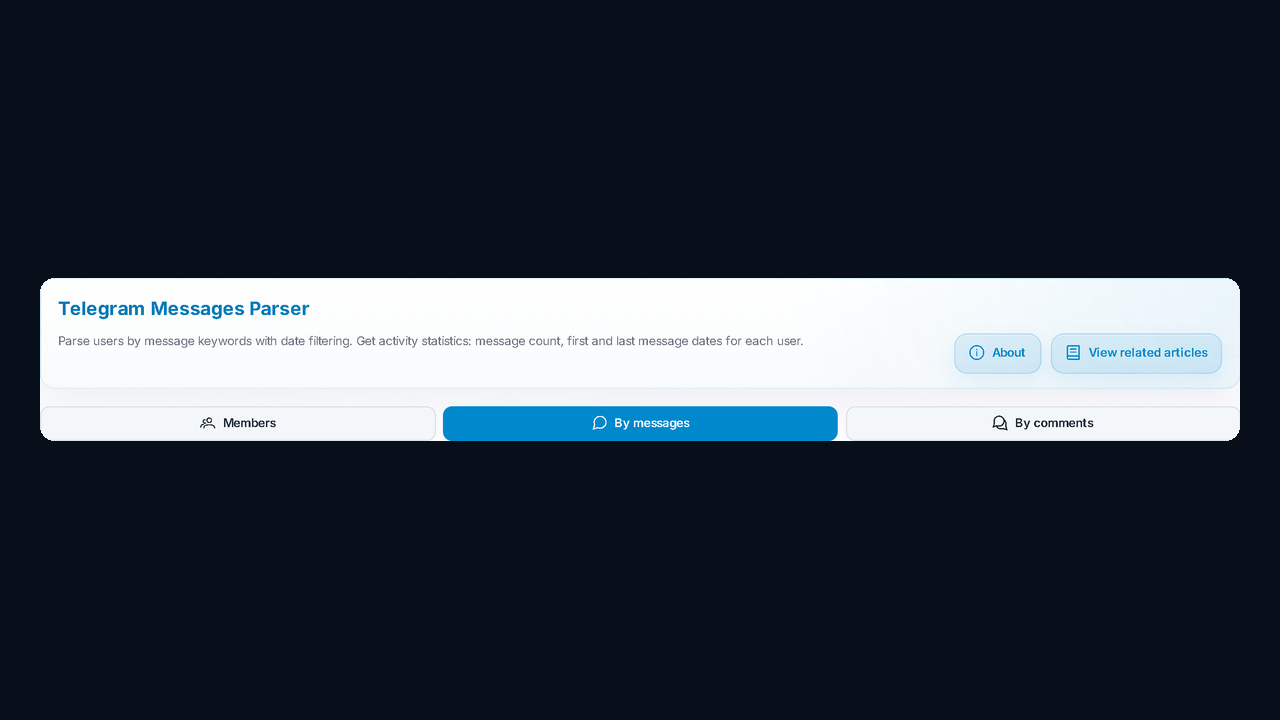
The module has three modes, and a closed list calls for the second one, By messages. That is, it works as a message authors scraper: it goes through the conversation history, takes post authors and measures each person's activity: how many messages they wrote, when they first appeared and when they last posted. In effect, this is Telegram message scraping.
| Mode |
What it collects |
When to use it |
| Members |
the group roster |
members are visible |
| By messages |
post authors for a period |
the list is closed but the chat is active |
| By comments |
post commenters |
you need a channel's audience |
If a group shows everyone, scraping it directly is faster; we covered that mode in the review of the user scraper for open chats. For hidden ones, the step-by-step setup follows.
Setting up a hidden members scraper in 6 steps
Step 1. Accounts and launch presets
First, in Account Selection, move profiles to the Selected for Parsing column. For example, one account is enough for one or two groups, while dozens of groups call for several: the load is shared and the risk of a spam block drops. Also, the Working proxies, Hide working and Lite mode filters help you pick suitable profiles.
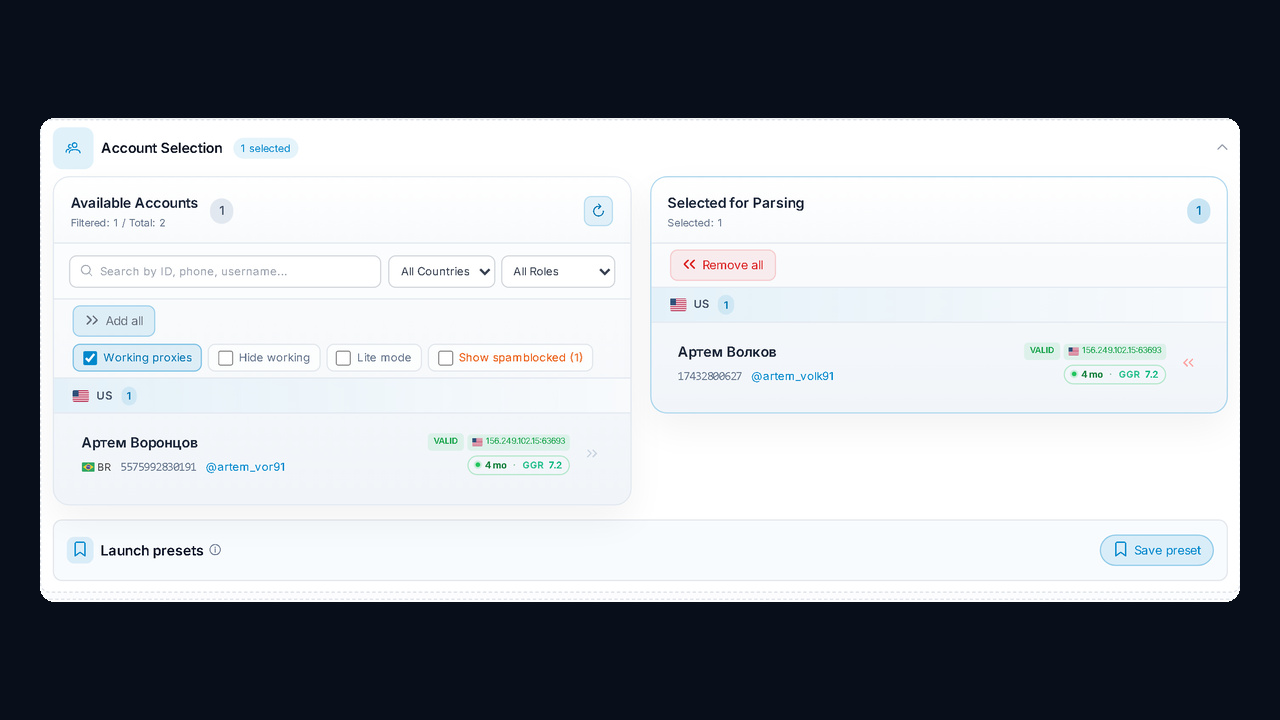
Save a good combination of accounts and settings as a launch preset. This way, next time it loads in one click.
Step 2. Chats list, private ones included
Next, to tell the hidden members scraper where to look, paste links into the Chats List, one per line. For instance, it accepts @username, t.me/group, a numeric ID and t.me/+hash invite links to private groups. However, the key condition is that the selected account can read the message history.
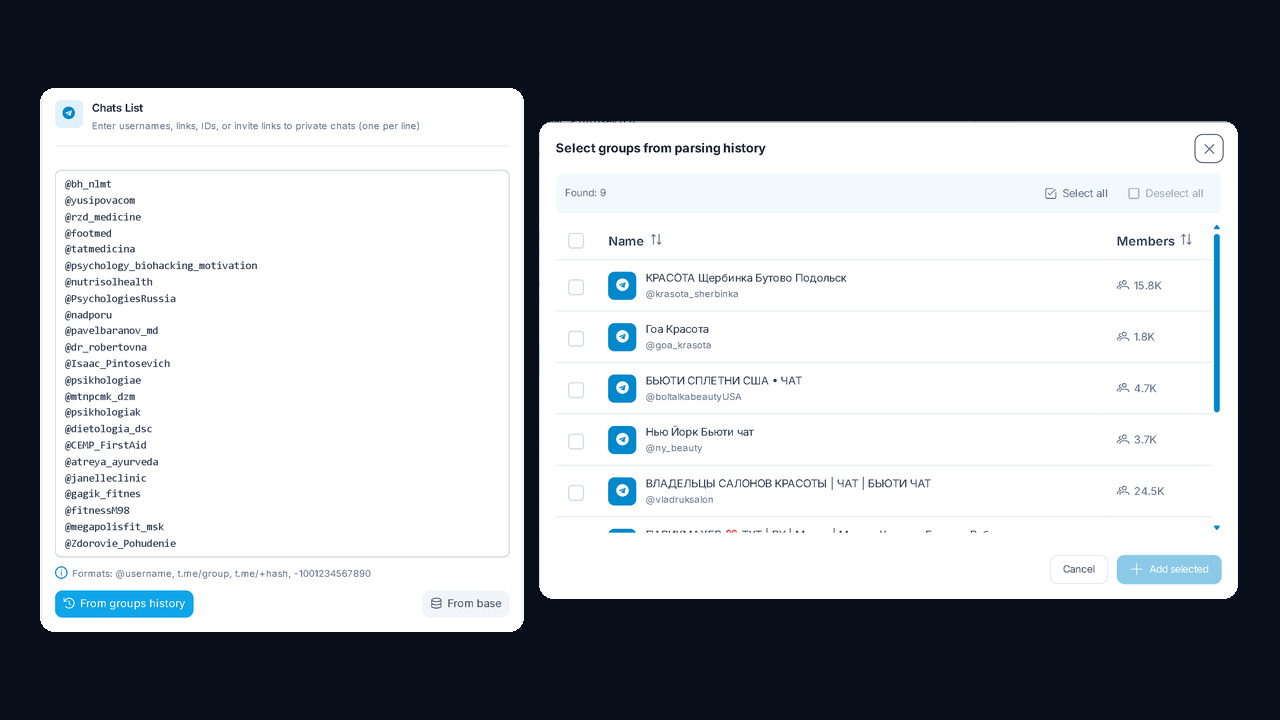
But you do not have to type every link by hand. From groups history adds chats found by the Telegram channel and chat parser, plus member counts. Meanwhile, From base takes groups from My channel base and drops dead ones.
Step 3. Keywords, message limit and period
The Keywords field is optional, yet it is what turns a Telegram message scraper into a search for warm leads. In other words, once you add words, the module collects only people whose text contains at least one of them. For example:
- "looking for a contractor", "any recommendations", "need a designer": people with a ready request;
- competitor names and their products: an audience that already buys something similar;
- "not working", "refund": unhappy customers of competitors.
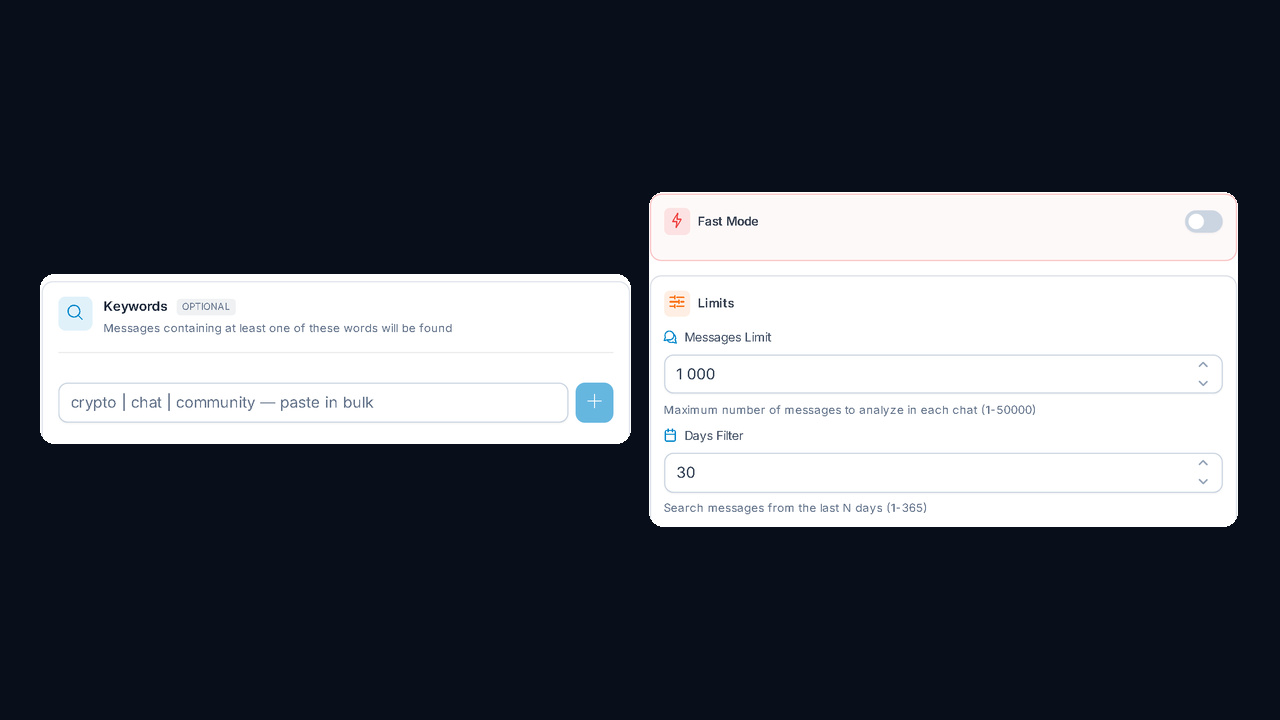
After that, Messages Limit sets how many recent posts to analyze per chat, from 1 to 50,000. Meanwhile, Days Filter limits the period to 1–365 days. Then for a fresh audience, 7–30 days is enough; for a full picture, raise both values. Fast Mode, in turn, speeds up collection for small groups.
Step 4. Filters and additional options
First, the hidden members scraper filters remove junk before you export anything. For instance, basic ones skip bots, deleted and scam accounts; profile filters keep people with a username, a photo or Premium; Detect gender/age/city adds demographics. Also, if the base goes straight to mass story viewing, turn on Only with active story.
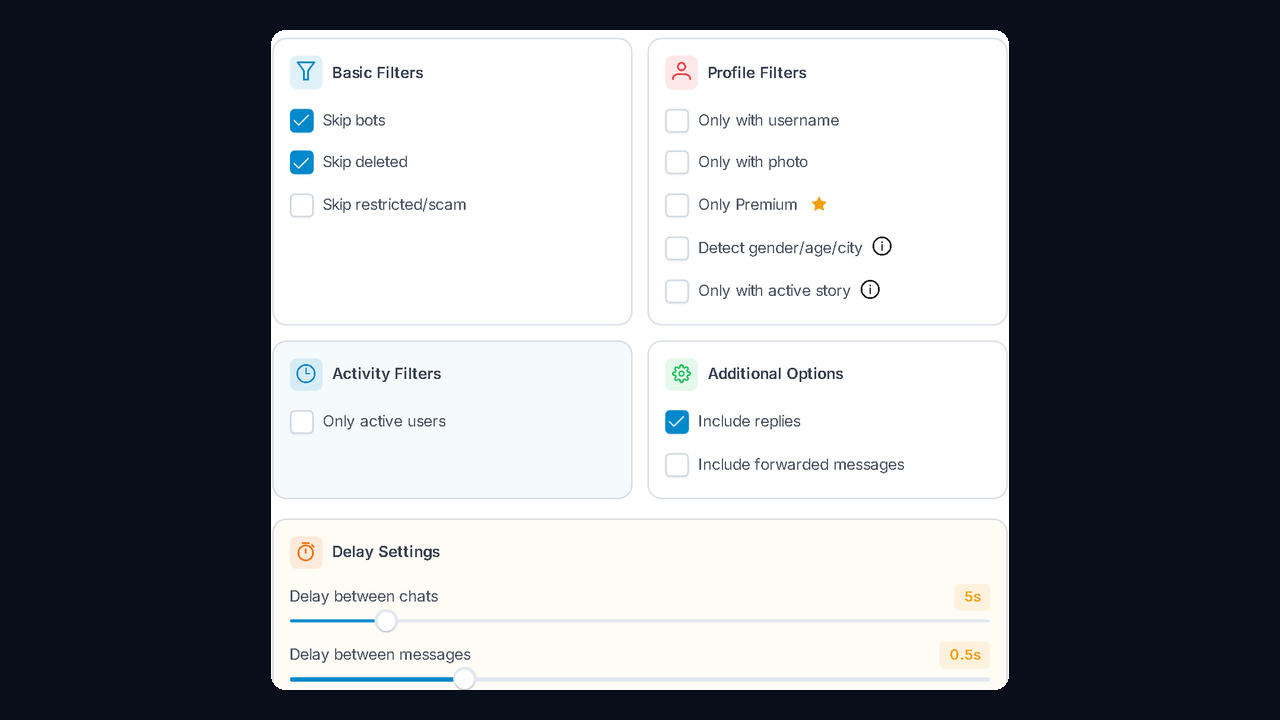
Next, two conversation options deserve a separate look. Include replies counts the authors of replies, that is, people who actually join discussions. Include forwarded messages adds forwarded posts to the analysis; if you only want people who write their own messages, leave it off.
Step 5. AI protection and delays
Scraping a big chat means thousands of requests to Telegram. That is why, for groups with tens of thousands of posts, you should enable AI Account Protection: it picks pauses on its own and, according to GramGPT, cuts the ban risk by 97%. Conservative sleeps at night and takes breaks, Balanced runs around the clock at a moderate pace, and Aggressive goes without pauses at a higher risk.
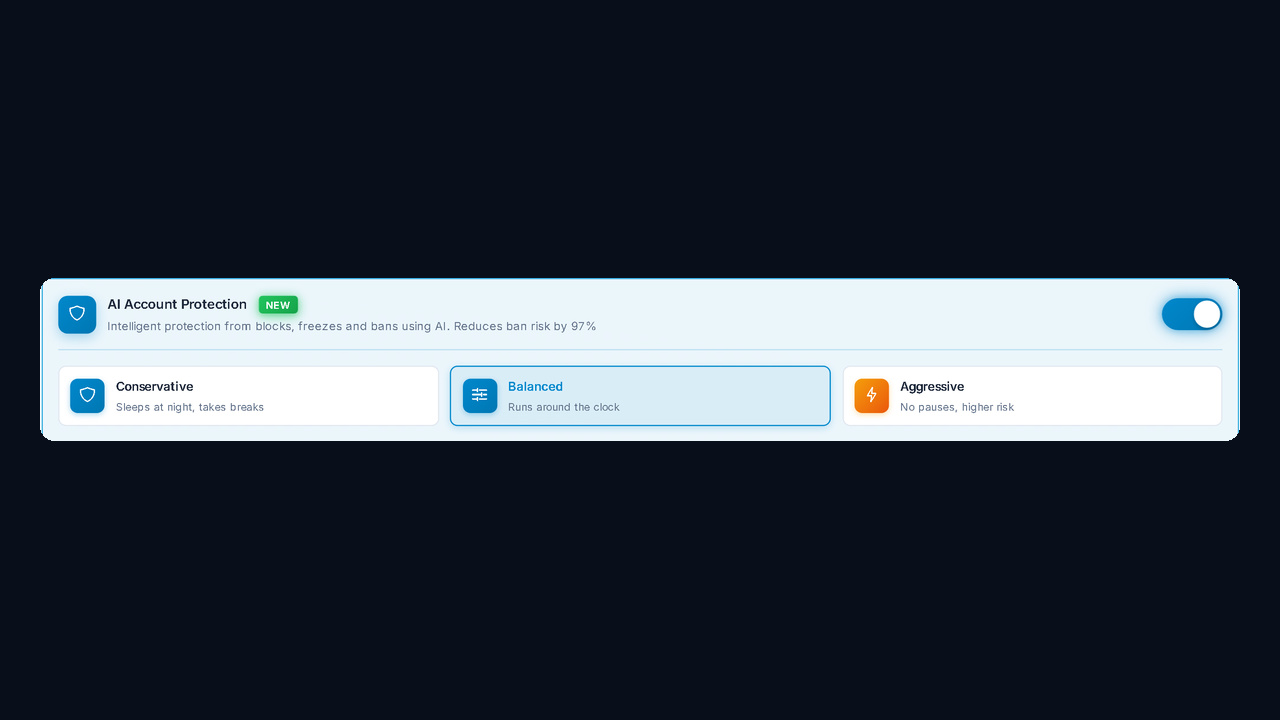
Otherwise, without AI protection, the pace comes from delays: 5 seconds between chats and 0.5 seconds between messages by default. Accordingly, raise them for fresh accounts, and stable Telegram proxies will lower the risk of restrictions even further.
Step 6. Launch
Finally, Launch & Logs shows how many accounts and chats will go into the run and which message limit is set. Once you click Start, the logs show progress per group, and stuck tasks can be cancelled on the spot.
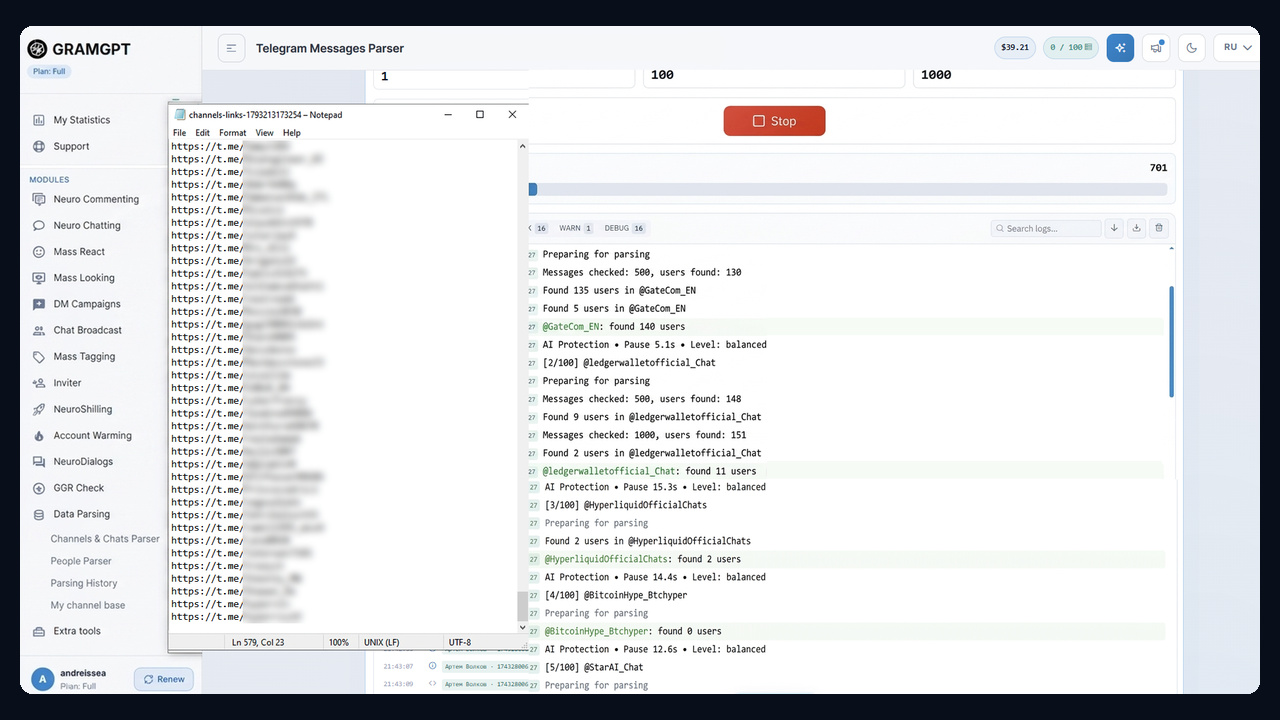
For example, in @GateCom_EN the module checked 500 messages and found 140 users, and before the next chat AI protection paused for 5.1 seconds. If something goes wrong, the Stop button halts the run. Next to it is the exported TXT: a list of t.me links to the people found.
What the hidden members scraper shows in results
Unlike the Members mode, scraping by messages returns statistics rather than bare names: the message count plus the dates of each person's first and last message. Thanks to that, sorting is easy: frequent, recent writers end up at the top.
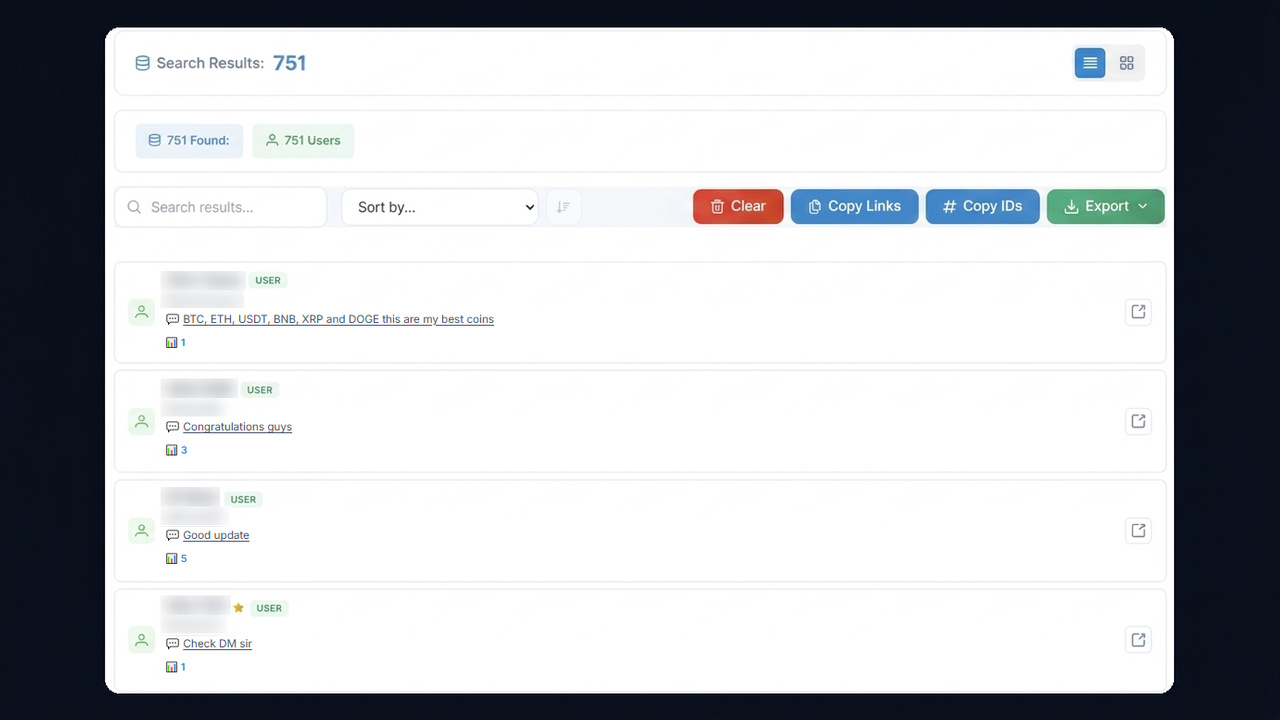
Here is the test while it was still running: 751 users, 95 of them Premium. Each card displays the user's text and a count of what they wrote, so active writers are easy to spot.
Besides, each run stays in Parsing History for 30 days, filterable by module and status. People are not moved to My base automatically, so save the file right away.
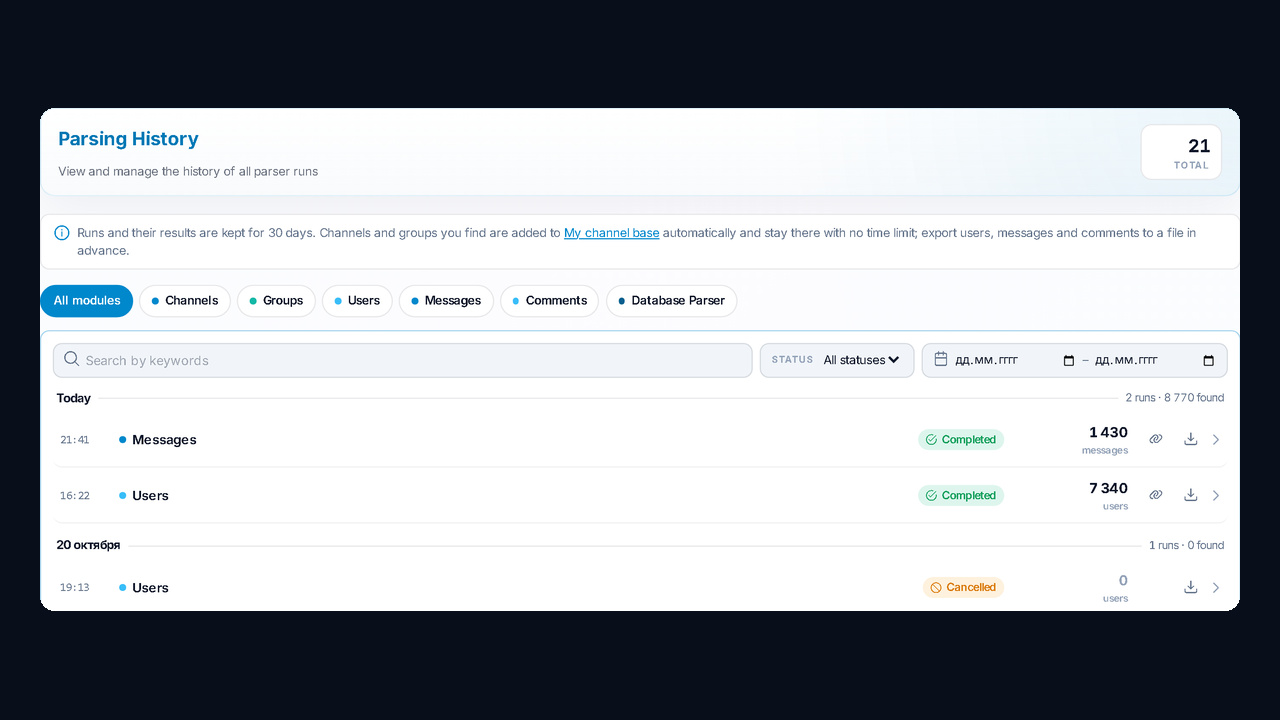
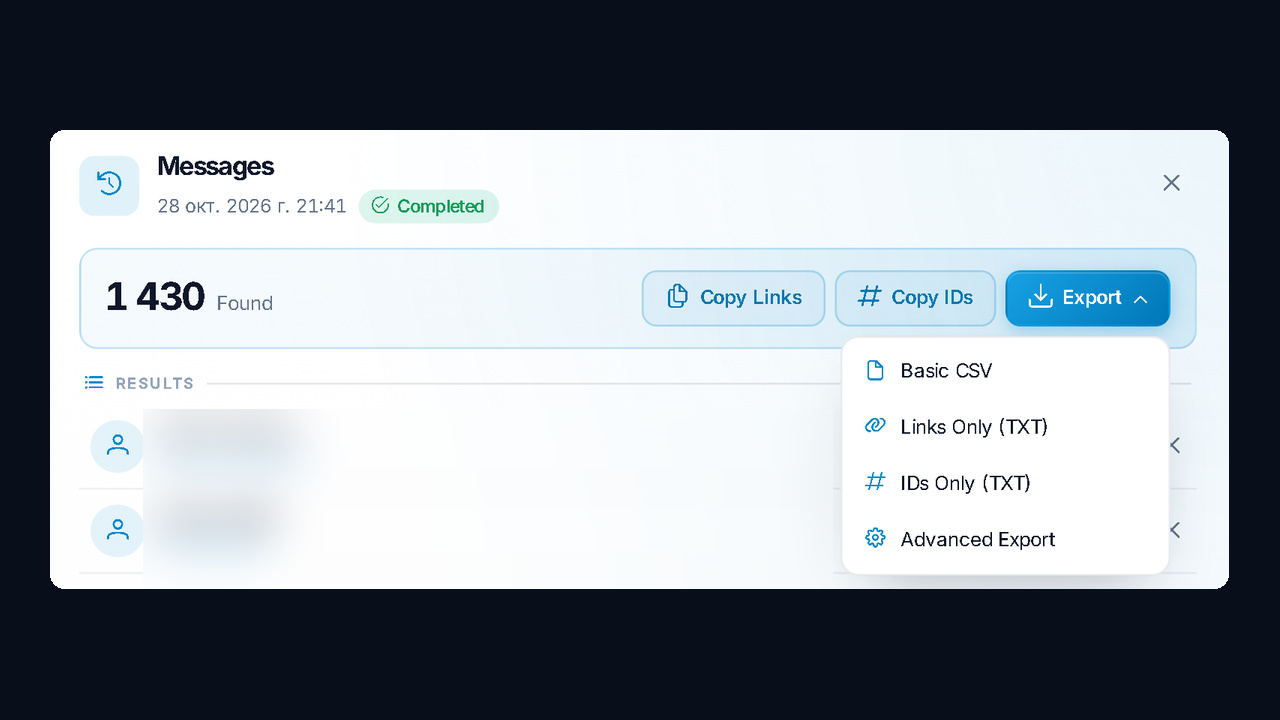
The run finished with 1,430 users found by the Telegram hidden users scraper for chats by messages. Open its card to copy usernames or IDs and download the base via Export: Basic CSV, Links Only or IDs Only as TXT, and Advanced Export.
The video shows the whole path, from choosing groups to downloading the file (Russian, with YouTube auto-dubbing):
What to do with a base of active people
A base built by a hidden members scraper consists of people who actually write. They respond far better than silent readers of a full group, so connect it to the next step right away:
- Mass story viewing. Story views bring collected people to your profile and channel.
- Inviting. Bring them into your own group with the inviter.
- Direct messages. A DM campaign to those who used your keywords.
Also, all modules work in the cloud, and accounts connect from a single manager. You can get the Telegram chat users scraper on its own or together with the inviter and mass looking.
Mistakes that leave a hidden members scraper with an empty file
| Mistake |
What happens |
How to fix it |
| Members mode in a group with a hidden list |
only admins are found |
switch to By messages |
| A dead group |
0 users found |
take active groups via From base |
| Keywords that are too narrow |
almost nobody matches |
add synonyms and casual forms |
| A small limit in a big group |
only the latest authors are collected |
raise the limit and the period |
| No access to a private group |
chat not found |
join it with this account first |
| The result was not exported |
the run is deleted after 30 days |
download the file right away |
Summary
A private roster does not lock the audience away: the hidden members scraper in GramGPT.io collects people who write, along with their message counts and activity dates. At the same time, keywords select people with the right request, filters remove junk and AI protection keeps accounts safe. As a result, you get a base of the most active participants, ready for mass story viewing, inviting or direct messages.